
Running payroll shouldn’t feel like a monthly headache. With simple payroll software, businesses can turn a complex, time-consuming task into a smooth, stress-free process.
Instead of juggling spreadsheets and calculations, everything works quietly in the background, fast, accurate, and reliable. It helps ensure employees are paid on time without errors or confusion.
If you’re a startup or a small team, the right payroll tool keeps things simple and organized.
In a world where efficiency matters, switching to an easy payroll solution isn’t just smart, it’s essential for keeping your business running effortlessly every single month.
What to Look for While Choosing Payroll Software?
Choosing the right payroll software can make a big difference in how smoothly your business runs. The ideal solution should not only simplify payroll tasks but also fit smoothly into your daily workflow.
- Ease of Use: The interface should be simple, intuitive, and easy for anyone to navigate without training
- Automation Features: It should handle repetitive tasks like calculations and payments automatically
- Accuracy: The software must ensure precise calculations to avoid costly errors
- Scalability: It should adapt easily as your business grows and your team expands
- Integration: The tool should work smoothly with accounting and other business software
- Customer Support: Reliable support should be available whenever you face issues
- Cost Efficiency: It should offer good value while keeping your budget in mind
Affordable and Best Payroll Software Solutions to Try
Finding the right payroll tool doesn’t have to be complicated; there are plenty of simple, efficient options that make salary management smooth, quick, and hassle-free.
1. Gusto
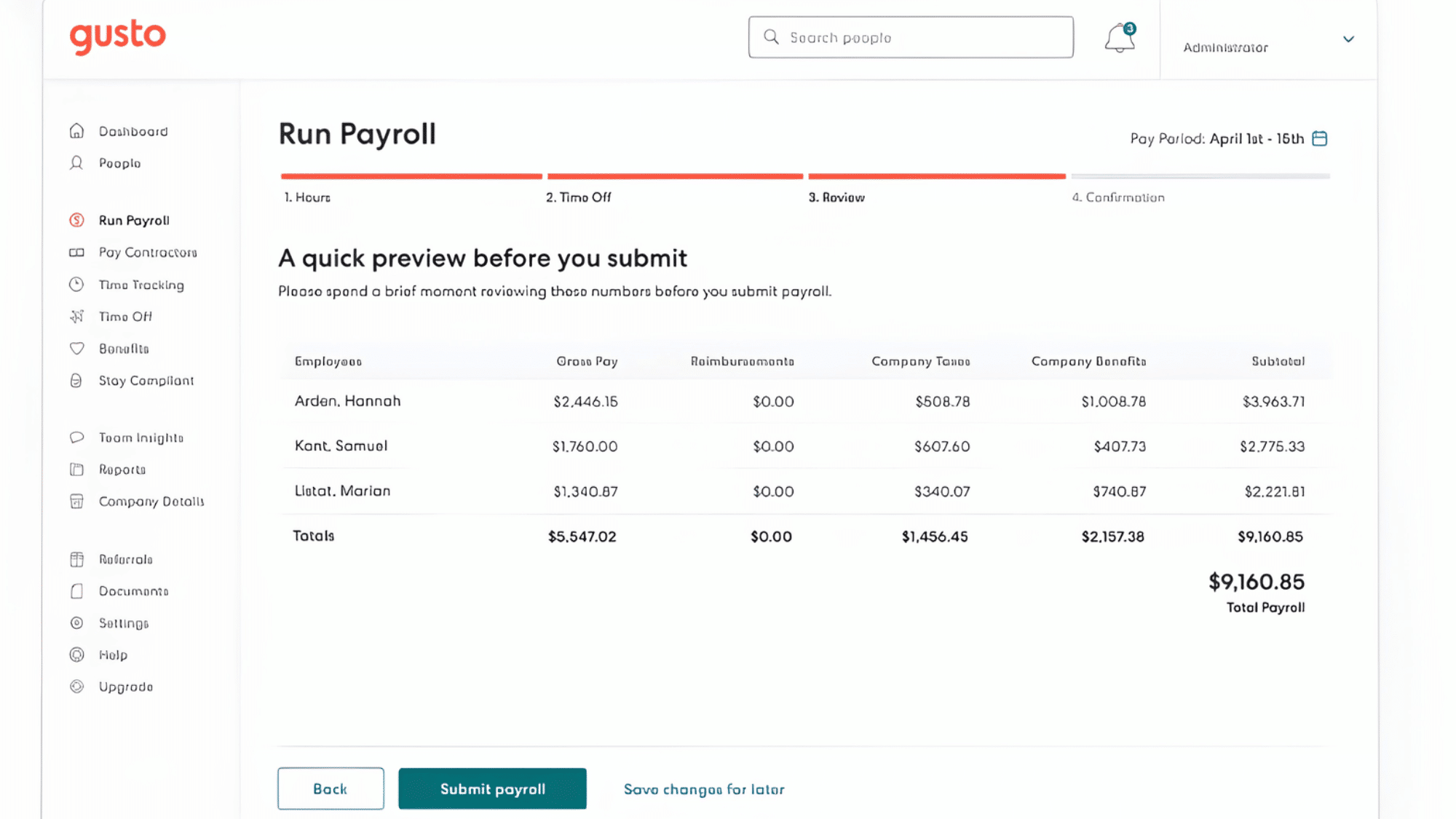
Source: Compare comp
Gusto is a popular payroll software designed for small businesses seeking simplicity and efficiency. It brings payroll, benefits, and basic HR tools together into a single, clean platform.
The interface is modern and easy to navigate, making it accessible even for beginners. Overall, it focuses on making payroll feel smooth and stress-free.
- Key Features: Automated payroll, tax filing, employee benefits
- Ease of Use: Very beginner-friendly with a simple dashboard
- Pricing: $40/month + $6 per employee
2. QuickBooks Payroll
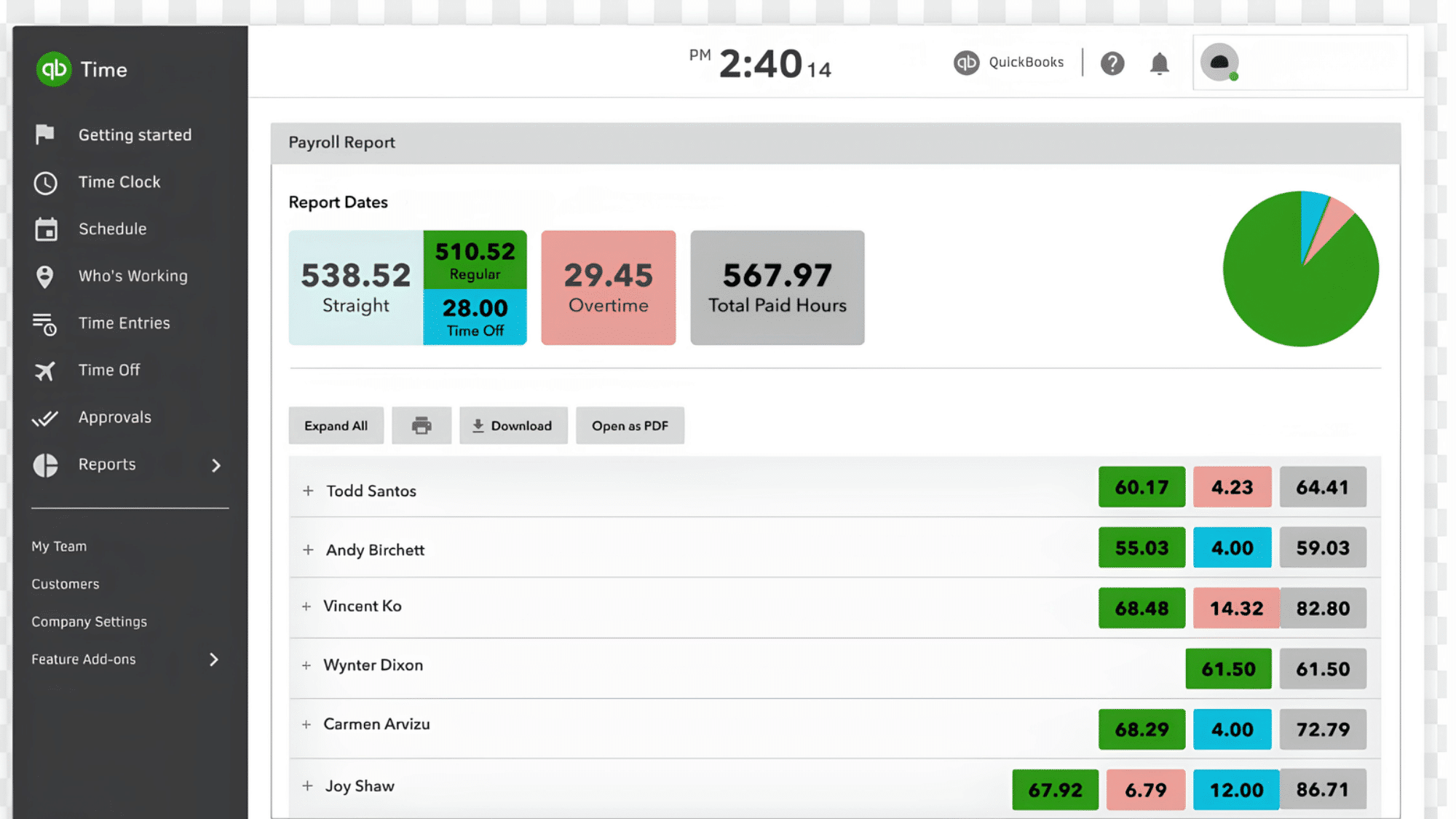
Source: QuickBooks. intuit
QuickBooks Payroll is a strong choice for businesses already using QuickBooks for accounting. It connects payroll and financial management into one smooth system.
This integration helps reduce manual work and keeps everything organized in one place. It’s especially useful for businesses that want a unified workflow.
- Key Features: Payroll automation, tax calculations, accounting integration
- Ease of Use: Easy, especially for existing QuickBooks users
- Pricing: $45/month + $5–$10 per employee
3. ADP Run
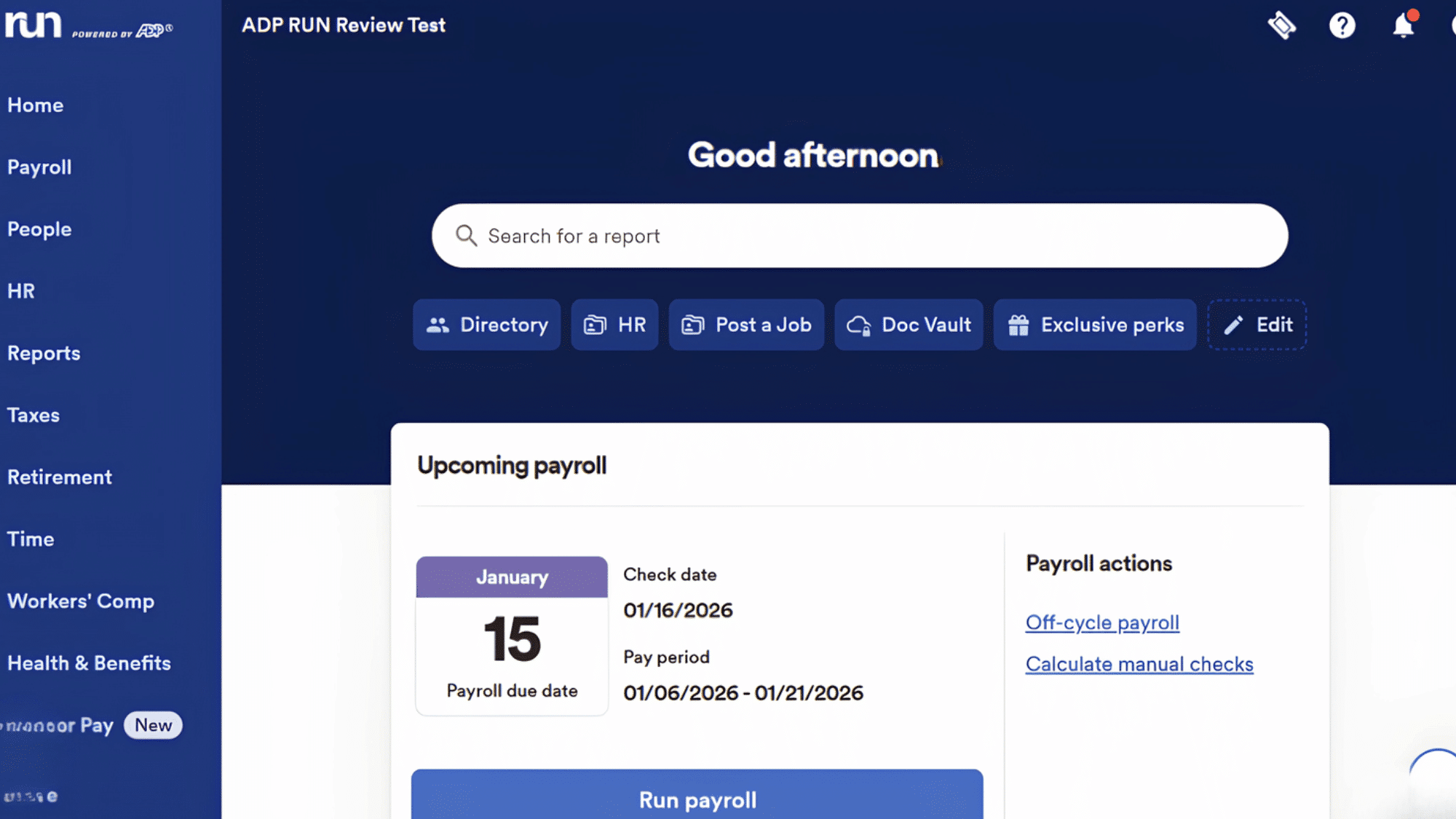
Source: Tech Radar
ADP Run is a well-established payroll solution backed by years of industry experience. It offers reliable payroll processing with a focus on accuracy and compliance.
The platform combines powerful features with a structured system for businesses of different sizes. It’s a dependable choice for those who value trust and scalability.
- Key Features: Payroll processing, compliance tools, reporting
- Ease of Use: Moderate, may require slight learning
- Pricing: $60–$150+/month depending on size
4. Paychex Flex
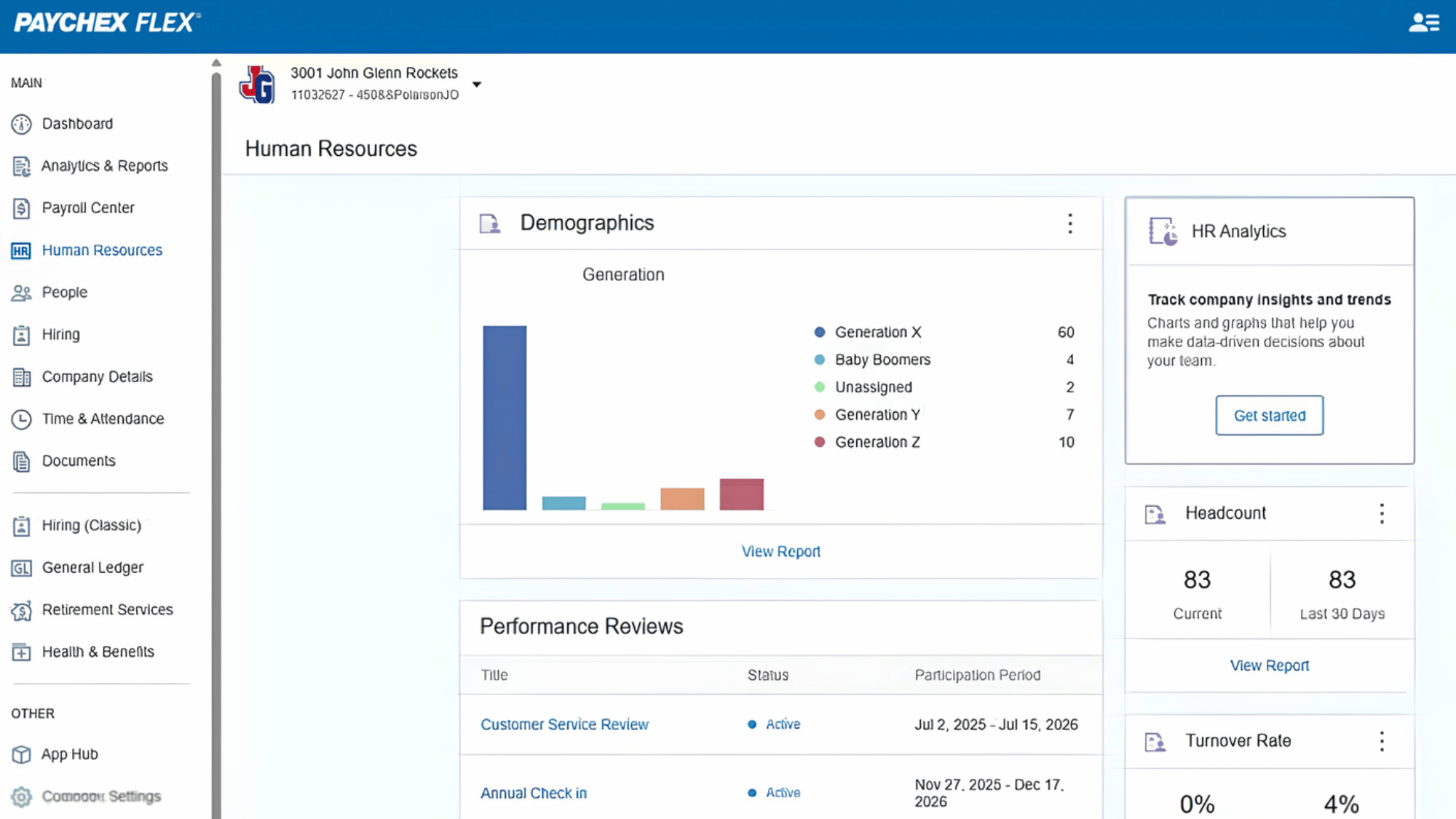
Source: Software Advice
Paychex Flex is a flexible payroll platform designed to grow with your business. It offers a range of features that can be adjusted as your needs evolve.
The interface is modern and designed to simplify complex tasks. It works well for businesses planning long-term expansion.
- Key Features: Payroll automation, HR tools, reporting
- Ease of Use: User-friendly with guided setup
- Pricing: $60–$200+/month
5. OnPay
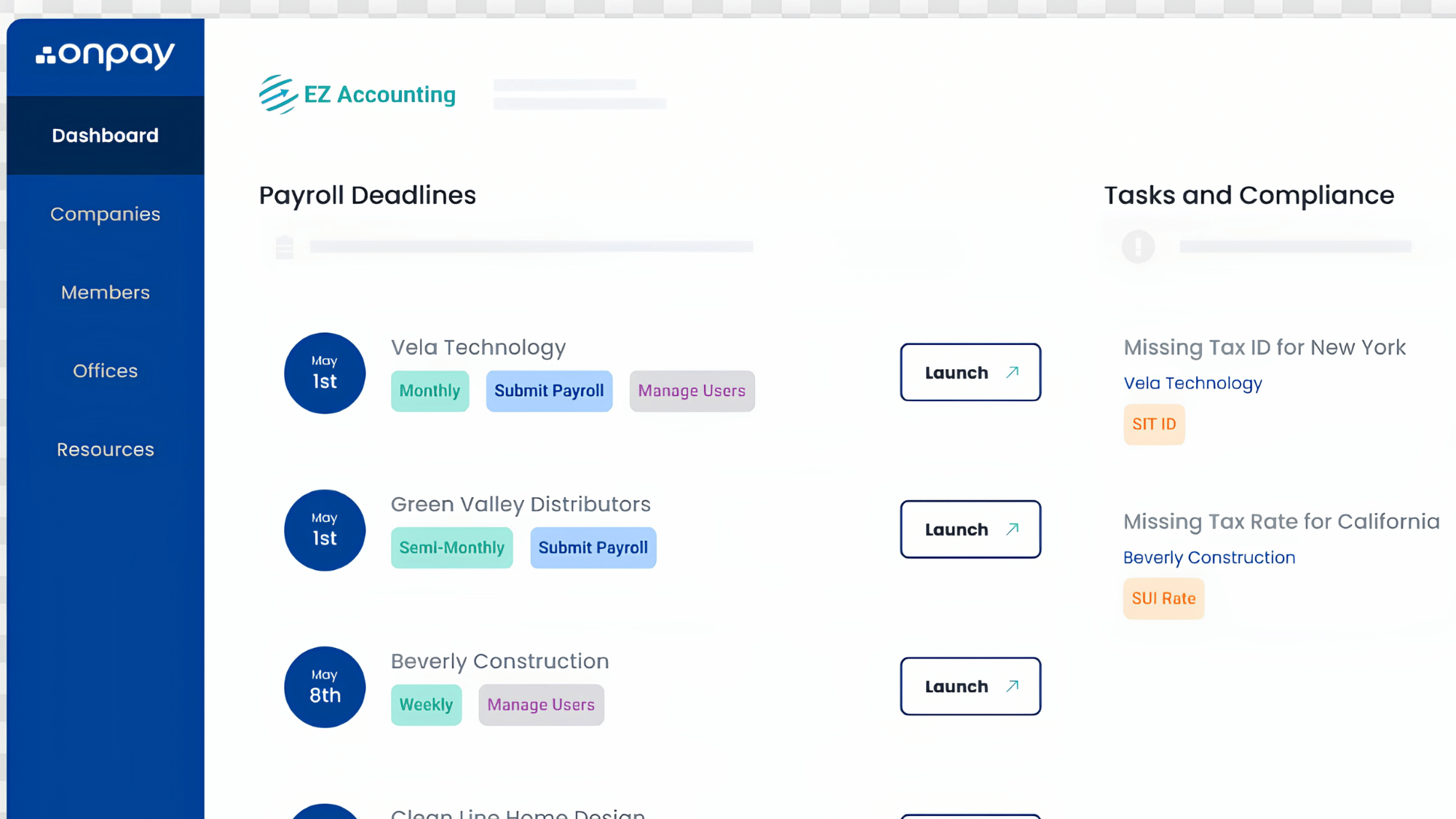
Source: Onpay.com
OnPay is a simple and affordable payroll solution that focuses on doing the basics really well. It avoids unnecessary complexity while still offering essential features.
The platform is easy to set up and quick to use. It’s a great choice for businesses looking for value without sacrificing quality.
- Key Features: Payroll processing, tax filings, employee management
- Ease of Use: Very easy and intuitive
- Pricing: $40/month + $6 per employee
6. Patriot Payroll
Source: Patriot software
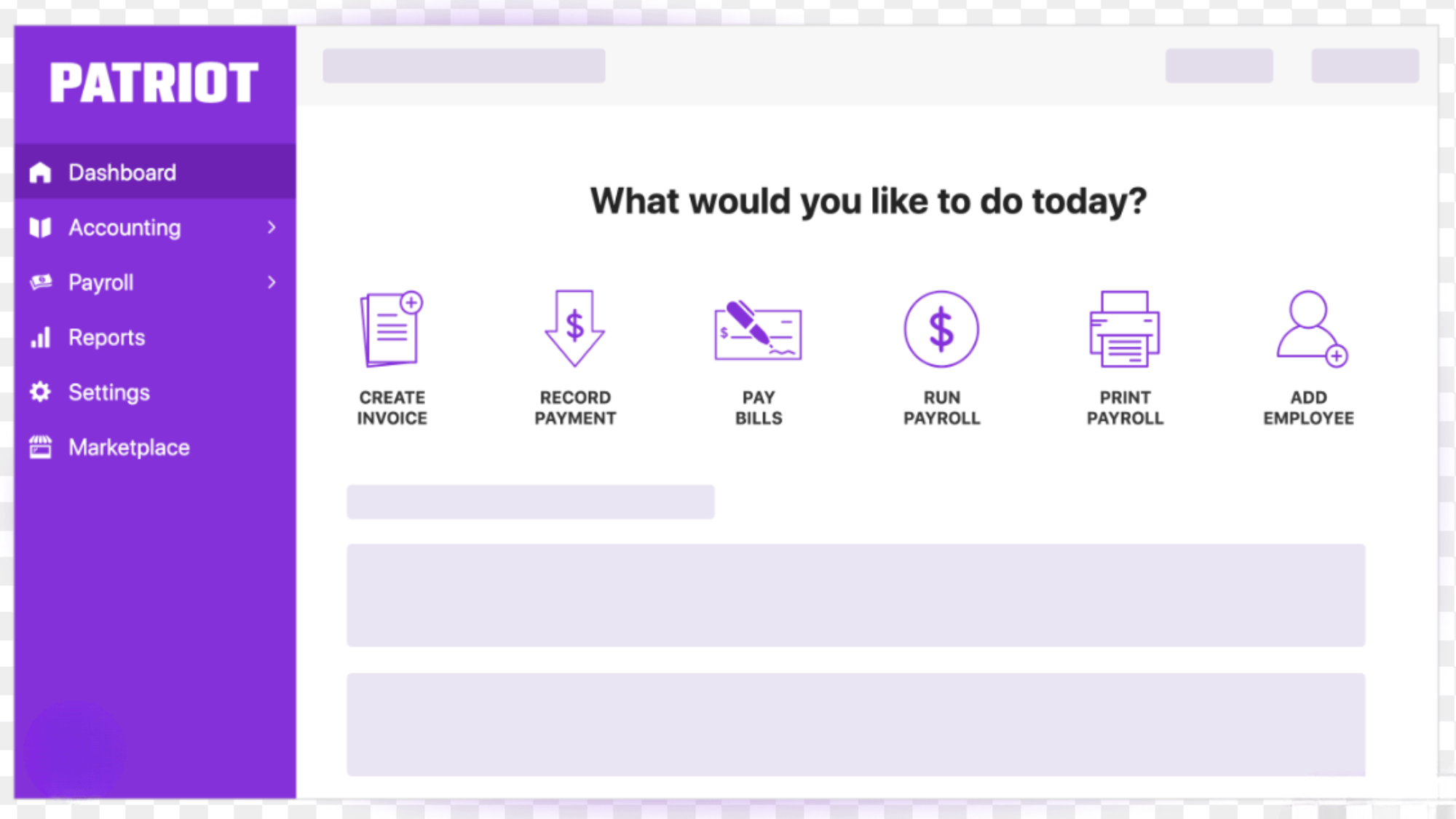
Patriot Payroll is built for businesses seeking a straightforward, budget-friendly solution. It focuses on core payroll functions without adding unnecessary extras.
The platform is simple, clean, and easy to understand. It’s ideal for those who prefer a no-frills approach to payroll.
- Key Features: Basic payroll, tax calculations, reporting
- Ease of Use: Very simple and beginner-friendly
- Pricing: $20/month + $4 per employee
7. Wave Payroll
Source: The CFO club
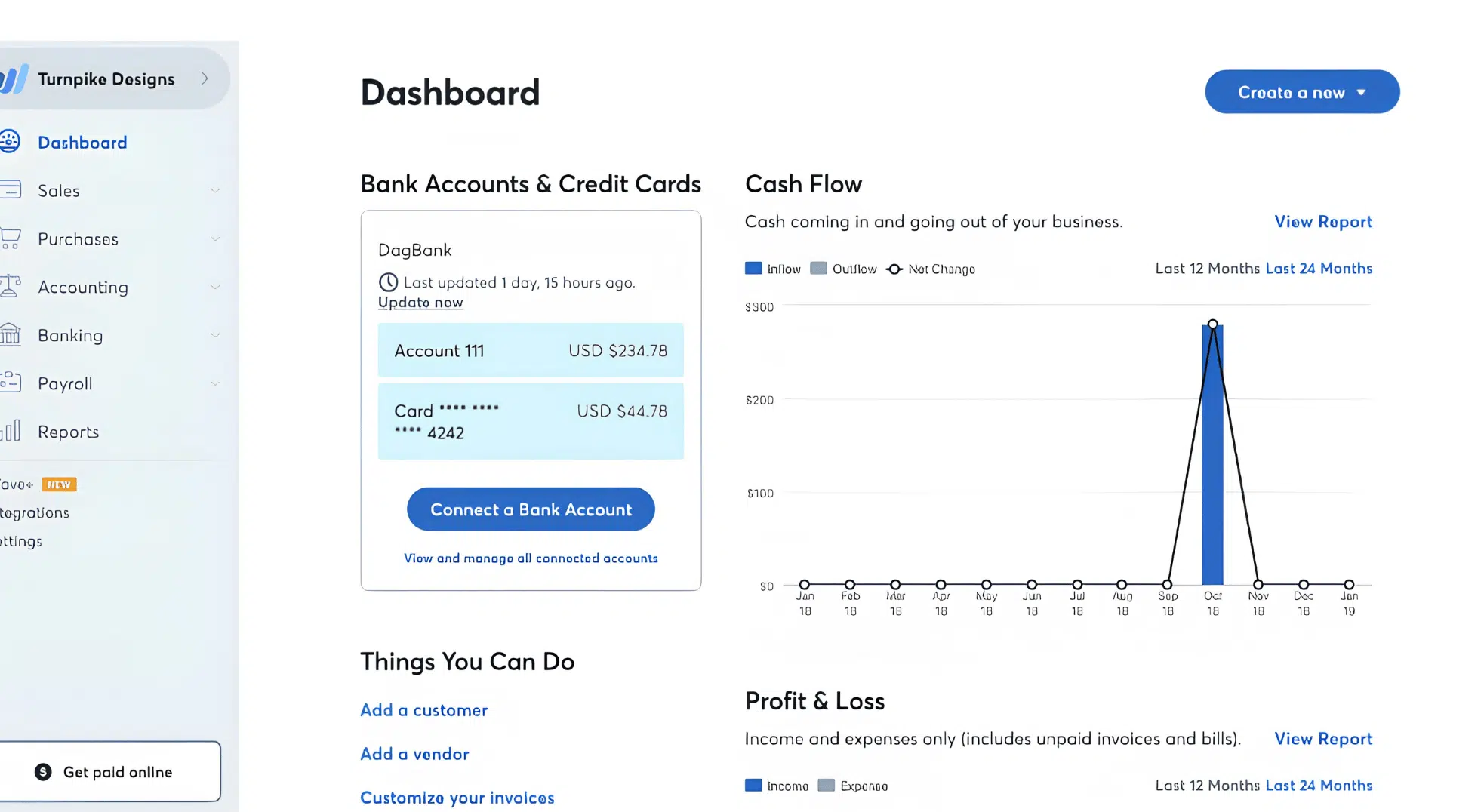
Wave Payroll is designed for small businesses and freelancers who want a lightweight payroll solution. It integrates well with basic accounting tools, making it convenient for managing finances.
The platform keeps things minimal and easy to handle. It’s perfect for users who want simplicity without complexity.
- Key Features: Payroll processing, tax support, accounting integration
- Ease of Use: Easy and clean interface
- Pricing: $20–$40/month
Best Enterprise Payroll Software for Large Companies
This includes advanced payroll tools used by corporations with large teams, global payroll requirements, compliance needs, and HR integrations.
8. Workday Payroll
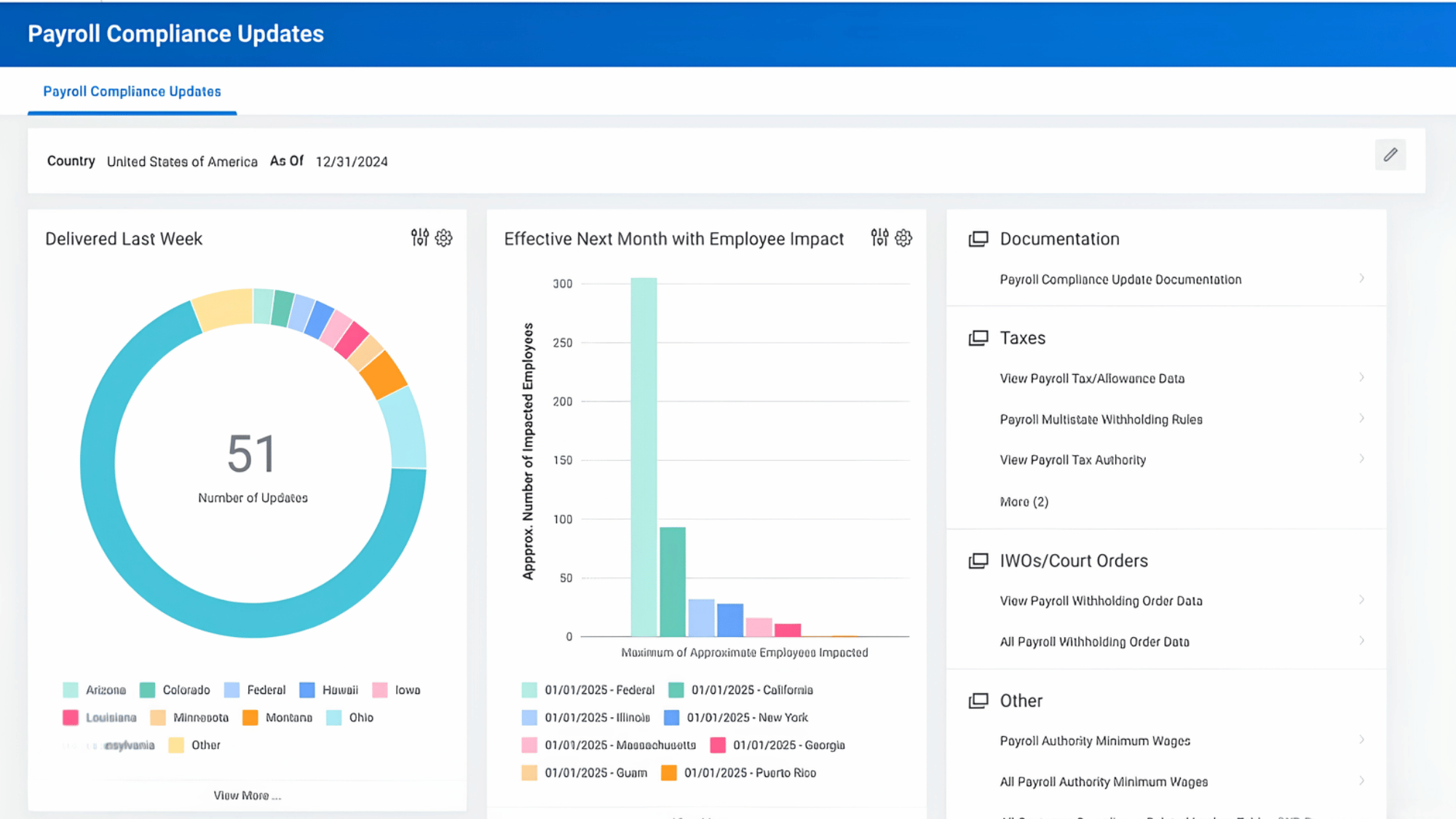
Workday Payroll is a powerful enterprise-level payroll solution designed for large organizations with complex workforce structures.
It combines payroll, HR, and finance management into a single platform, streamlining and improving efficiency.
The software is widely used by multinational companies because its enables smooth handling of global payroll processes.
It also offers advanced analytics, compliance management, and real-time reporting tools that help businesses make informed decisions.
9. SAP SuccessFactors Payroll
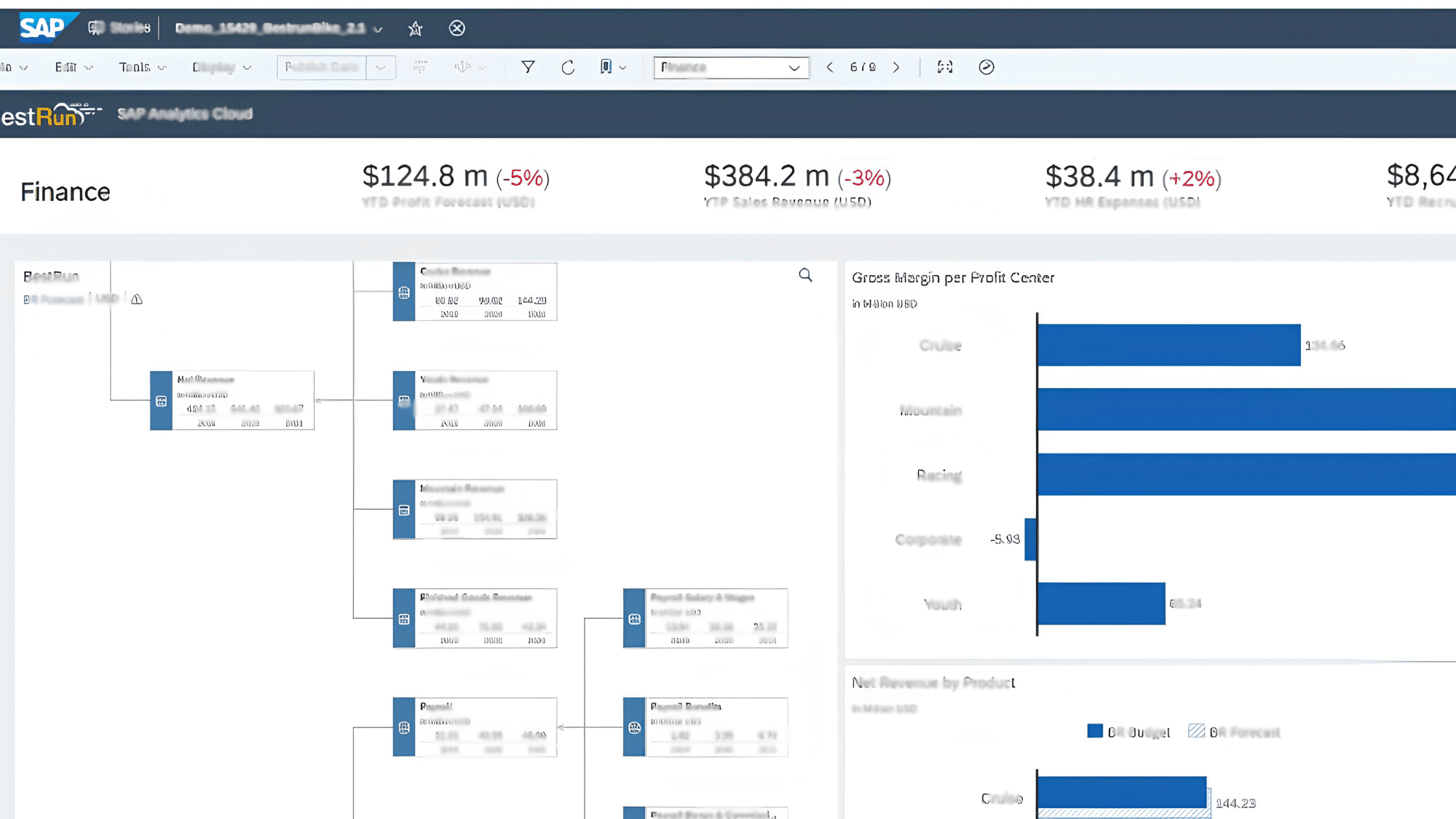
SAP SuccessFactors Payroll is a comprehensive payroll platform built for enterprises managing large and global teams.
It provides advanced payroll processing and strong workforce management capabilities, helping organizations manage complex employee structures with ease.
The software is highly customizable, allowing businesses to tailor payroll workflows according to their operational needs.
It also supports international payroll compliance, making it a preferred choice for companies operating across multiple countries.
10. Oracle Payroll
Source: Soais
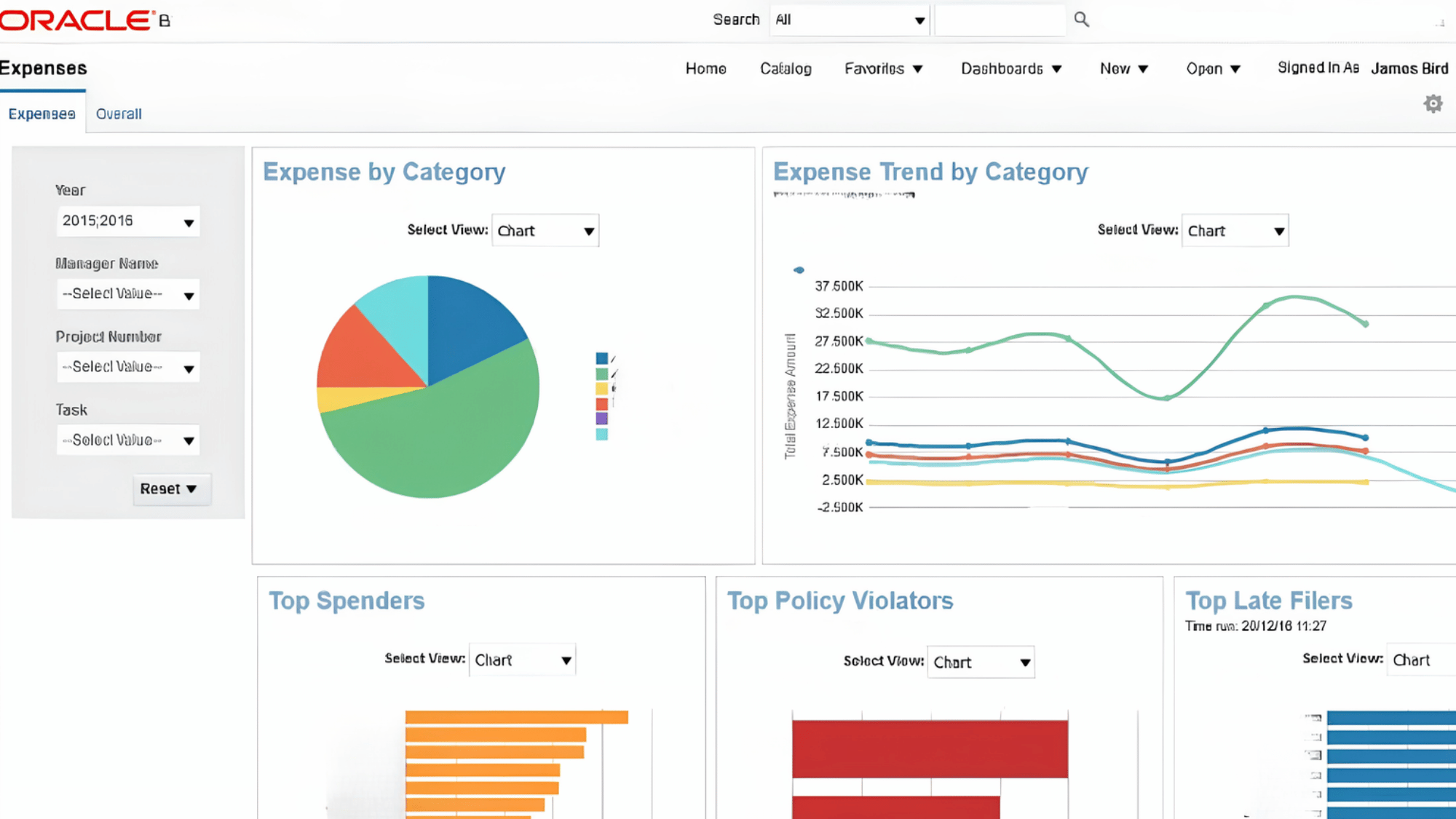
Oracle Payroll is an enterprise-grade payroll management system designed for large-scale organizations that require flexibility and advanced functionality.
It simplifies payroll operations through automation, detailed reporting, and smooth integration with other enterprise systems.
Oracle Payroll also provides strong data security and workforce insights, helping organizations manage payroll with confidence. Its scalable infrastructure makes it suitable for enterprises seeking a robust, future-ready payroll solution.
11. UKG Pro (Ultimate Kronos Group)
Source: Connect team
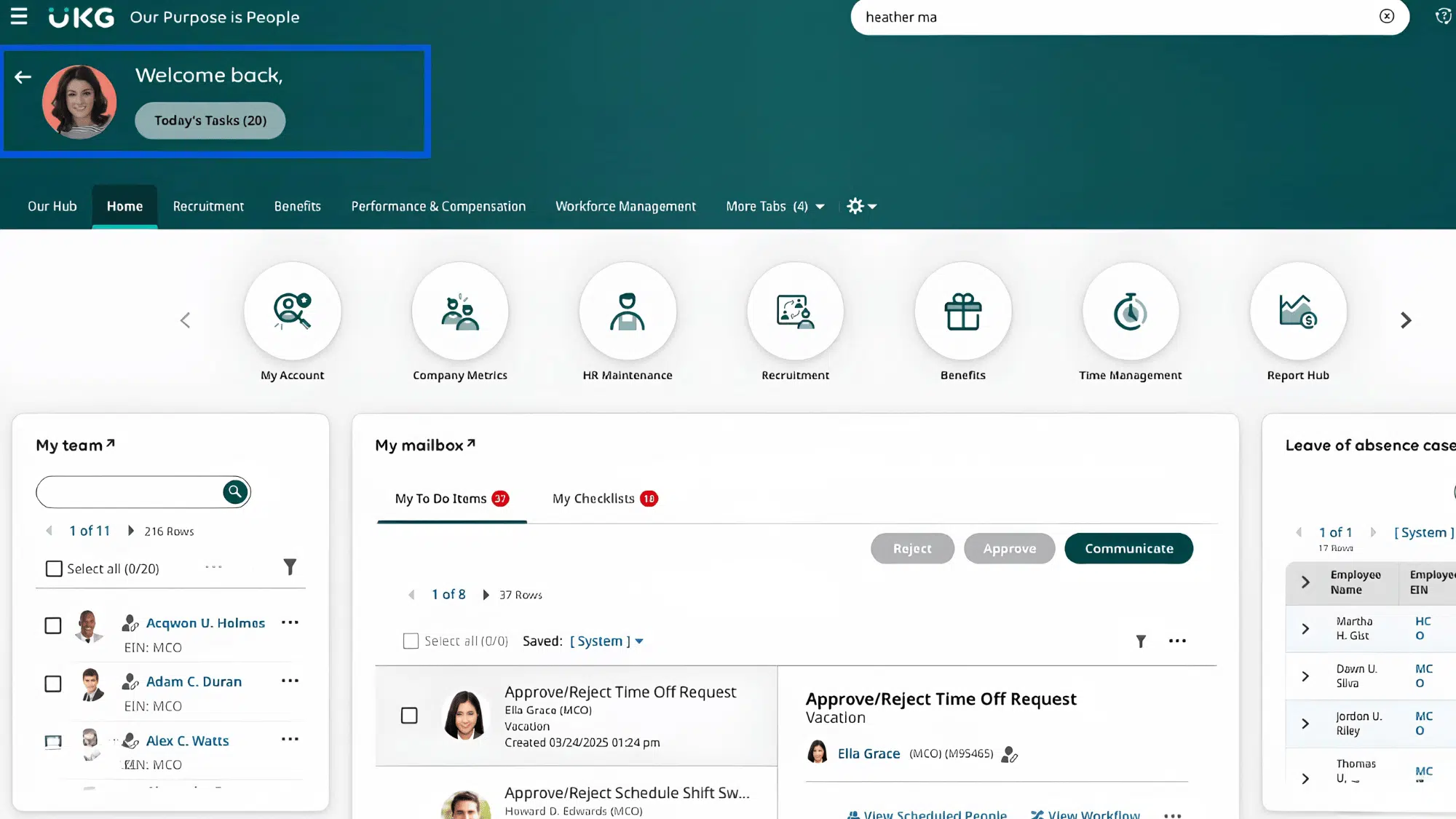
UKG Pro is a modern enterprise payroll and workforce management platform designed for medium- to large-sized businesses.
It combines payroll processing, HR management, and employee experience tools into a single integrated system. The software is known for its advanced workforce analytics, employee self-service capabilities, and intuitive user interface.
UKG Pro is especially valuable for organizations seeking scalable workforce solutions with strong reporting, compliance, and automation features.
What Real Businesses Say About Payroll Software?
Choosing payroll software becomes much easier when you hear directly from businesses that use these tools every day.
As an employee with the employer implementing Gusto as our way to clock hours and bill labor, I found it pretty simple and straightforward, with full transparency as far as being able to view accrued hours, break time, etc.“- Ryan P, Capterra
QuickBooks Payroll helped us reduce manual data entry and keep accounting and payroll connected in one system.- Joy, SoftwareReviews
Gusto is well-suited for small businesses looking for a one-stop platform for payroll, tax-related tasks, and onboarding.”- Daphne Kirk, TrustRadius
We used Paychex Flex for payroll and 401K for our hourly and salaried employees. The system was easy to use, and I love the fact that they helped with all of our mandated reporting.- Kari K, SoftwareReviews
Free Vs Paid Payroll Software: Which One Should You Choose
Choosing the best payroll software between free and paid depends on your business needs, budget, and how much control you want over your payroll process
| Aspect | Free Payroll Software | Paid Payroll Software |
|---|---|---|
| Cost | Free or very low cost | Monthly subscription |
| Features | Basic payroll functions | Advanced features like automation & reporting |
| Automation | Mostly manual processes | Fully automated payroll and tax handling |
| Tax Filing | Manual handling required | Automated tax filing and compliance |
| Ease of Use | Simple but limited | More features, slightly complex initially |
| Scalability | Limited to small teams | Easily scales with business growth |
| Support | Minimal or no customer support | Dedicated support and assistance |
| Security | Basic security | Advanced data protection features |
| Best For | Freelancers, startups, very small teams | Growing businesses and larger teams |
Wrapping It Up
At the end of the day, managing payroll does not have to be complicated, stressful, or time-consuming.
The right software takes all the hard work out of the process and replaces it with something simple, efficient, and completely reliable.
Whether the business is just starting out or already well established, there is a payroll solution out there that fits the needs, the budget, and the workflow perfectly.
The key is finding the one that works best and letting it do what it does best. Because when payroll runs smoothly, everything else falls into place a little more easily, too.
Frequently Asked Questions
Can Payroll Software Handle Multiple Payment Schedules?
Yes, most payroll tools let you manage weekly, biweekly, or monthly payment cycles with ease.
Is Payroll Software Suitable for Remote Teams?
Absolutely, many tools are cloud-based, making them ideal for managing employees across different locations.
Do I Need Accounting Knowledge to Use Payroll Software?
No, most simple payroll software is designed for beginners with little to no financial background.
How Secure is Payroll Software?
Reliable payroll tools use encryption and security measures to protect sensitive employee data.