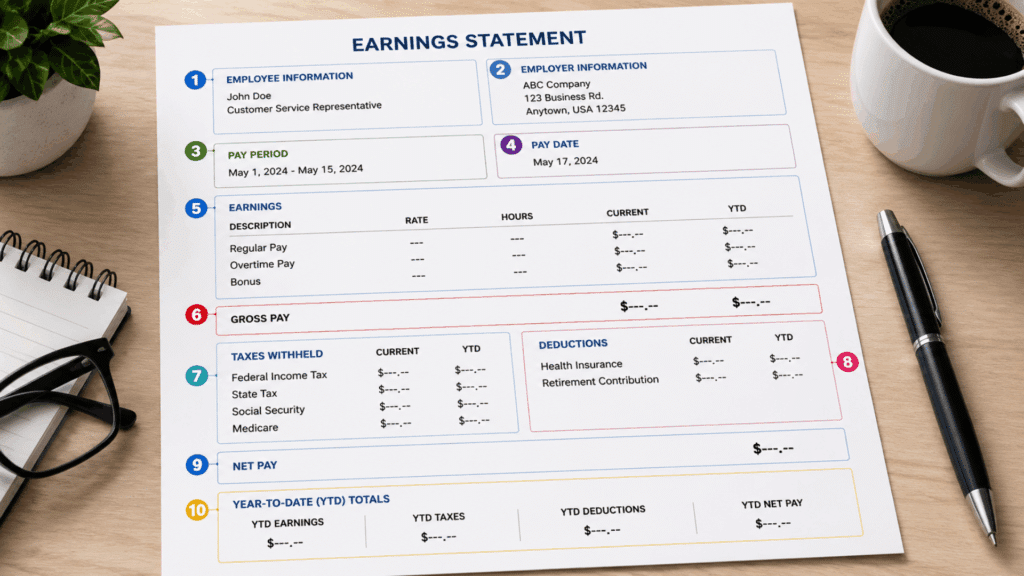

A pay stub documents exactly how your paycheck was calculated, every dollar earned, every dollar withheld. Most people glance at the net pay and move on, missing critical details about deductions and taxes.
Understanding each section helps you catch errors, plan finances, and file taxes accurately. This blog breaks down every part, section by section, to help you achieve just that.
What is a Pay Stub?
A pay stub is a document, physical or digital, issued with each paycheck that itemizes earnings, tax withholdings, and deductions for a specific pay period.
Many jurisdictions require pay stubs under wage transparency laws. They are an official record of compensation, supporting tax filing, loan applications, and proof of income.
Even where not legally required, they are standard payroll practice.
Generally, a pay stub shows the following information:
- Employee and employer details
- Pay period dates and pay date
- Gross earnings broken down by type
- Tax withholdings (federal, state, local)
- Benefit and retirement deductions
- Net pay and YTD totals for all categories
The Basic Layout: How To Read a Pay Stub?
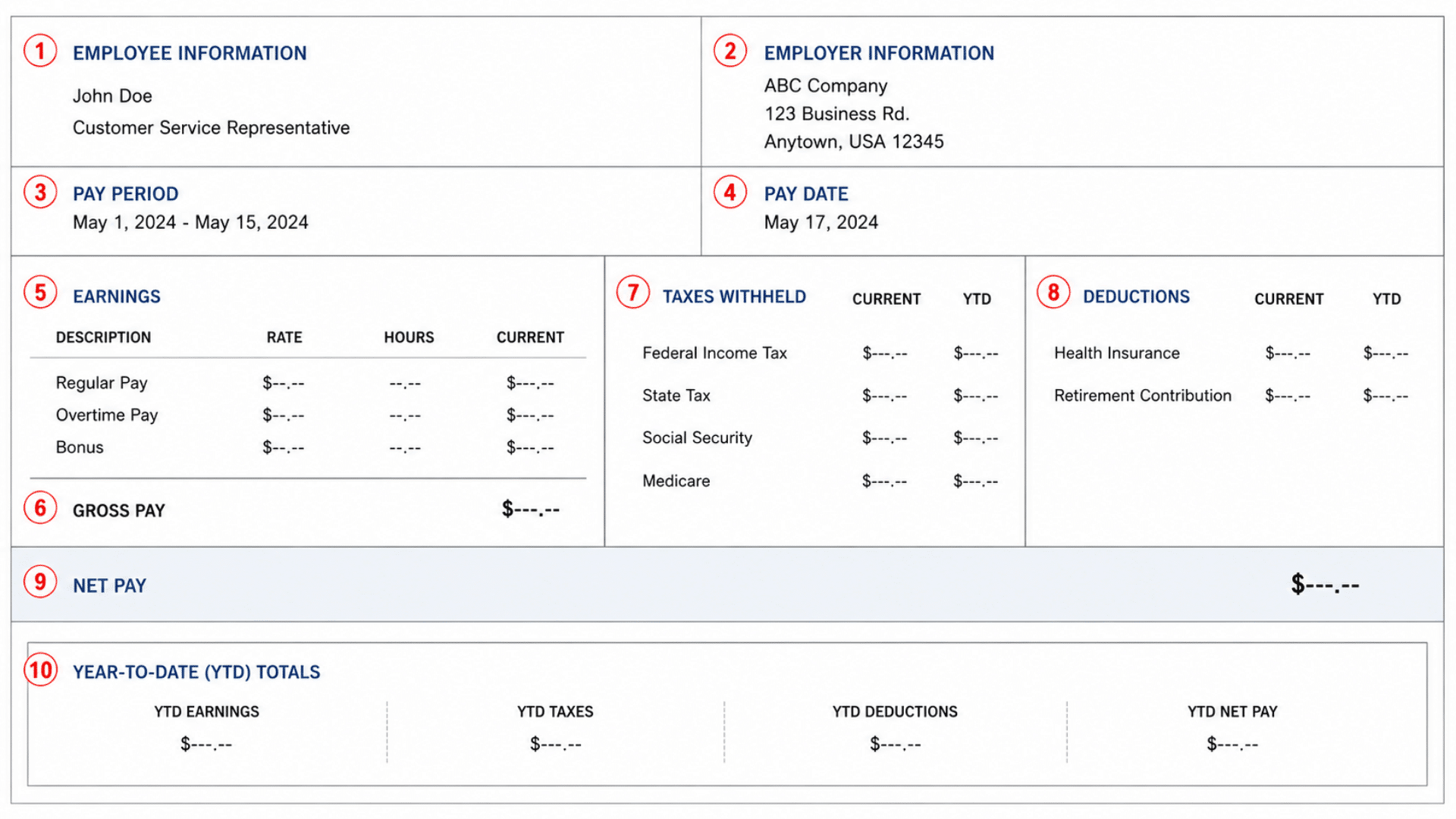
For clarity, we will use this sample pay stub image. The pay stub you receive might be formatted differently, but it should include the same information.
1. Employee Information
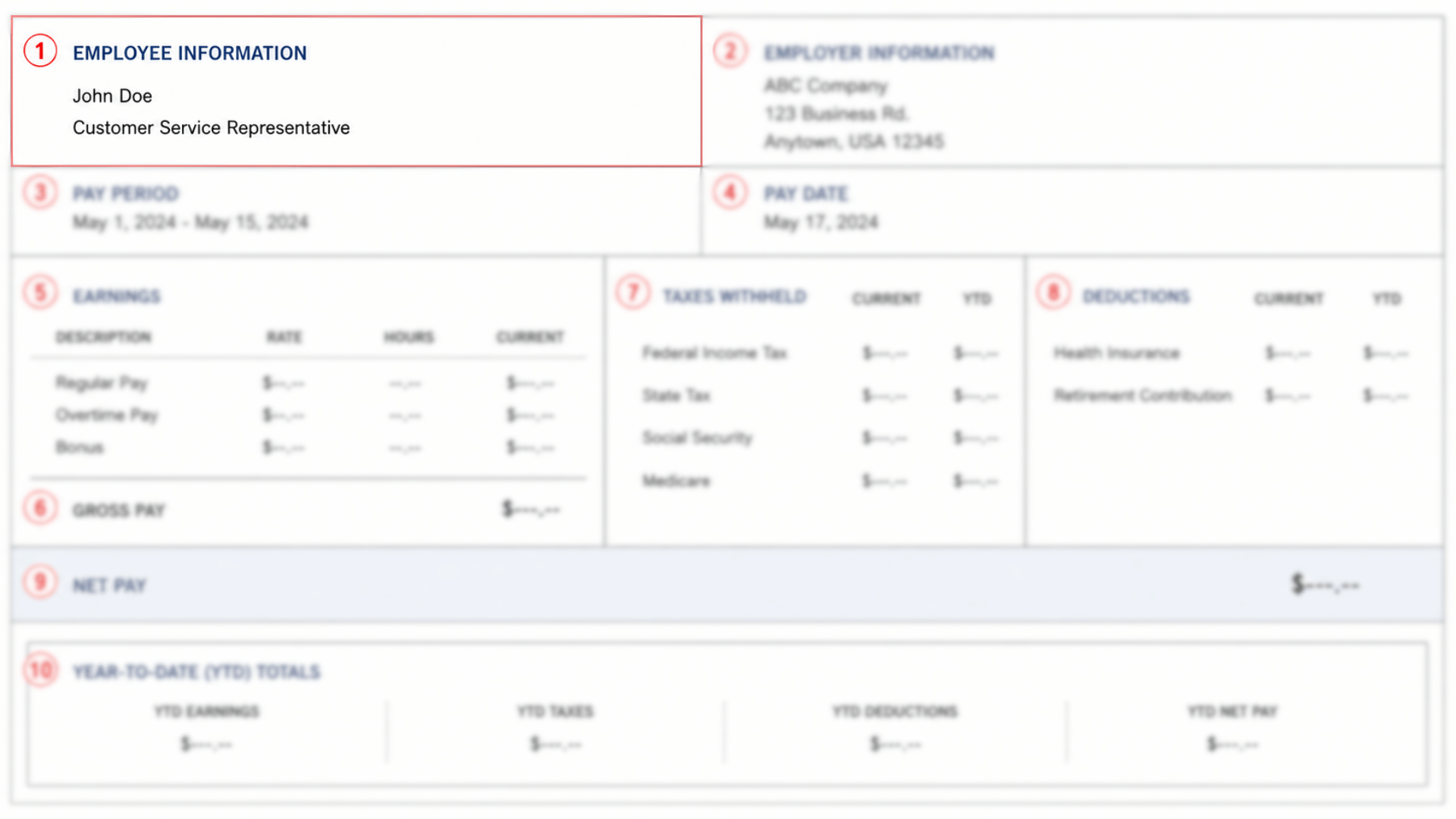
Your pay stub opens with a section that identifies who the payment is for. This is the first check to run every time you receive a stub.
| Field | What It Shows |
|---|---|
| Employee Name | The full legal name on file with your employer |
| Employee ID | A unique identifier assigned by your employer |
| Job Title | Your designated role or position |
| Department | The team or division you belong to |
| Work Location | The office or site associated with your record |
2. Employer Information
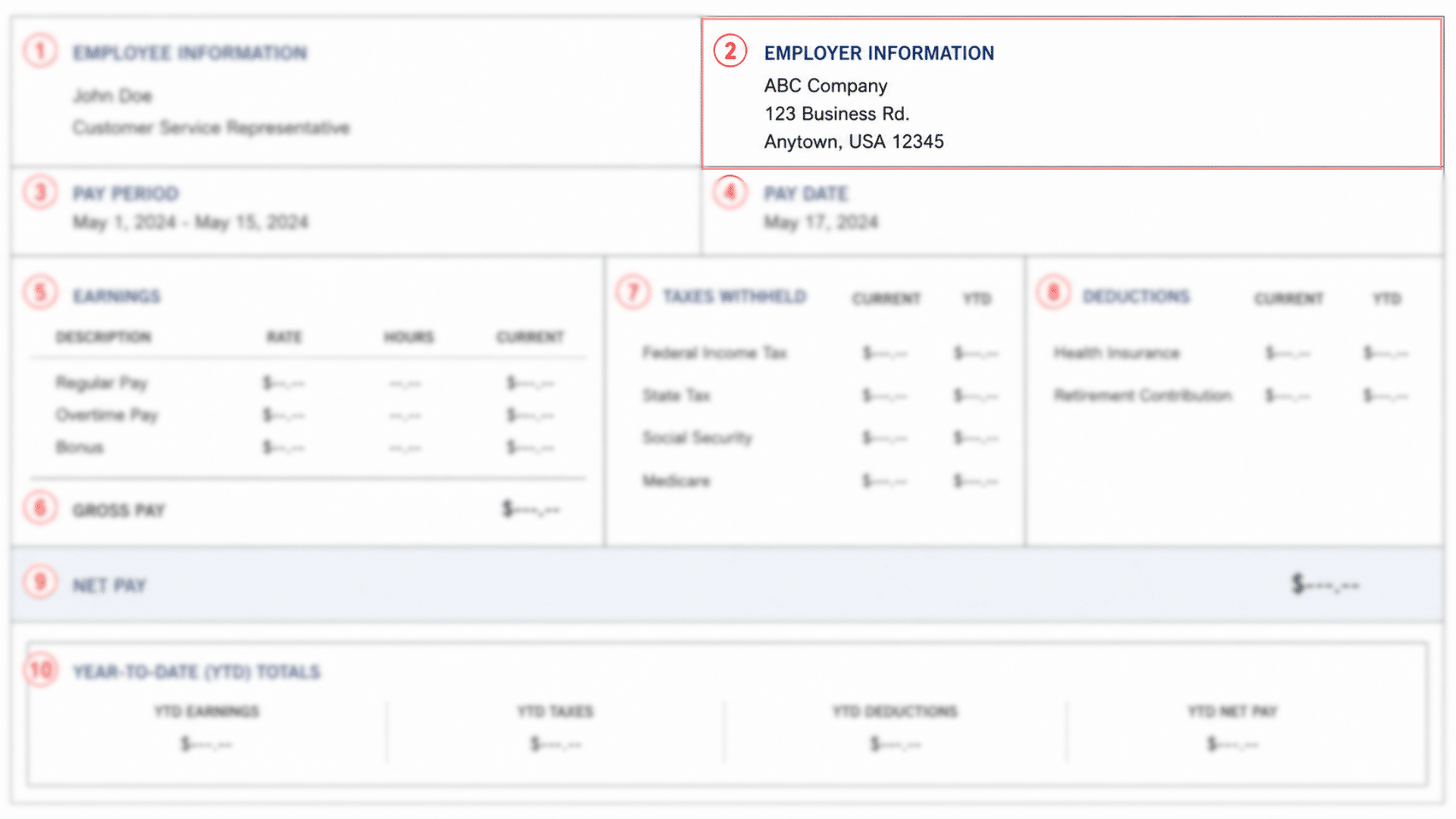
This section identifies the organization that issued the pay stub. Cross-check the employer name and address against your employment contract.
Payroll records must accurately reflect your employer’s legal entity name; discrepancies can create issues during tax filing or loan applications.
| Field | What It Shows |
|---|---|
| Company Name | The legal name of your employer |
| Business Address | The registered office address |
| Contact Details | Phone number or payroll department contact |
3. Pay Period
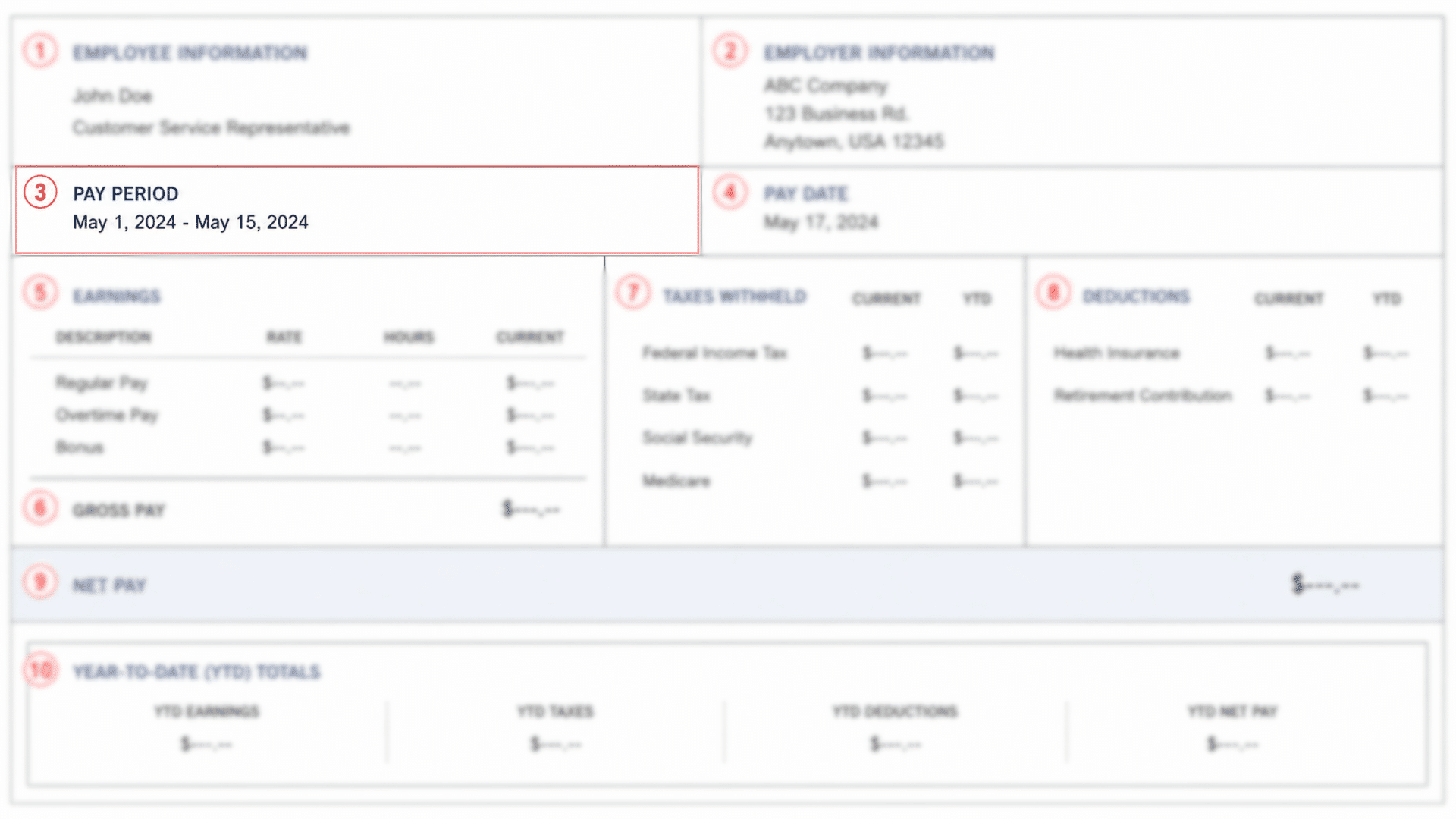
A pay period is the date range during which your work hours and earnings are tracked, for example, May 1 to May 15.
It is distinct from your pay date, which is when the funds are actually deposited or issued.
| Pay Frequency | Pay Periods Per Year | Example Period |
|---|---|---|
| Weekly | 52 | Mon–Sun |
| Bi-weekly | 26 | Every 2 weeks |
| Semi-monthly | 24 | 1st–15th, 16th–31st |
| Monthly | 12 | Full calendar month |
4. Pay Date
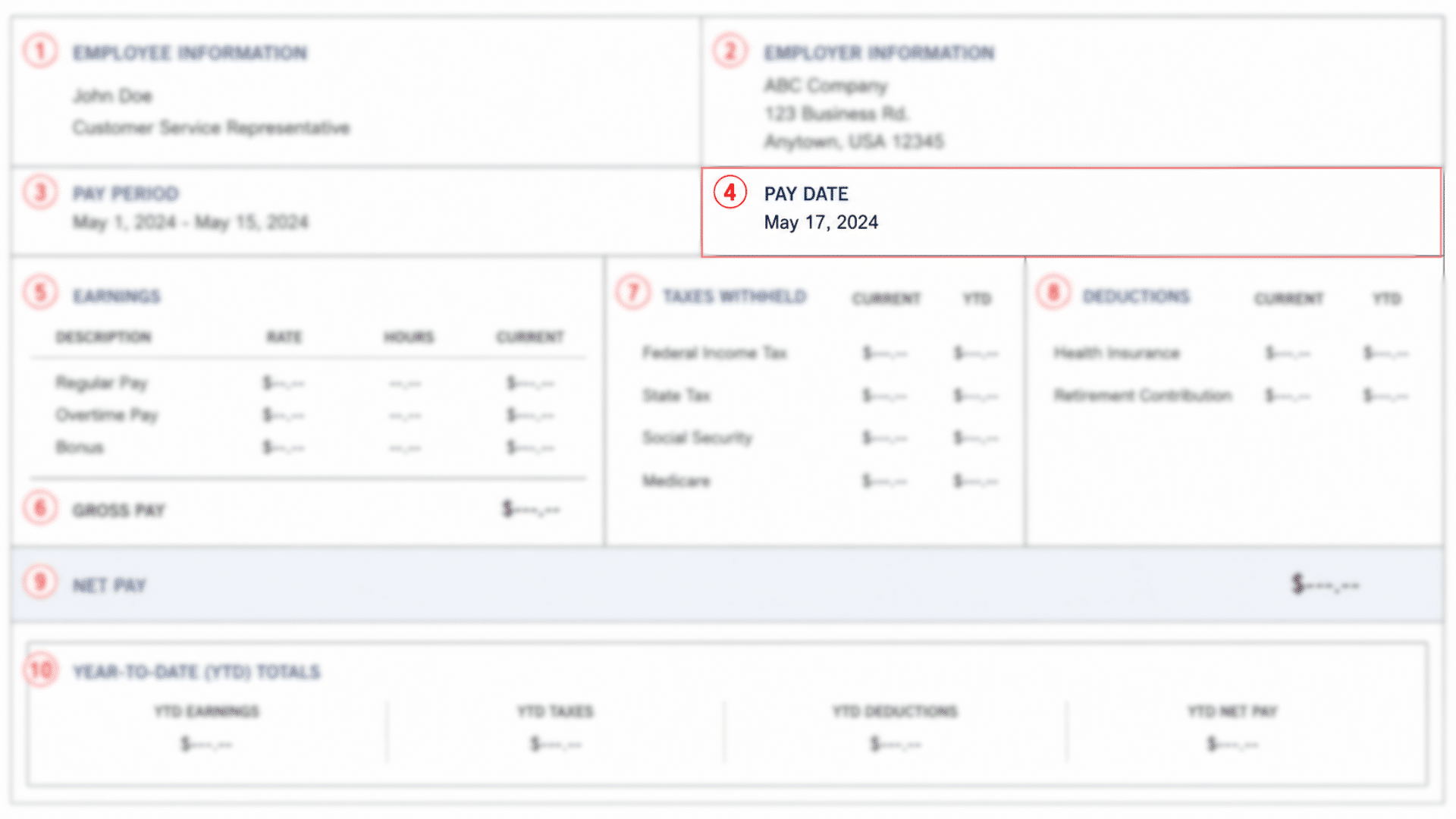
The pay date is the calendar date on which your wages are released, either via direct deposit or physical check. It is the date funds become available in your account, not the date your work was performed.
| Term | Definition |
|---|---|
| Pay Period | The range of dates on which your work was performed |
| Pay Date | The date you receive payment for that period |
5. Earnings
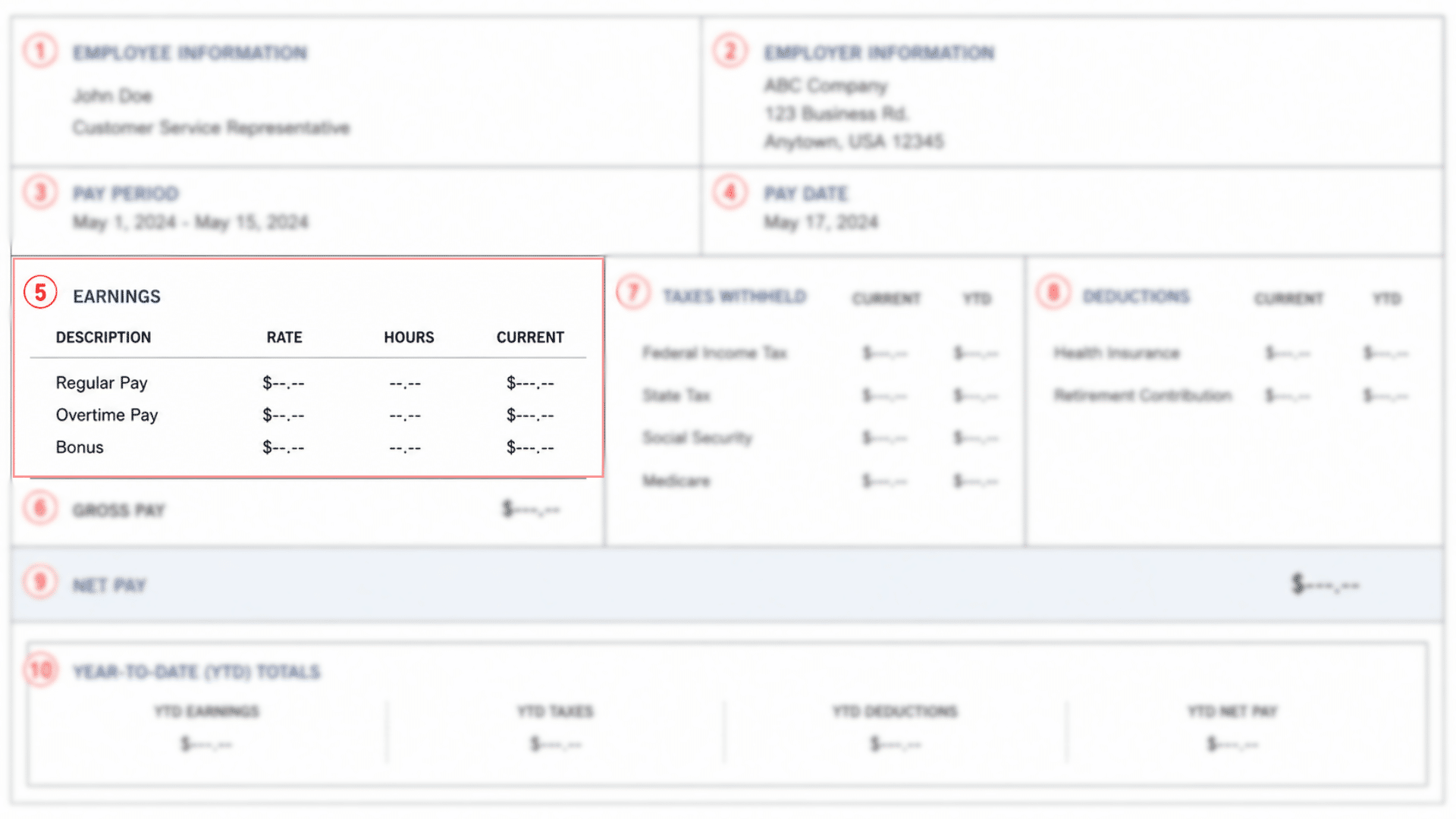
The earnings section breaks down all forms of compensation for the pay period. It includes columns for the rate of pay, hours worked, and current earnings.
| Earnings Type | What It Covers | How It Works |
|---|---|---|
| Regular Pay | Standard hours at base rate | Hourly Rate × Regular Hours Worked |
| Overtime Pay | Hours beyond the standard threshold | Typically 1.5× regular hourly rate; shows $0.00 if none worked |
| Bonuses and Additional Earnings | Bonuses, commissions, shift differentials, reimbursements | May appear in the current period or only in YTD if paid in a prior period |
| Current Earnings Column | Wages earned in this pay period only | Distinct from YTD, which accumulates totals across the full calendar year |
6. Gross Pay
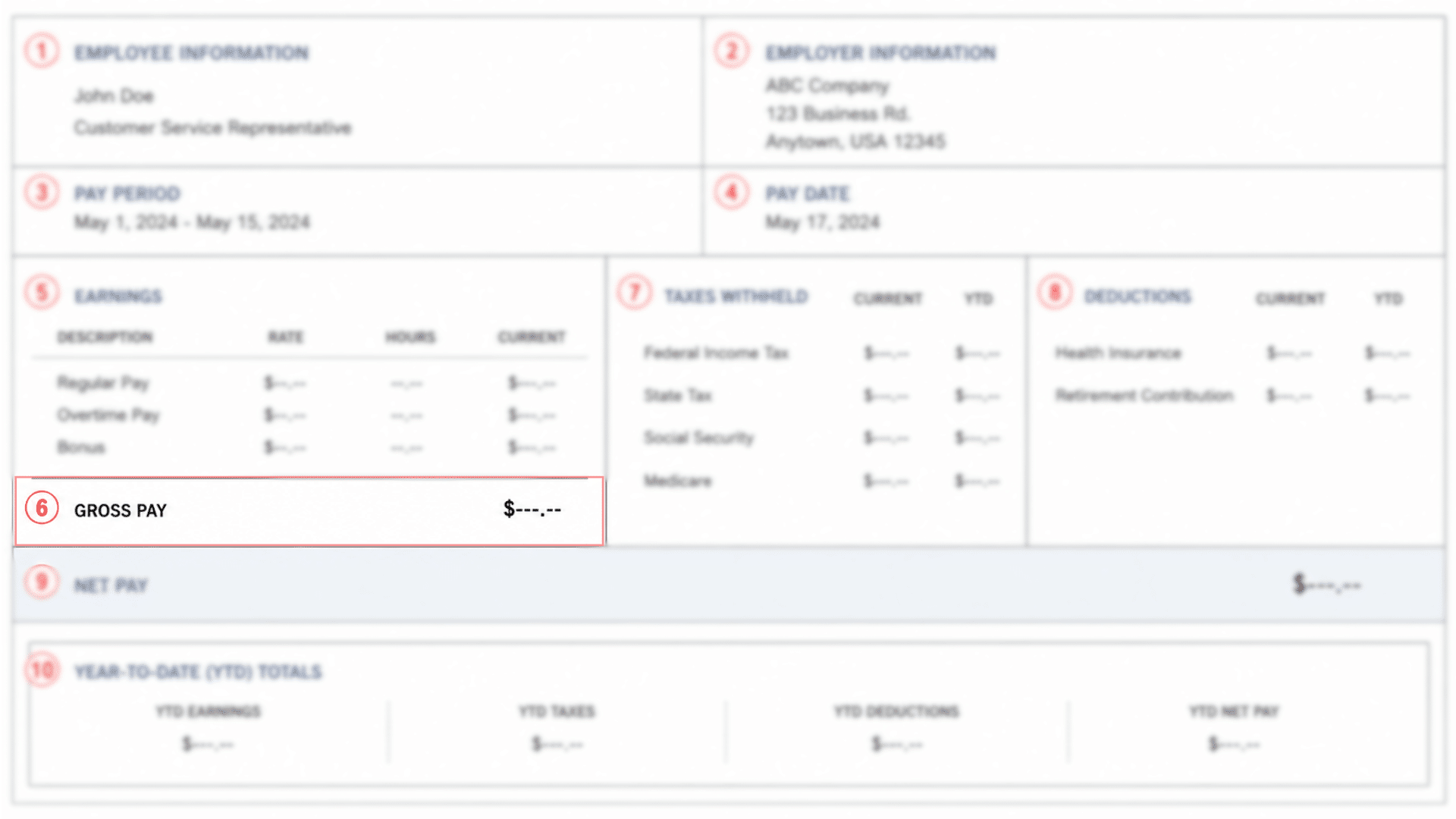
Gross pay is the total amount you earned before any taxes or deductions are applied. It is the sum of all earnings lines in the current period.
Gross Pay = Regular Pay + Overtime Pay + Bonuses + Any Other Earnings
Gross pay is the baseline figure against which taxes and deductions are calculated. It is not the amount deposited into your account.
Using the example pay stub: $800.00 (regular) + $0.00 (overtime) + $0.00 (bonus) = $800.00 gross pay.
7. Taxes Withheld
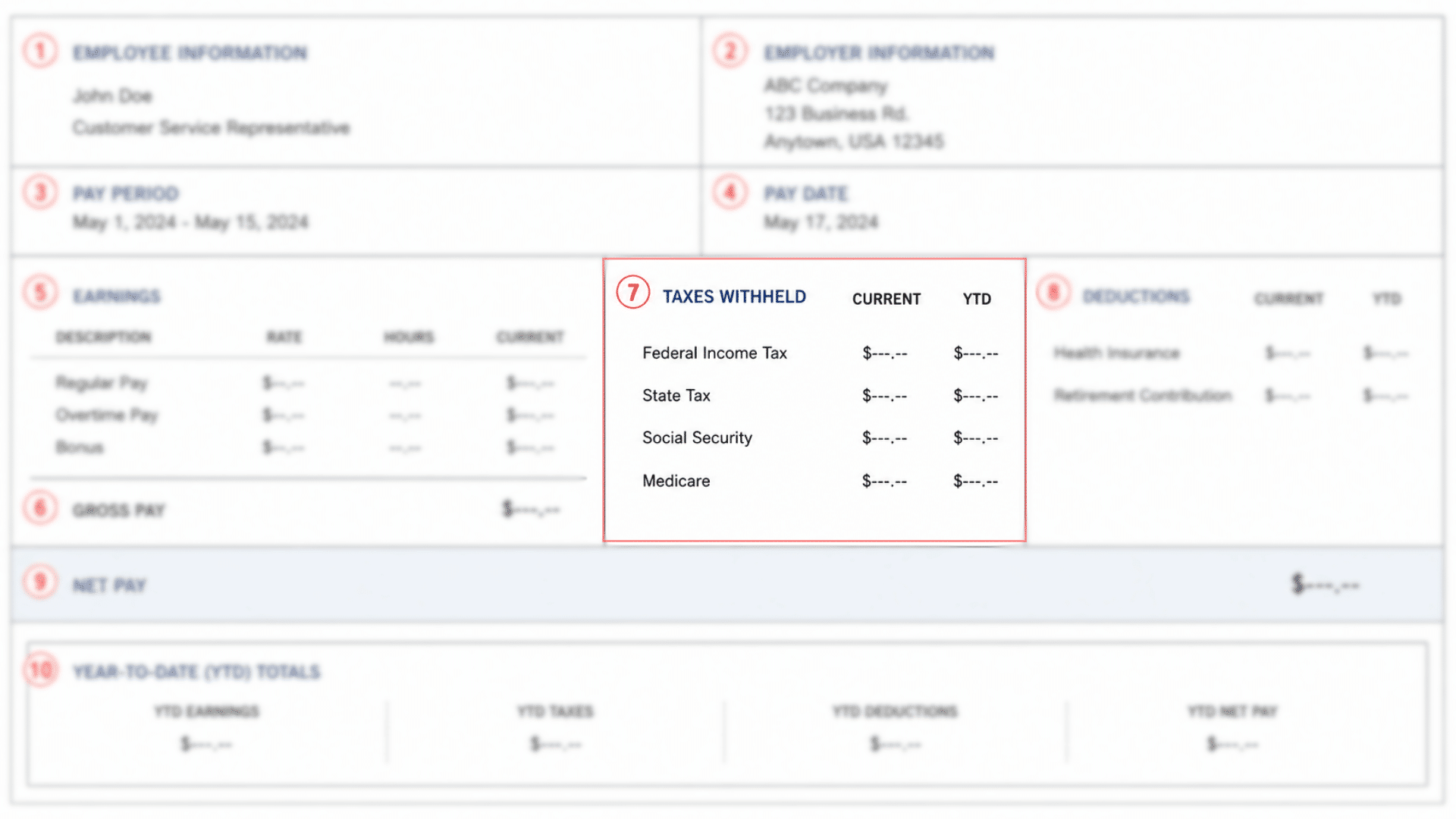
Taxes are mandatory deductions withheld from your gross pay each period and remitted to the appropriate government agencies on your behalf.
The taxes section typically shows both current-period and YTD amounts.
| Tax Type | Based On | Rate / Notes |
|---|---|---|
| Federal Income Tax | Gross earnings, filing status, withholding elections | Varies per individual |
| State Tax | State or region of employment | Varies; $0.00 or absent if no state income tax |
| Social Security Tax | Gross wages up to an annual cap | 6.2%; employer matches separately |
| Medicare Tax | Gross wages, no annual cap | 1.45%; high earners may have an additional surtax |
8. Deductions
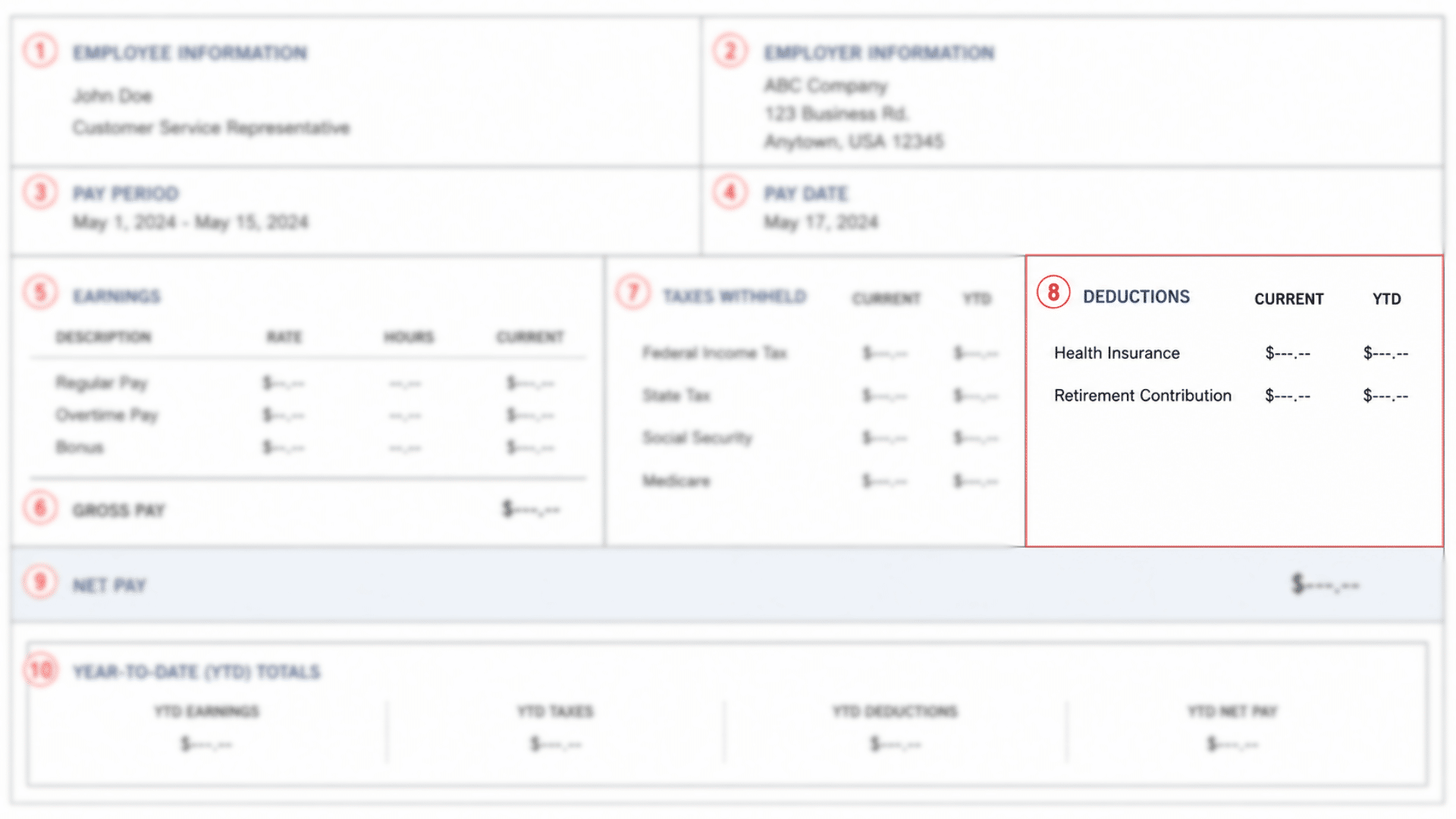
Deductions are non-tax amounts subtracted from your gross pay. These are typically voluntary elections made during benefits enrollment, though some may be mandatory.
| Deduction Type | What It Covers | Notes |
|---|---|---|
| Health Insurance | Your share of the group health premium | Varies by plan and dependent coverage |
| Retirement Contributions | 401(k), 403(b), pension, or equivalent | Pre-tax, in most cases, reduces taxable income |
| Other Common Deductions | Dental, vision, life insurance, FSA/HSA, union dues, wage garnishments | Varies based on elections and employment terms |
9. Net Pay
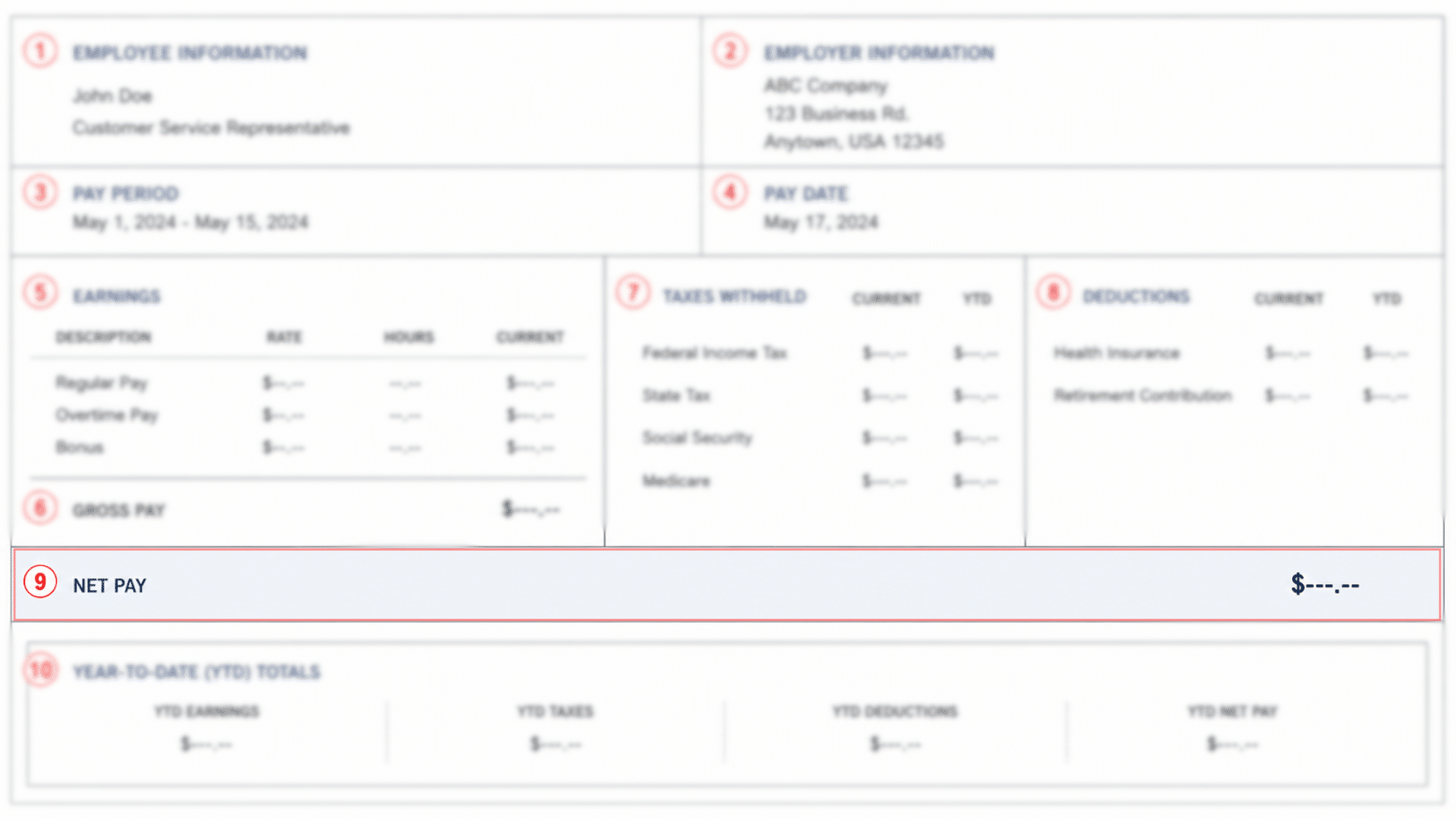
Net pay is the actual amount deposited into your bank account or issued via check after all taxes and deductions have been subtracted from your gross pay.
Net Pay = Gross Pay – Total Taxes Withheld – Total Deductions
The difference between gross and net pay represents the sum of all mandatory tax withholdings and elected deductions. This is commonly referred to as the “take-home pay gap.”
Reviewing your deductions and tax elections annually ensures the gap reflects your actual financial choices rather than errors.
From the example: $800.00 − $181.20 (taxes) − $90.00 (deductions) = $528.80 net pay
10. Year-to-Date (YTD) Totals
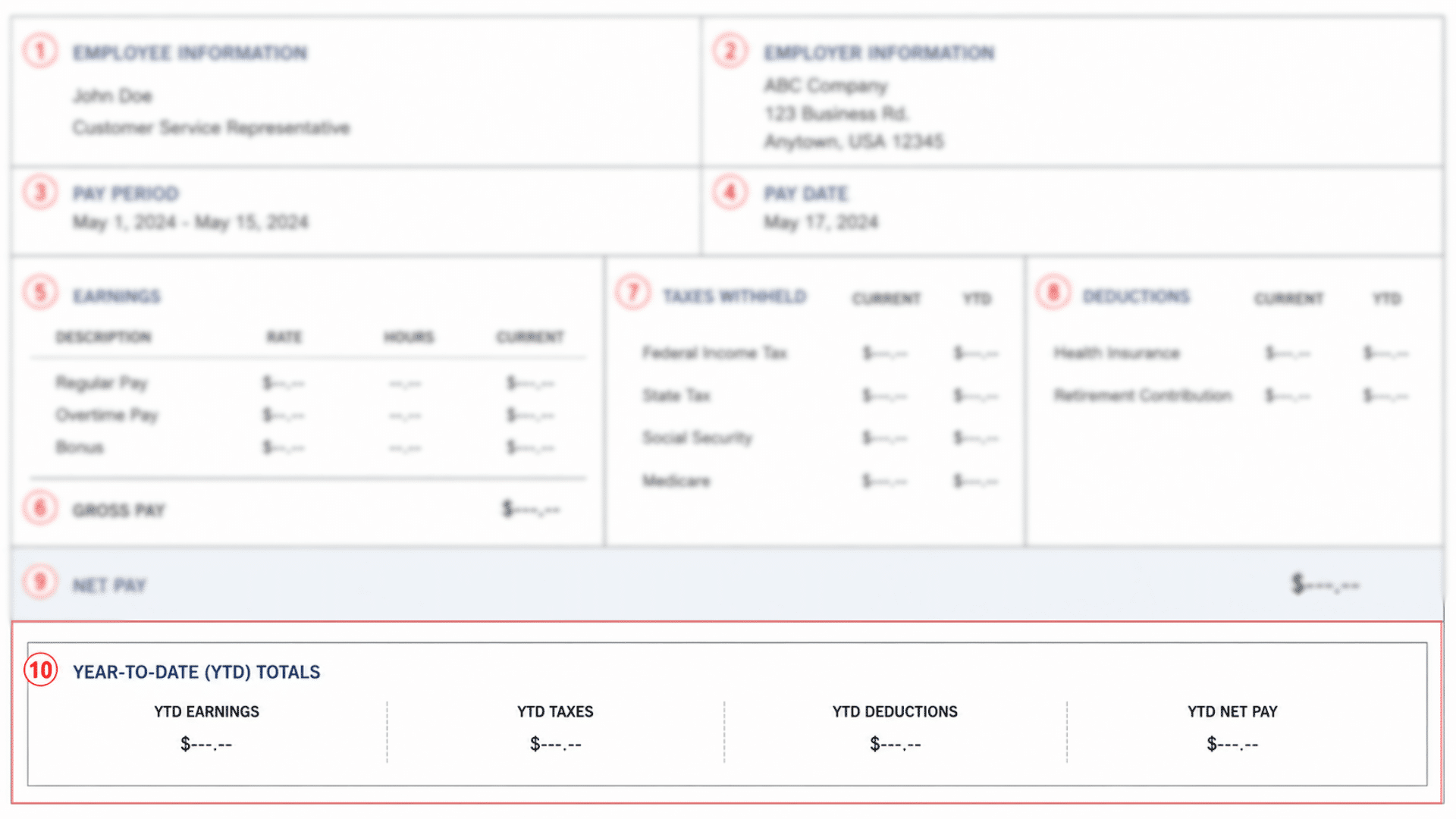
The YTD section consolidates all earnings, taxes, and deductions from January 1 of the current calendar year through the end of this pay period. It provides a running financial summary for the year.
| YTD Field | What It Tracks | Key Use |
|---|---|---|
| YTD Earnings | Total gross wages across all pay periods, including regular pay, overtime, and bonuses | Verify total income for the calendar year |
| YTD Taxes | Cumulative amount withheld per tax category | Cross-check against your year-end wage statement |
| YTD Deductions | Total benefits and voluntary deductions taken year-to-date | Confirm retirement contributions match the elected annual amount |
| YTD Net Pay | Total take-home pay across all pay periods (YTD Earnings − YTD Taxes − YTD Deductions) | Track actual earnings received after all withholdings |
Common Pay Stub Abbreviations
Pay stubs frequently use shorthand that can be difficult to interpret without context. Below is a reference for the most common terms.
1. Earnings Abbreviations
Earnings lines on a pay stub are often shortened to fit within limited space. These abbreviations represent the different types of compensation you may receive in a given pay period.
- REG: Regular Pay
- OT / OVT: Overtime Pay
- PTO: Paid Time Off
- VAC: Vacation Pay
- SICK: Sick Pay
- COMM: Commission
- BONUS: Bonus Earnings
2. Tax Abbreviations
Tax withholdings are listed using standardized codes that correspond to specific government programs and agencies. Recognizing these helps you confirm the correct taxes are being deducted.
- FED / FIT: Federal Income Tax
- ST / SIT: State Income Tax
- SS / OASDI: Social Security Tax
- MED / FICA-M: Medicare Tax
- LOCAL: Local/City Income Tax
3. Deduction Abbreviations
Benefit and voluntary deduction lines use shorthand tied to the specific program or account involved. These codes reflect elections you made during benefits enrollment or obligations assigned to your wages.
- MED INS: Medical Insurance
- DENT: Dental Insurance
- VIS: Vision Insurance
- 401K / RET: Retirement Contribution
- FSA: Flexible Spending Account
- HSA: Health Savings Account
- GARN: Wage Garnishment
4. YTD and Other Common Terms
Beyond earnings, taxes, and deductions, pay stubs include a set of general terms that apply across multiple sections. These appear consistently regardless of your employer or pay structure.
- YTD: Year-to-Date (Cumulative Totals from Jan 1)
- CURR / CUR: Current period amount
- GROSS: Total earnings before deductions
- NET: Take-home pay after all deductions
- EE: Employee (Your Contribution)
- ER: Employer (Employer’s Contribution)
- FICA: Federal Insurance Contributions Act (Covers SS + Medicare)
Conclusion
Reading a pay stub accurately gives you full visibility into your earnings, tax obligations, and benefit deductions.
Cross-checking each section every pay period helps catch errors early and keeps your financial records in order.
If any figure appears incorrect, contact your payroll department promptly. Your pay stub is also a key document for tax filing, loan applications, and financial planning.
Filing it systematically after each pay period ensures you always have accurate records on hand when needed.
Frequently Asked Questions
How Long Should I Keep My Pay Stubs?
Most financial advisors recommend keeping pay stubs for at least one year, until you receive and verify your annual tax statement.
What Should I Do if My Net Pay Is Less than Expected?
Compare your current deductions and tax withholdings with those from the previous pay period to identify any new or increased line items.
Can My Employer Change My Deductions without Notice?
Deduction changes tied to benefits renewals or tax adjustments are permitted, but your employer should communicate these changes in advance.
Is a Pay Stub the Same as a Paycheck?
No, a pay stub is the detailed earnings record attached to or accompanying a paycheck, which is the actual payment instrument.