
Shift planning sits at the center of smooth workplace operations, yet it often turns into a daily challenge when done without a clear structure.
Missed timings, uneven workloads, and last-minute changes can disrupt even well-organized teams.
A structured format for assigning hours and roles brings clarity into this process and reduces uncertainty in day-to-day execution.
This is where a ready employee schedule template becomes essential, offering a consistent way to organize shifts, track responsibilities, and maintain steady coordination across teams without repeated manual effort.
Meaning of an Employee Schedule Template
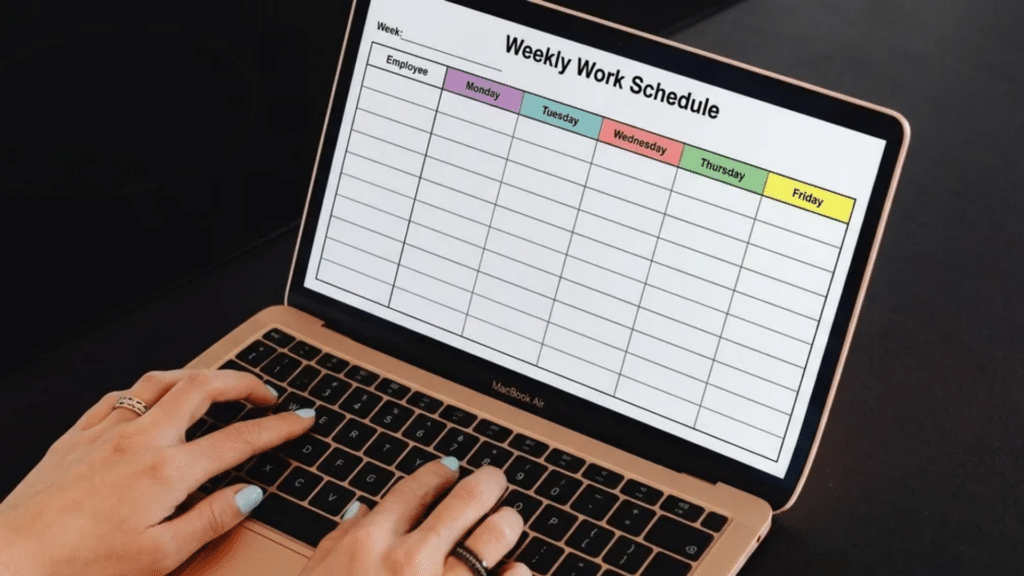
An employee schedule template is a ready format used to map work shifts, hours, and assigned roles within a fixed period. It creates a clear structure for planning who works, when they work, and what part they handle during a shift.
It brings order to workforce planning by consolidating all timing and role details into a single, organized view. This reduces the need for repeated manual planning and keeps scheduling consistent across days or weeks.
It can be created in Excel, Google Sheets, PDF files, or digital scheduling tools, depending on how a team operates. Each format serves the same purpose: to keep shift distribution simple, readable, and easy to update as changes occur.
Key Elements Included in Employee Scheduling Template
Scheduling templates follow a structured layout to keep shift planning organized and easy to read. Each field carries specific operational detail that helps avoid timing gaps and role confusion.
- Employee name: Identifies the individual assigned to a shift for quick reference and accountability.
- Role or department: Defines where the employee fits within the team structure and task flow.
- Shift start and end time: Marks the exact working hours to maintain clarity in daily coverage.
- Workdays assigned: Outlines active days within the scheduling period to prevent overlap or missed coverage.
- Notes or task tags: Add brief instructions for responsibilities, priorities, or special assignments.
- Break timing: Indicates rest intervals to maintain compliance and balanced workload distribution.
Together, these fields turn a blank grid into a working roster. Missing even one can leave gaps that surface only once shifts are already underway.
Common Types of Employee Schedule Templates
Download these ready to use employee schedule templates, each suited for different requirements of businesses. Click here.
Different formats support different staffing needs, depending on how often shifts change and how detailed planning needs to be.
Each format serves a specific level of control, from simple daily planning to structured long-term workforce allocation.
1. Weekly Schedule Format
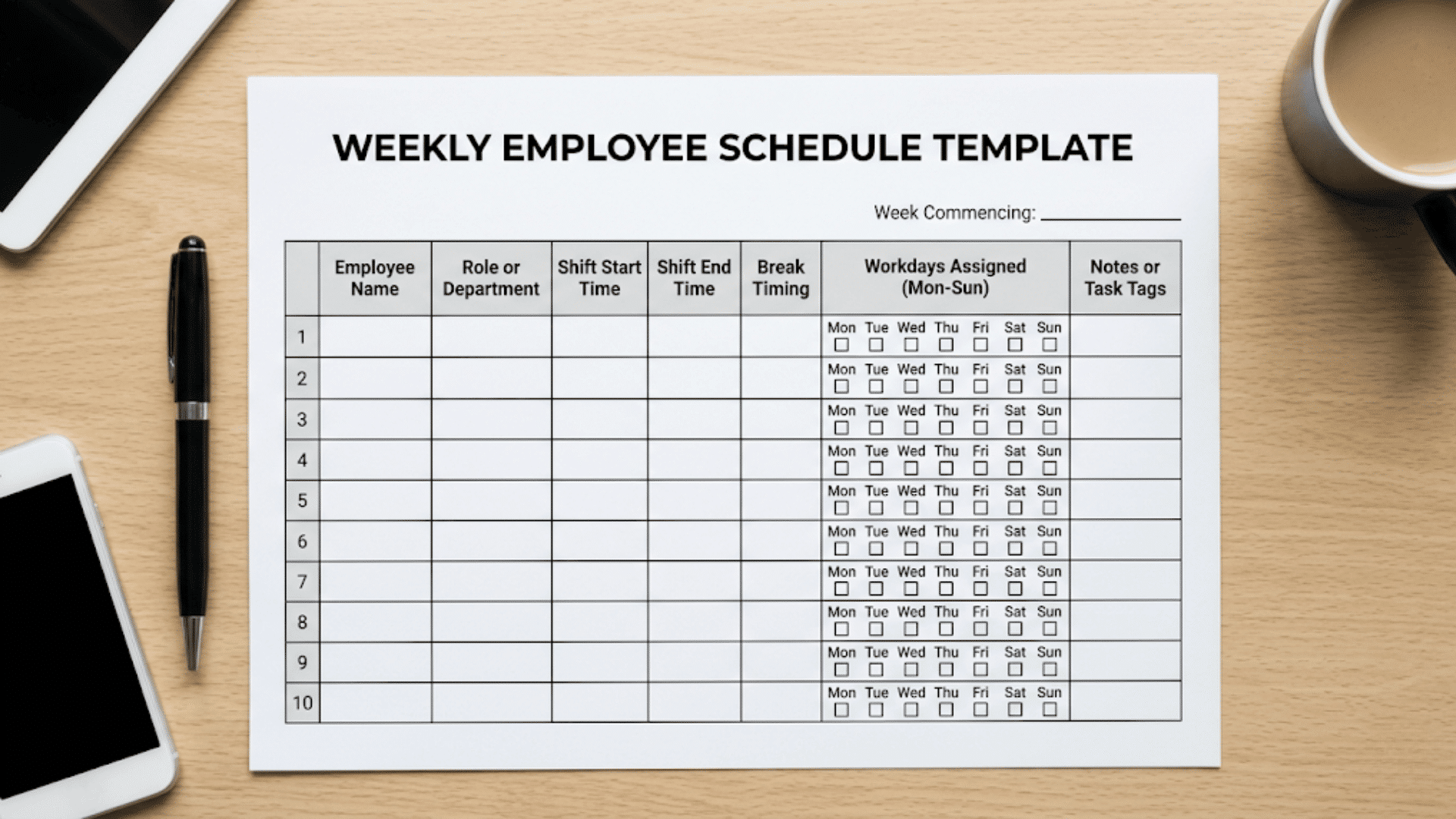
Best suited for teams whose staffing needs shift slightly week to week but don’t warrant a full monthly overhaul.
- Planning cycle: Maps shifts in 7-day blocks that can be rebuilt or adjusted quickly
- Flexibility: Lets managers respond to short-term workload changes without redesigning the whole layout
- Visibility: Makes coverage gaps within the week easy to spot at a glance
2. Monthly Schedule Format
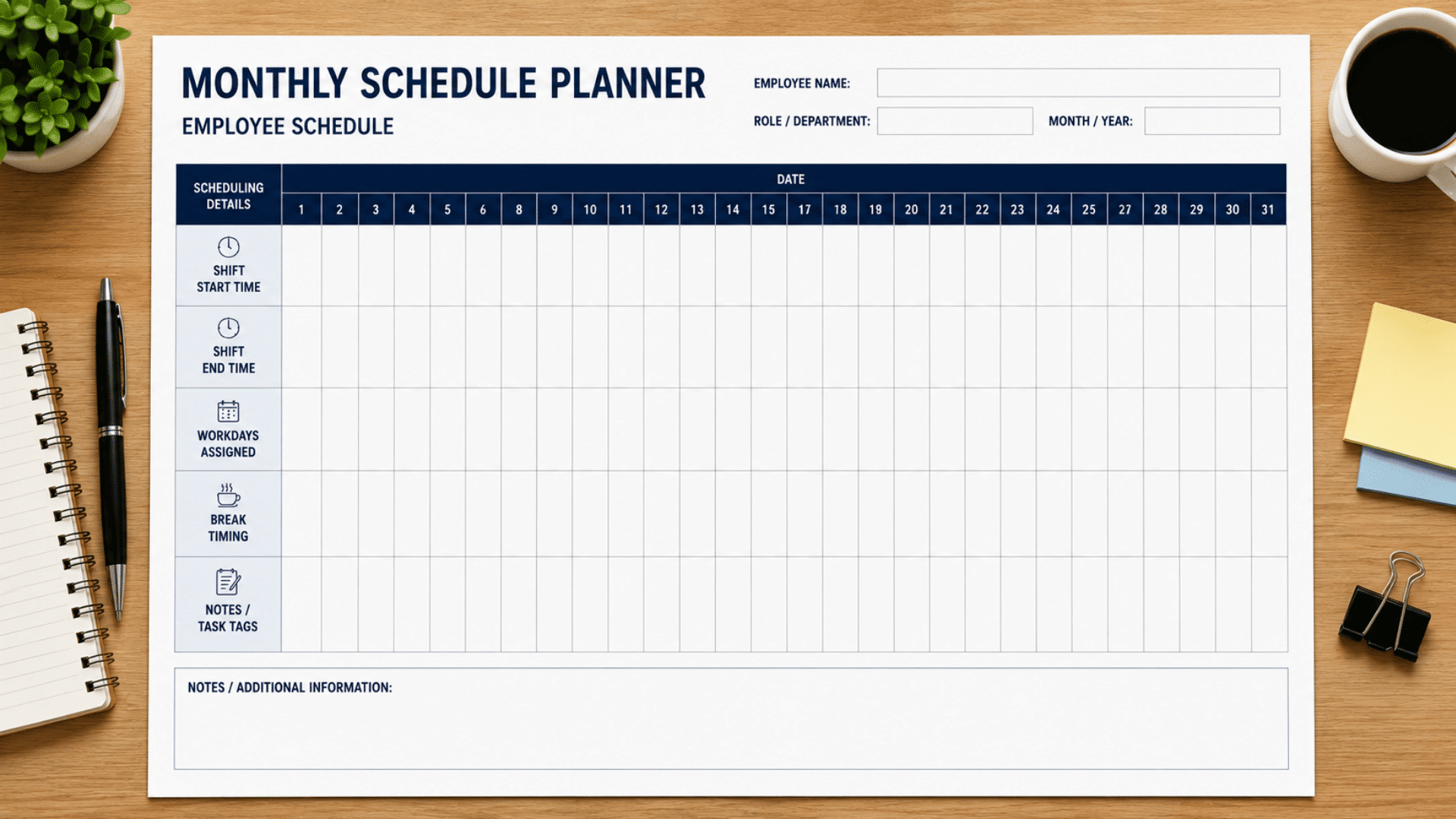
Built for teams that plan further ahead and need to account for recurring events across a longer stretch.
- Planning cycle: Covers a full calendar month in one connected view
- Forecasting: Surfaces peak workload periods, holidays, and planned leave well in advance
- Alignment: Ties scheduling to fixed pay cycles or broader operational calendars
3. Daily Shift Roster
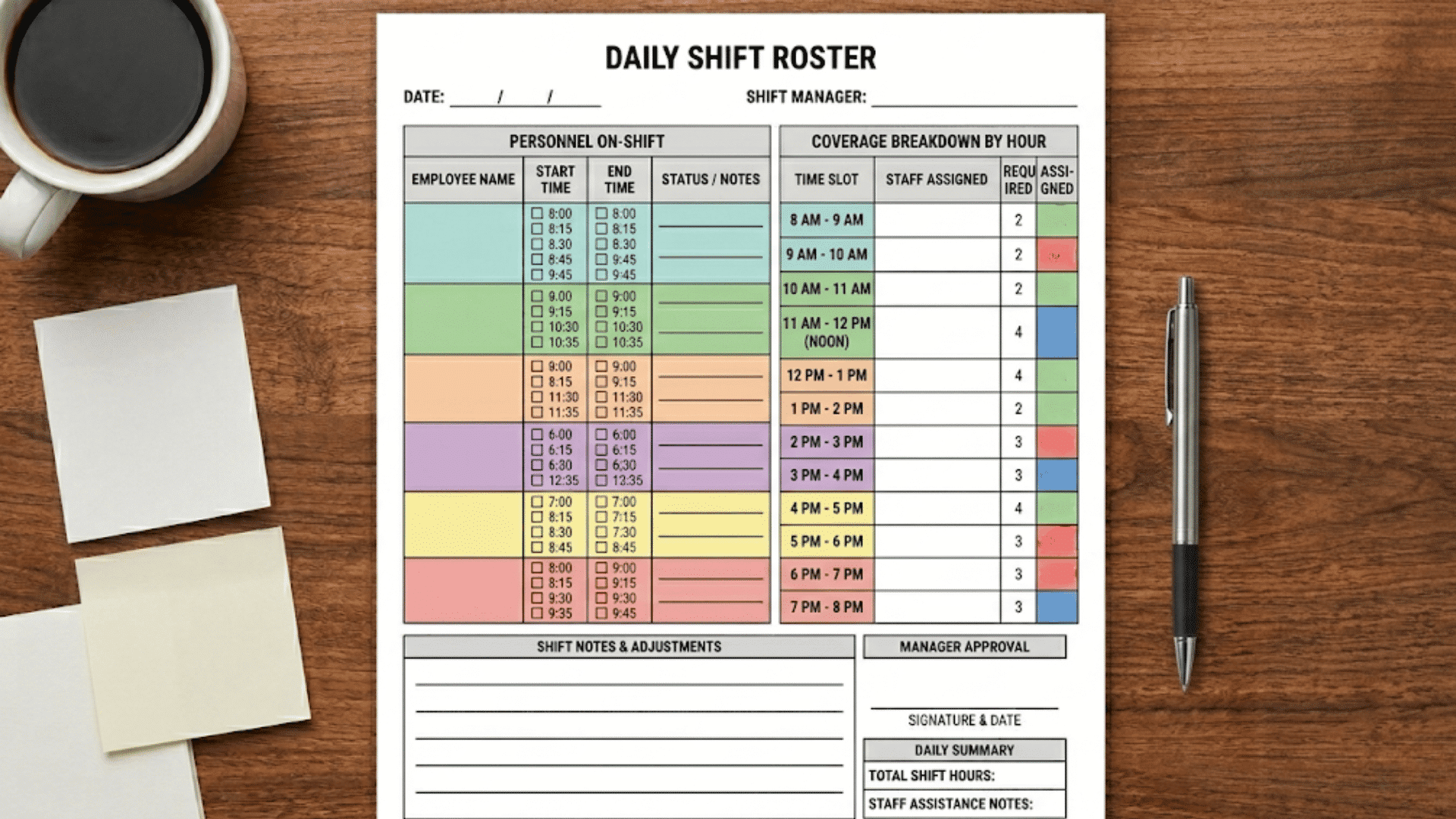
Designed for environments where staffing needs can shift within a single day, not just week to week.
- Planning cycle: Breaks the day into detailed time slots rather than broad shift blocks
- Responsiveness: Adjusts quickly to fluctuating customer demand throughout the day
- Precision: Confirms the right headcount is in place for every time block
4. Rotational Shift Plan
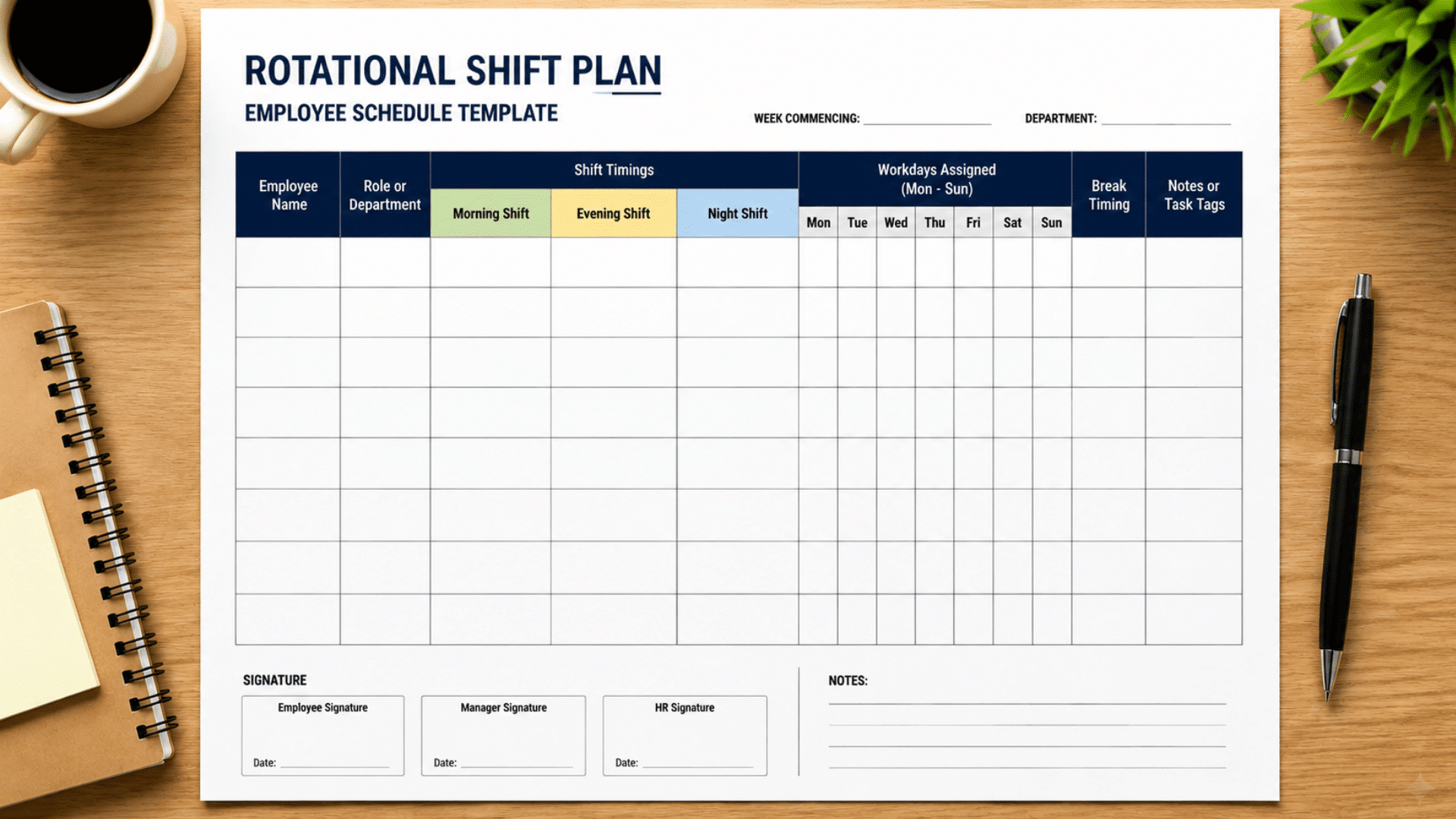
Used where round-the-clock coverage means no single group can be locked into the same hours indefinitely.
- Planning cycle: Rotates employees through a repeating sequence of shift times
- Fairness: Spreads morning, evening, and night hours evenly across the team
- Wellbeing: Limits the long-term fatigue that comes with staying on one fixed shift pattern
5. Fixed-Hour Work Chart
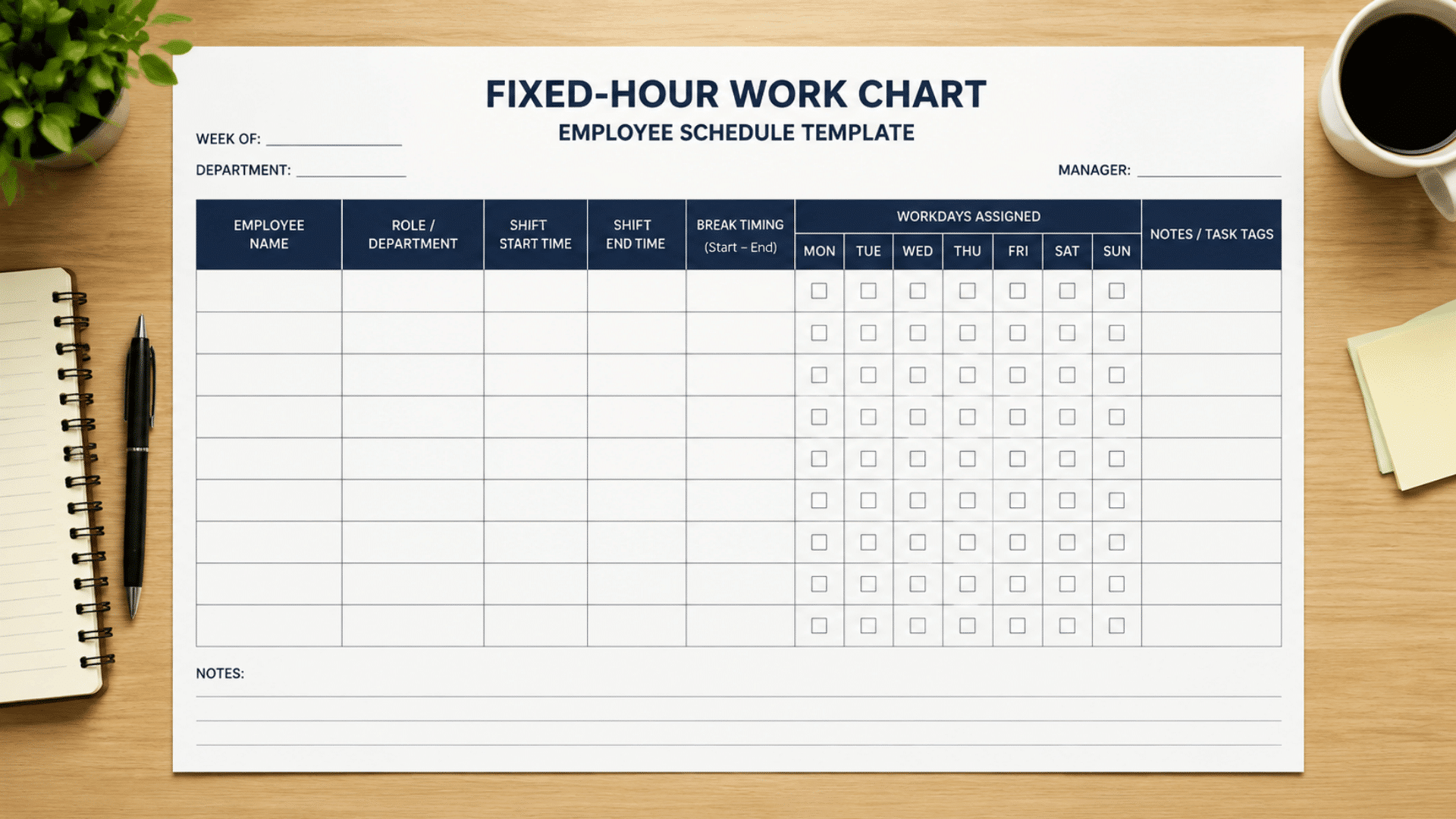
Fits teams where the workload itself barely changes, so the schedule doesn’t need to either.
- Planning cycle: Locks in the same working hours for each employee, week after week
- Simplicity: Cuts down on the back-and-forth of rebuilding shifts regularly
- Tracking: Makes attendance monitoring and long-term planning far more straightforward
Once you’ve picked the right format, the next step is choosing where to build it. Excel remains the starting point for many teams, while Google Sheets, Canva, and Airtable offer alternatives worth exploring.
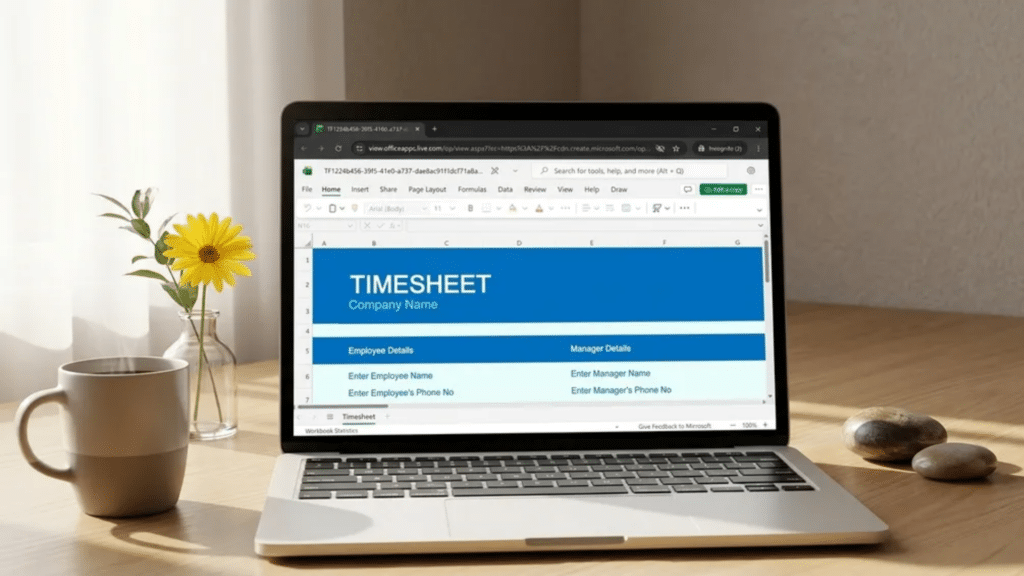
Excel-Based Employee Schedule Templates
Excel remains one of the most widely used tools for building employee schedules due to its structure and control options.
It allows managers to design shift plans in a simple grid while still handling detailed workforce data.
|
Sources: |
Core advantages:
- Editable grid format that supports quick adjustments for changing shifts
- Formula-based calculations for tracking hours, totals, and overlaps
- Easy duplication for weekly or monthly cycles without rebuilding the format
- Suitable for small and mid-size teams that rely on manual planning control
Excel also supports formatting tools such as color coding, filters, and conditional formatting, which help clearly separate shifts and roles within the same sheet.
It works well for teams that prefer structured control without depending on external systems.
Google Sheets, Canva, and Airtable Options

Online scheduling tools are built for accessibility, especially when multiple users need to update or view schedules at the same time.
Each platform brings a different structure depending on how simple or detailed the planning needs are.
Comparison table:
| Tool | Strengths | Use Case |
| Google Sheets | Real-time updates and sharing | Remote or distributed teams |
| Canva | Clean visual layouts with a design focus | Simple, presentation-ready schedules |
| Airtable | Database-style structure with linked records | Complex team tracking with layered data |
Google Sheets supports instant edits, making it useful for fast-changing shift updates across teams in different locations.
Canva focuses more on visual clarity and is often used when schedules need to be presented in a clean, readable format.
Airtable adds structure beyond basic grids, allowing teams to connect employees, shifts, and tasks within one system.
Role of Scheduling in Workplace Operations
Proper scheduling shapes how work flows across teams and time slots. It sets a clear structure for who does what, when, and for how long, which helps reduce overlap and idle time.
Well-planned schedules also bring stability to daily operations.
Teams can align their tasks without last-minute confusion, and managers can maintain a steady rhythm across shifts and departments.
Key points:
- Assigns work hours clearly across employees to avoid timing gaps or overbooking
- Separates shifts by role or team so responsibilities stay organized and easy to follow
- Helps track attendance patterns to understand presence, delays, and consistency
- Supports workload distribution so tasks are shared evenly and no team is overloaded
Common Errors in Employee Scheduling
Even a solid template can’t prevent every mistake. Most scheduling problems trace back to a handful of recurring, avoidable slip-ups during manual planning.
- Overlapping shifts: The same time slot is assigned to multiple staff members, causing role confusion.
- Missing break slots: Breaks not added during planning, reducing shift efficiency later.
- Uneven workload distribution: Some staff receive heavier shifts while others stay underused.
- Lack of update tracking: Schedule changes are not reflected across versions, resulting in mismatches.
- Ignoring availability changes: Updated leave or timing requests are not reflected in the roster in a timely manner.
Catching these patterns early keeps shift planning reliable, so coordination stays smooth even as staffing needs and availability shift week to week.
Ending Note
A well-built employee schedule template brings steadiness to daily operations and reduces confusion across teams handling multiple shifts.
It supports clearer coordination between roles and helps maintain consistency even when workload patterns change. With the right template in place, planning becomes more predictable and easier to manage over time.
Have a look at your current scheduling method and assess what needs improvement in terms of clarity or control.
Share your experience in the comments about what works best for managing employee shifts or what challenges come up most often.
Frequently Asked Questions
Can ChatGPT Create a Schedule?
Yes, ChatGPT is excellent at creating schedules. You can simply provide a list of your tasks, time constraints, and preferences (like wake-up times and break lengths), and ChatGPT will organize them into a clean, easy-to-read schedule.
What Is the Most Unhealthy Shift to Work?
The permanent night shift, typically working roughly 11:00 PM to 7:00 AM, and backward-rotating shifts are widely considered the most unhealthy shifts to work.
What Is the 3-2-2-3 Schedule?
The “3-2-2-3 schedule”, often referred to as a Pitman or 2-2-3 rotating shift pattern, is a 12-hour, around-the-clock shift schedule. It requires four overlapping teams to provide continuous 24/7 coverage, meaning employees will never work more than three days consecutively.