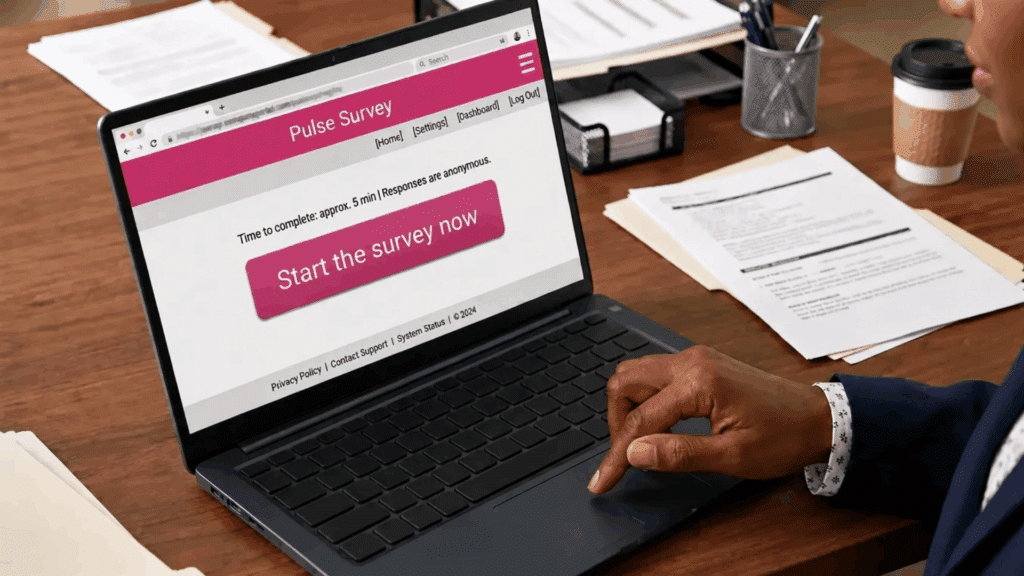

Employee engagement can’t wait for annual reviews. Pulse survey software captures timely feedback in small, meaningful bursts, giving leaders a continuous view of team sentiment.
These tools provide actionable insights into morale, collaboration, and workplace challenges, enabling organizations to respond quickly.
Modern employee survey apps make participation simple across devices, ensuring feedback is consistent and convenient.
By using pulse surveys strategically, companies can maintain an informed, agile workforce where insights translate into immediate improvements and stronger alignment between teams and leadership.
What Is Pulse Survey Software?
Tracking employee sentiment in real time is essential for modern organizations. Pulse survey software makes this process simple and effective.
Pulse survey software collects brief, frequent feedback through 5–10 targeted questions. Unlike traditional annual surveys, it provides a continuous view of workforce sentiment, enabling quick responses to emerging issues.
Organizations use it to monitor engagement, morale, and satisfaction in real time, helping managers identify trends, address challenges promptly, and make data‑driven decisions.
The growth of employee survey apps supports this approach, offering device-friendly ways for employees to share feedback consistently and conveniently.
By delivering quick, actionable insights, pulse surveys allow organizations to act promptly and improve the workplace without waiting for lengthy survey cycles.
Why Pulse Survey Tools Matter?
Feedback is only valuable when it drives action. Pulse survey tools turn insights into impact.
Core Benefits
- Continuous sentiment tracking for near real-time understanding.
- Early issue detection to prevent escalation.
- Boosted engagement and stronger employee retention through visible action on feedback.
Organizational Value
- Informed decisions guided by current employee insights.
- Improved communication through consistent feedback loops.
Pulse surveys connect employees and leadership, helping organizations act quickly and maintain a responsive, engaged workforce.
Key Features to Look for In Pulse Survey Software
Pulse survey software offers targeted insights only if the right features are in place.
Choosing tools with these core capabilities ensures smooth implementation, consistent participation, and actionable outcomes.
- Short & customizable questionnaires: Minimize survey fatigue and get quick, actionable insights.
- Automated scheduling & reminders: Deliver surveys consistently and track trends easily.
- Anonymous feedback options: Protect confidentiality and encourage honest input.
- Dashboards & analytics: Turn responses into clear visuals and highlight patterns.
- Integrations (HRIS, Slack, Teams, etc.): Connect with existing workflows for easier participation.
- Mobile‑friendly interface: Allow employees to respond anytime, ideal for remote teams.
Top Pulse Survey Software (2026)
A clear comparison helps organizations select tools that match their size, goals, and workflows. Each platform offers unique strengths tailored to different needs.
1. Qualtrics
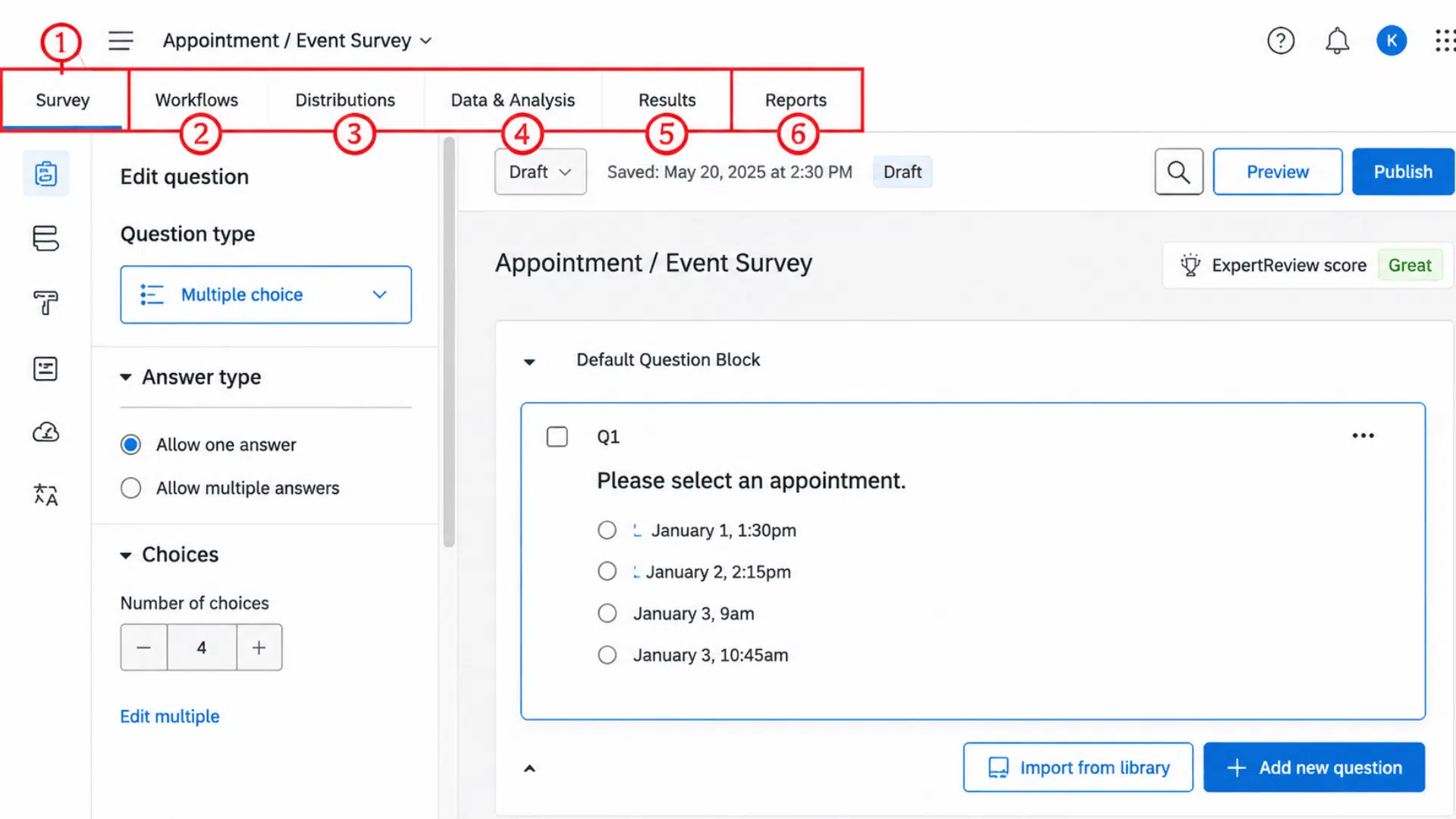
Standout capability: Advanced analytics with benchmarking and AI-driven trend detection provide deep understanding of engagement trends across departments and regions, helping leaders make data-driven decisions.
Best for large enterprises seeking comprehensive insights.
2. Lattice
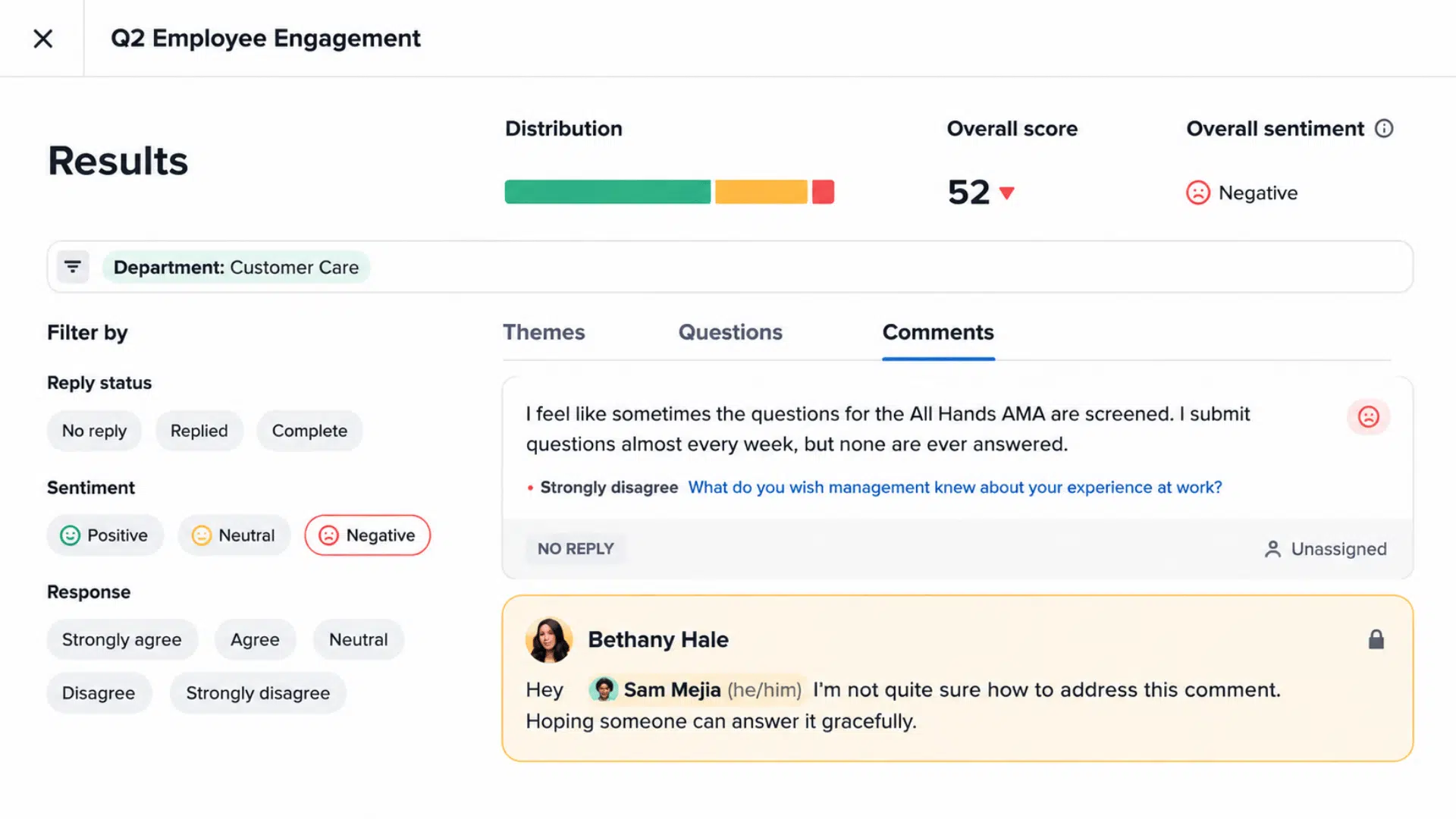
Standout capability: An integrated platform that unifies feedback, recognition, and performance tracking, allowing teams to see engagement and performance data in one place for better alignment.
Best for teams combining performance management and engagement.
3. Engagesoft
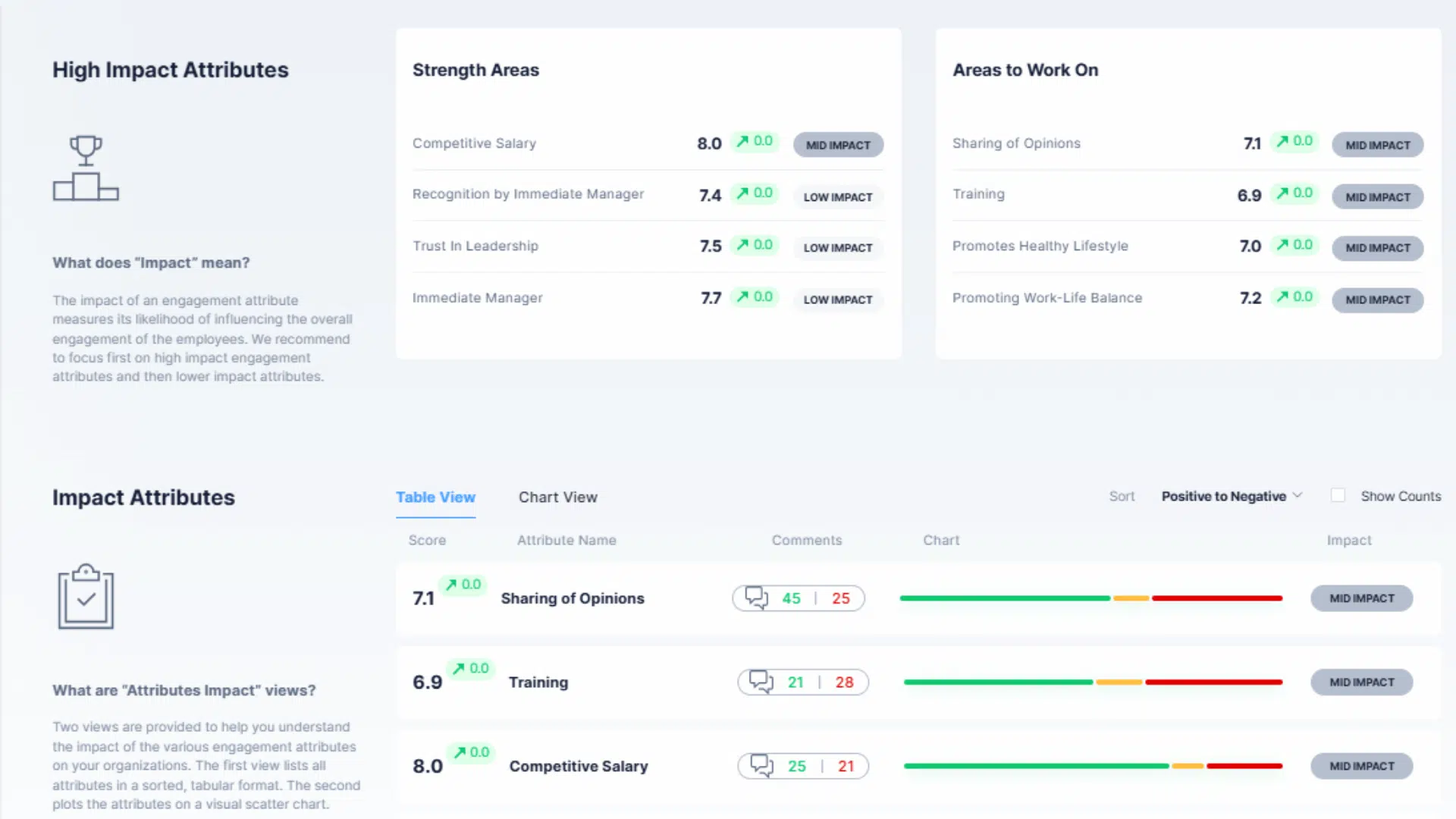
Standout capability: Automated monthly surveys with minimal setup deliver continuous insights, making it easy for managers to track sentiment trends without complex configuration or heavy oversight.
Best for organizations needing simple, recurring engagement cycles.
4. Gallup Access
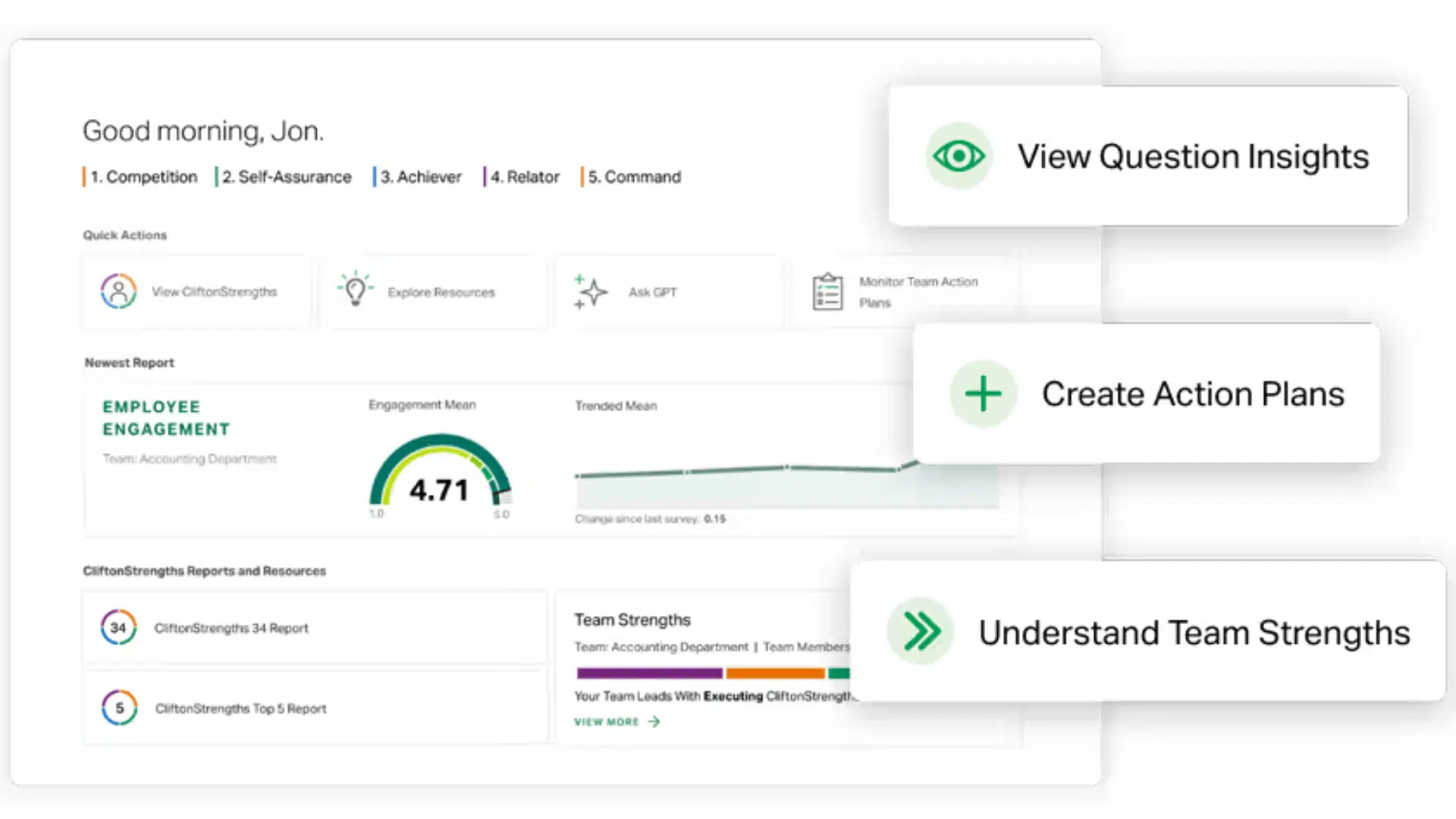
Standout capability: Uses validated, research-backed questions to reliably assess employee experience, providing actionable data to guide cultural and leadership improvements.
Best for measuring culture, well-being, and leadership impact.
5. Achievers
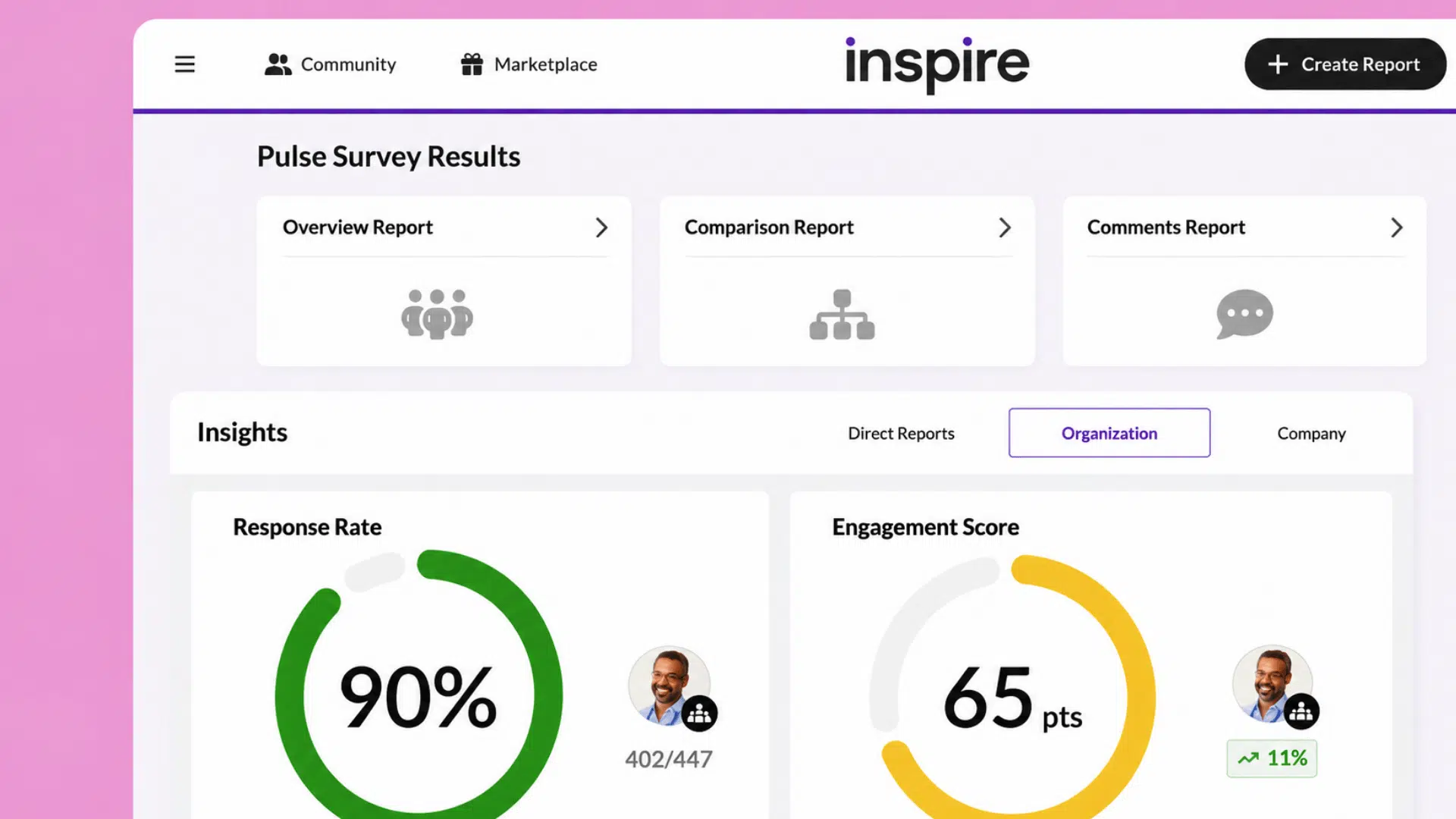
Standout capability: Robust dashboards translate real-time feedback into measurable actions, helping managers address concerns and implement changes that improve engagement and performance.
Best for converting employee sentiment into actionable strategies.
6. Trakstar
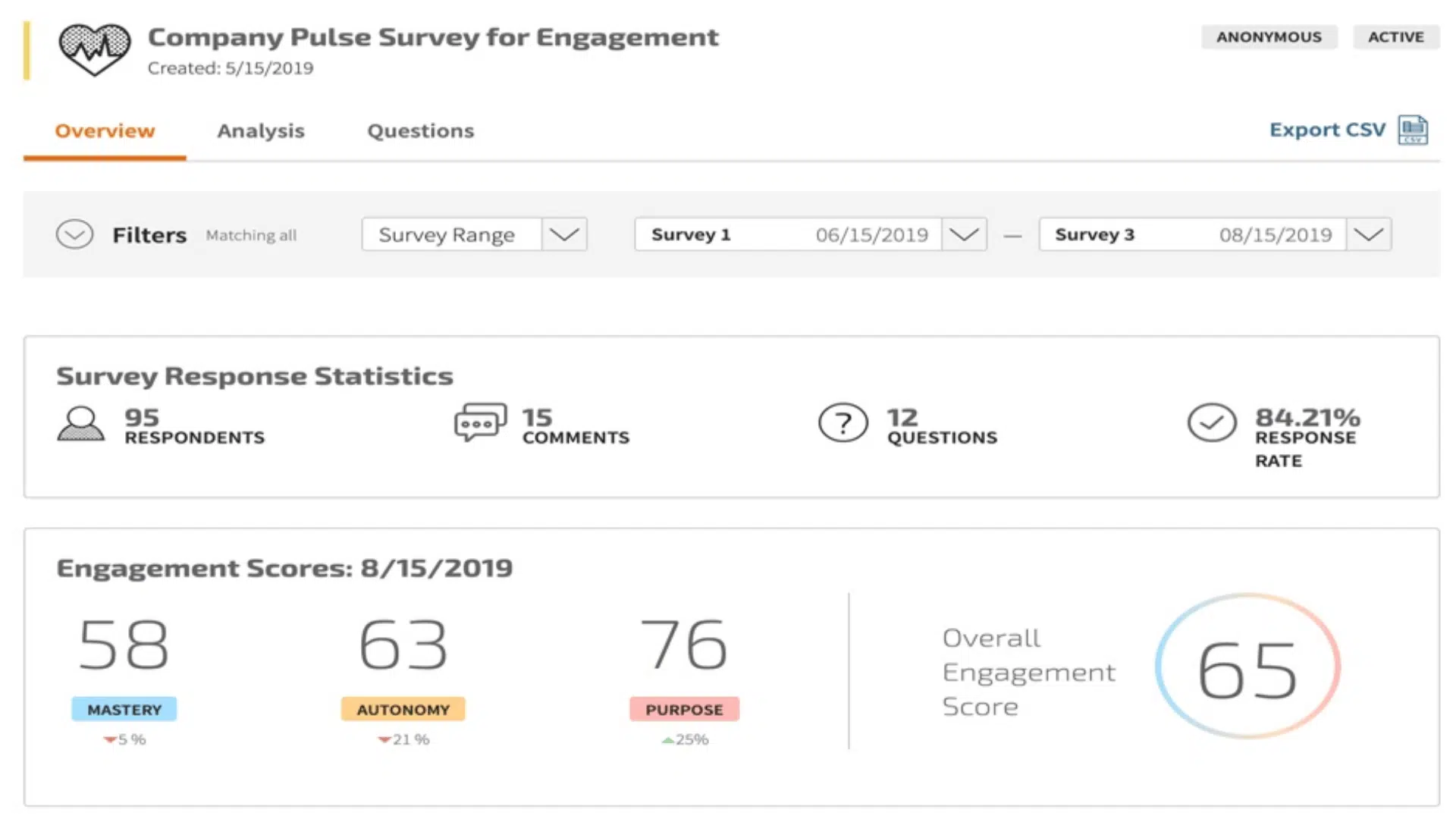
Standout capability: Allows segmentation by location or team, offering precise insights that help organizations tailor strategies and interventions to specific groups or areas.
Best for department-level analysis in mid-to-large teams.
Budget-conscious or smaller teams: Consider free or basic options like Google Forms or Microsoft Forms, which provide simple pulse checks without advanced analytics but allow consistent employee feedback collection.
How Does Pulse Survey Software Work?
Pulse surveys follow a structured cycle to gather timely insights without causing survey fatigue.
- Set the Cadence: Choose weekly, biweekly, or monthly frequency based on team size and goals.
- Define the Topics: Pick specific themes like well-being, job satisfaction, or manager support.
- Distribute the Survey: Send through email, mobile apps, or internal communication tools.
- Collect Responses: Anonymity and data security encourage employees to share honest feedback.
- Analyze the Data: Dashboards and visual reports highlight trends, gaps, and engagement shifts.
- Close the Loop: Share results with employees and implement changes based on feedback.
Best Practices for Deploying Pulse Surveys
Effective pulse surveys require planning and follow-up to maximize impact. Keeping surveys simple and focused improves participation and results.
| Best Practice | What to Do | Why It Helps |
|---|---|---|
| Keep Questions Short | Limit each survey to 5–10 focused questions | Reduces survey fatigue and increases completion rates |
| Stay Consistent | Send surveys on a regular schedule | Builds employee expectation and makes trend tracking reliable |
| Share the Findings | Communicate key results back to employees | Shows transparency and builds trust in the feedback process |
| Act on the Data | Implement changes and update employees on progress | Proves that feedback leads to real workplace improvements |
| Connect It to Other Efforts | Tie surveys with recognition, reviews, and team meetings | Creates a complete engagement system rather than isolated data |
Choosing the Right Tool for Your Team
Selecting the right pulse survey platform requires more than popularity, it must fit your organization’s workflow, scale with growth, and offer essential features.
Consider team size and budget to ensure the platform can support current employees and future expansion. Integrations with HRIS, communication, and productivity tools are important to reduce manual work and improve adoption.
Analytics and reporting should provide actionable insights, highlighting trends and engagement levels clearly.
Usability is key; an intuitive interface encourages participation, reduces training time, and ensures reliable results.
Checklist for Final Selection☐ Security & compliance: Ensure the platform meets industry standards for privacy and secure handling of employee data. ☐ Support: Access onboarding, training, and ongoing assistance to ensure smooth implementation and use. ☐ Customization: Adjust question sets, branding, and survey frequency to match your organization’s specific needs. |
Wrapping Up
Pulse survey software transforms employee feedback into a strategic asset, allowing organizations to act on insights before issues escalate.
By consistently capturing real-time sentiment, companies can make informed decisions that support engagement, productivity, and alignment across teams.
Selecting the right tool ensures that feedback is not only collected but also analyzed and applied effectively, turning data into meaningful workplace improvements. Every organization can benefit from understanding how employees feel and responding in a timely, focused manner.
Which features do you consider essential in a pulse survey app? Share your experiences and thoughts in the comments below.
Frequently Asked Questions
Is the Pulse Survey Really Anonymous?
Pulse surveys are often confidential rather than strictly anonymous. While managers and HR generally cannot see who submitted specific responses, the system usually tracks participation and uses data thresholds to protect your identity.
What Is the Best Time to Send a Pulse Survey?
Saturday and Sunday afternoons work well for consumer surveys when people are browsing their phones during downtime.
How Often Should Pulse Surveys Be Conducted?
Most organizations deploy pulse surveys quarterly or monthly; the exact cadence still depends on your objectives, your capacity to follow best practices, and your ability to act on results.