
HR teams collect a lot of data. But without the right tools, that data just sits there unused and overwhelming.
The best tools for HR analytics turn raw numbers into clear insights. They help track turnover, spot trends, and make smarter workforce decisions.
Better data means better hiring, stronger retention, and less guesswork. Small and large teams alike can benefit from having the right setup.
Here, you’ll find a breakdown of the best tools available, what each one does, and how to choose the right fit for your team.
What is HR Analytics Software?
HR analytics software is a digital solution that helps organizations collect, organize, and interpret workforce data to support better decision-making.
It goes beyond basic reporting by identifying patterns in employee behavior, performance, and engagement.
Whether tracking hiring trends or predicting turnover risks, these tools give HR teams the context they need to act with clarity rather than relying on assumptions or gut instinct.
The Importance of Tools for HR Data Analytics
To transform data into valuable insights, HR teams need the right tools.
Here’s why they’re essential:
- Centralized Data Capture: A single system eliminates data silos, enabling easier trend analysis and driving smarter decisions.
- Standardized Inputs: Consistent data documentation ensures accuracy in reporting and benchmarking.
- Dynamic Dashboards: Real-time visibility enables early risk detection and proactive action.
- Built-in Reporting Templates: Templates save time and ensure consistency in reporting and presentations.
- Benchmarking and Trend Analysis: Tracking trends against goals helps measure progress and hold people accountable.
- Role-based Access Controls: Secure access ensures that relevant data is shared with the right people while maintaining confidentiality.
These tools empower HR teams to turn data into insights and drive better decisions. HR Acuity offers all of this, making it a top choice for HR data analytics.
BI Dashboards
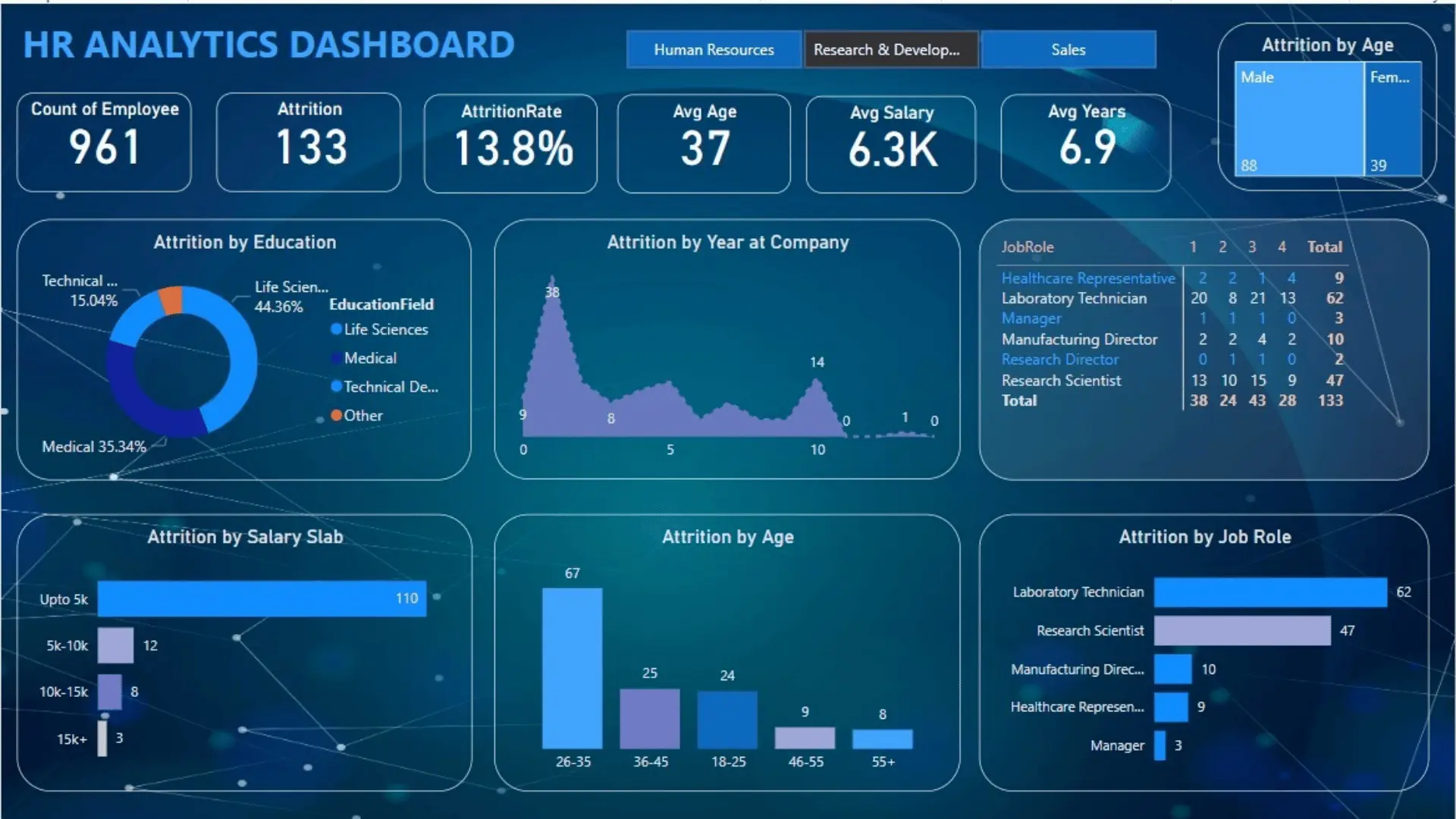
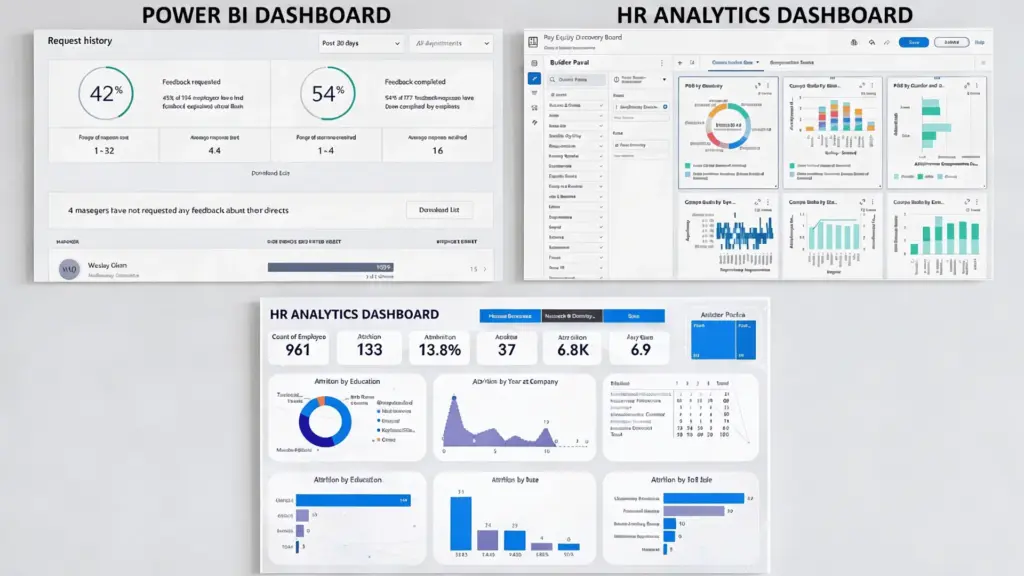
BI dashboards turn workforce data into visual insights, making it easier to monitor metrics like headcount, turnover, and diversity.
These tools help identify trends and eliminate the need for manual report preparation by providing real-time data. With customizable filters and drill-down features, HR leaders can make informed decisions based on up-to-date information.
1. Power BI
Microsoft’s Power BI streamlines data aggregation, analysis, and visualization, making it ideal for creating HR dashboards and visualizing workforce metrics from multiple systems.
- Combines HR data from sources like HRIS, ATS, and payroll into one dashboard.
- Tracks HR metrics, including headcount growth, turnover trends, and diversity.
- Dashboards update automatically, saving time on manual reports.
- Allows detailed analysis of data to identify issues by department or location.
- Combines HR data with financial or operational data for broader insights.
2. Tableau
Tableau enables aggregating and visualizing data from various sources, offering powerful interactive data visualization capabilities.
- Allows visual exploration of workforce data to uncover patterns not easily seen in spreadsheets.
- Dashboards filter data by department, location, job level, or tenure, making trends easier to identify.
- Helps analyze promotion patterns, identify recruitment bottlenecks, or track diversity in leadership.
- Ideal for combining and visualizing large datasets from HRIS, recruitment systems, and surveys.
People Analytics Platforms
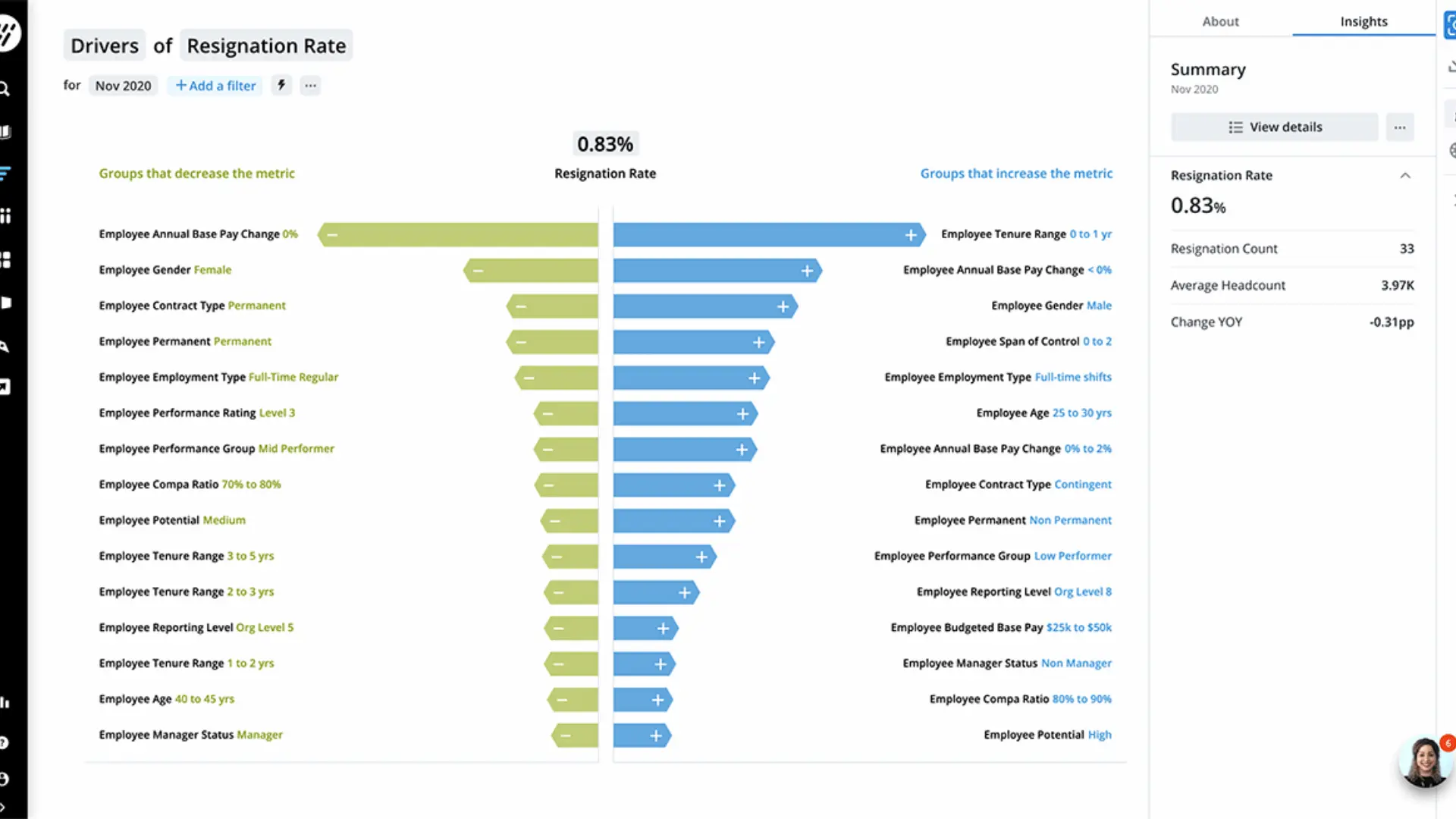
People analytics platforms are designed for workforce analysis, offering HR-specific metrics and models to understand workforce behavior and outcomes.
They combine data from HR systems to answer key questions, such as why employees leave, whether promotion pathways are equitable, and where skills gaps exist. With pre-built metrics and dashboards, these platforms enable quick analysis of workforce trends.
3. Visier
Visier is a people analytics platform that aggregates data from multiple HR systems to provide actionable insights into workforce trends.
- Aggregates workforce data from various HR systems and applies analytics models for HR-specific questions.
- Analyzes employee attrition patterns by factors like tenure, compensation, and engagement.
- Provides insights into workforce diversity, internal mobility, and talent pipelines.
- Helps identify areas where intervention may be needed by examining workforce patterns.
- Supports both operational HR analysis and strategic workforce planning for deeper workforce understanding.
4. CruncHR
CruncHR is a people analytics and workforce planning platform that helps HR teams turn workforce data into actionable reports and insights.
- Provides pre-built dashboards for tracking common HR metrics like headcount trends, workforce composition, and turnover patterns.
- Combines data from multiple HR systems for a unified view of the workforce, enabling analysis across the employee life cycle.
- Helps link workforce planning to business goals, supporting operational workforce analytics.
HR Suite Analytics
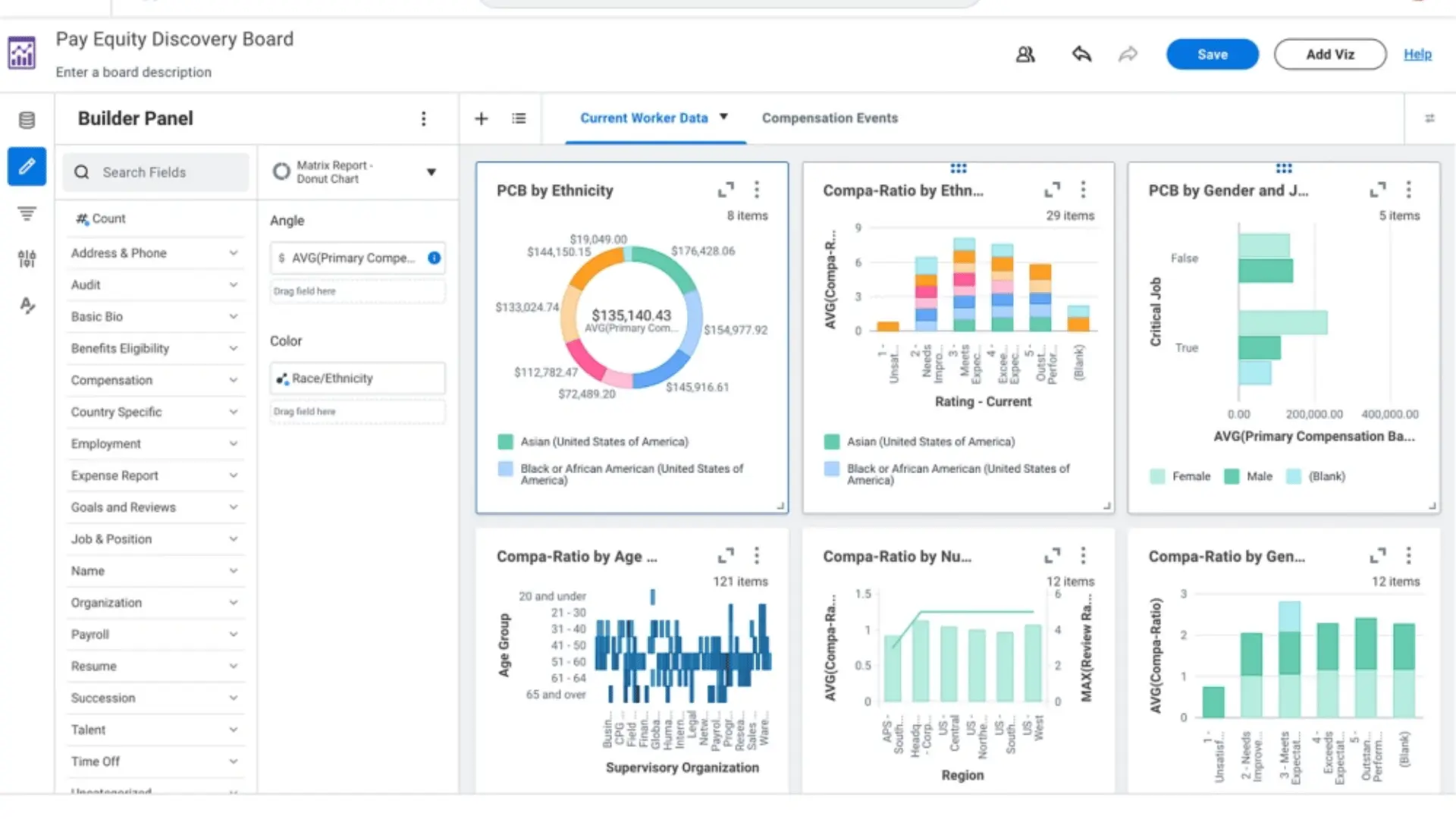
Many HR systems now include built-in analytics capabilities. These tools allow you to analyze workforce data without exporting it into external systems.
For organizations already using enterprise HR platforms, this can be an efficient way to begin exploring workforce trends, as the data already resides in the HR system.
5. Workday
Workday People Analytics helps HR teams turn workforce data into clear insights for better decision-making, focusing on trends, risks, and opportunities.
- Provides integrated dashboards and analytics directly within the Workday HR platform.
- Tracks key HR metrics like headcount growth, turnover, compensation patterns, and workforce diversity.
- Dashboards update automatically as employee data changes, eliminating the need for external reporting systems.
- Ideal for companies using Workday as their core HR system, reducing the need for separate reporting tools.
6. SAP Workforce Analytics
SAP SuccessFactors Workforce Analytics helps HR teams analyze workforce trends and make data-driven decisions to improve business outcomes.
- Integrates with SAP HR systems to provide a comprehensive view of workforce data.
- Tracks key workforce metrics like demographics, retention patterns, and leadership development.
- Combines data from recruitment, learning, and performance systems for deeper insights.
- Ideal for large organizations looking to understand workforce dynamics across various business units.
Engagement and Listening Analytics
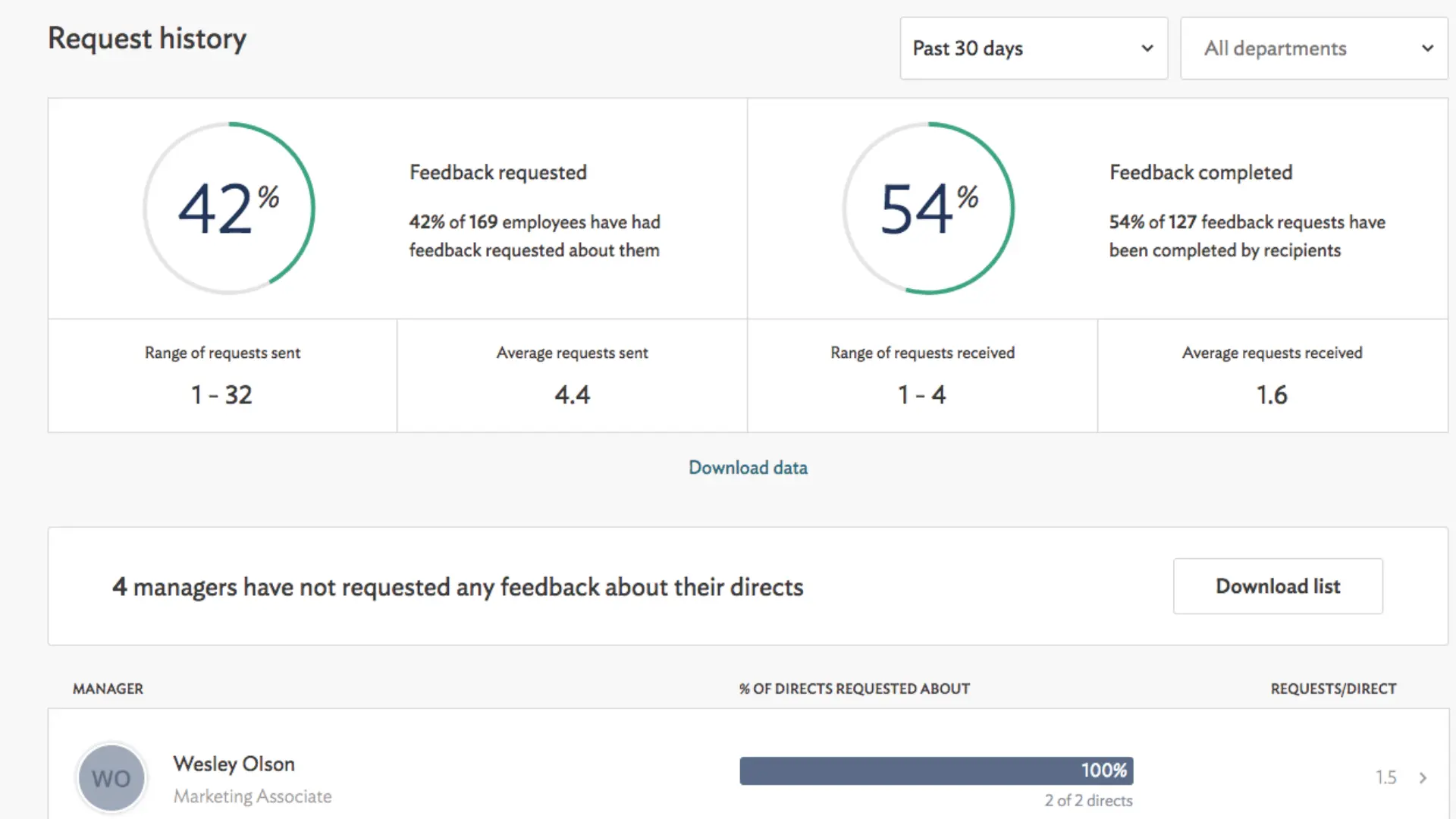
These tools analyze employee sentiment and feedback tHRough engagement surveys, pulse surveys, and life cycle feedback programs.
They help identify patterns in employee sentiment across teams and departments, providing insights into how employees experience the workplace.
7. Culture Amp
Culture Amp is an employee experience platform that provides HR with tools to measure and improve engagement, performance, and team effectiveness.
- Collects and analyzes feedback tHRough engagement, pulse, and life cycle surveys.
- Identifies patterns in employee sentiment to pinpoint areas needing improvement.
- Offers benchmarking data to compare engagement scores with industry standards.
- Helps HR teams enhance organizational culture and retention by understanding employee experiences.
8. Qualtrics Employee Experience
Qualtrics Employee Experience is a platform that helps HR capture and analyze feedback to make better people decisions.
- Analyzes feedback from surveys, onboarding, exit interviews, and other listening programs tHRoughout the employee life cycle.
- Uses natural language processing (NLP) to analyze open-text responses and identify recurring themes.
- Provides insights into employee concerns, including workload, leadership communication, and career development.
- Helps HR teams understand the “why” behind employee sentiment, enabling targeted improvements.
Workforce planning and organizational design
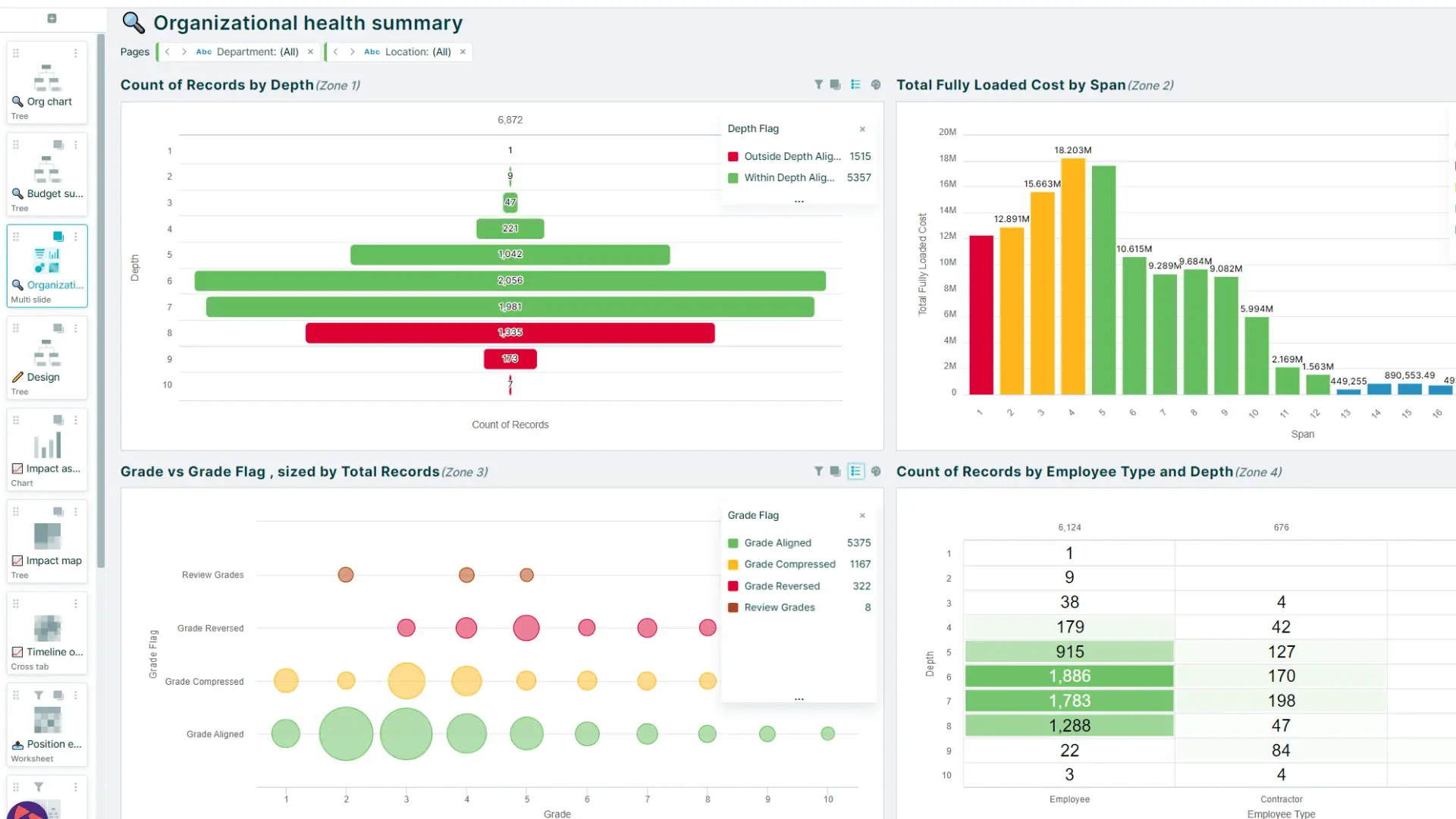
Such tools help HR move from looking at past workforce data to planning future workforce needs and structure.
They let teams test scenarios, spot gaps in skills or capacity, model reporting lines and team setups, and see how changes in headcount or structure may affect cost, performance, and business goals.
9. OrgVue for HR Teams
Orgvue is a workforce planning and organizational design platform that helps HR teams model and plan for future organizational changes.
- Simulates workforce scenarios, such as restructuring, growth, or cost reduction, before implementation.
- Analyzes the impact of changes on reporting structures, workforce costs, and leadership pipelines.
- Helps HR leaders make informed decisions about organizational design and workforce strategy.
- Ideal for organizations undergoing transformation or rapid growth, offering clear insights into workforce structure and roles.
DIY Analytics Stack
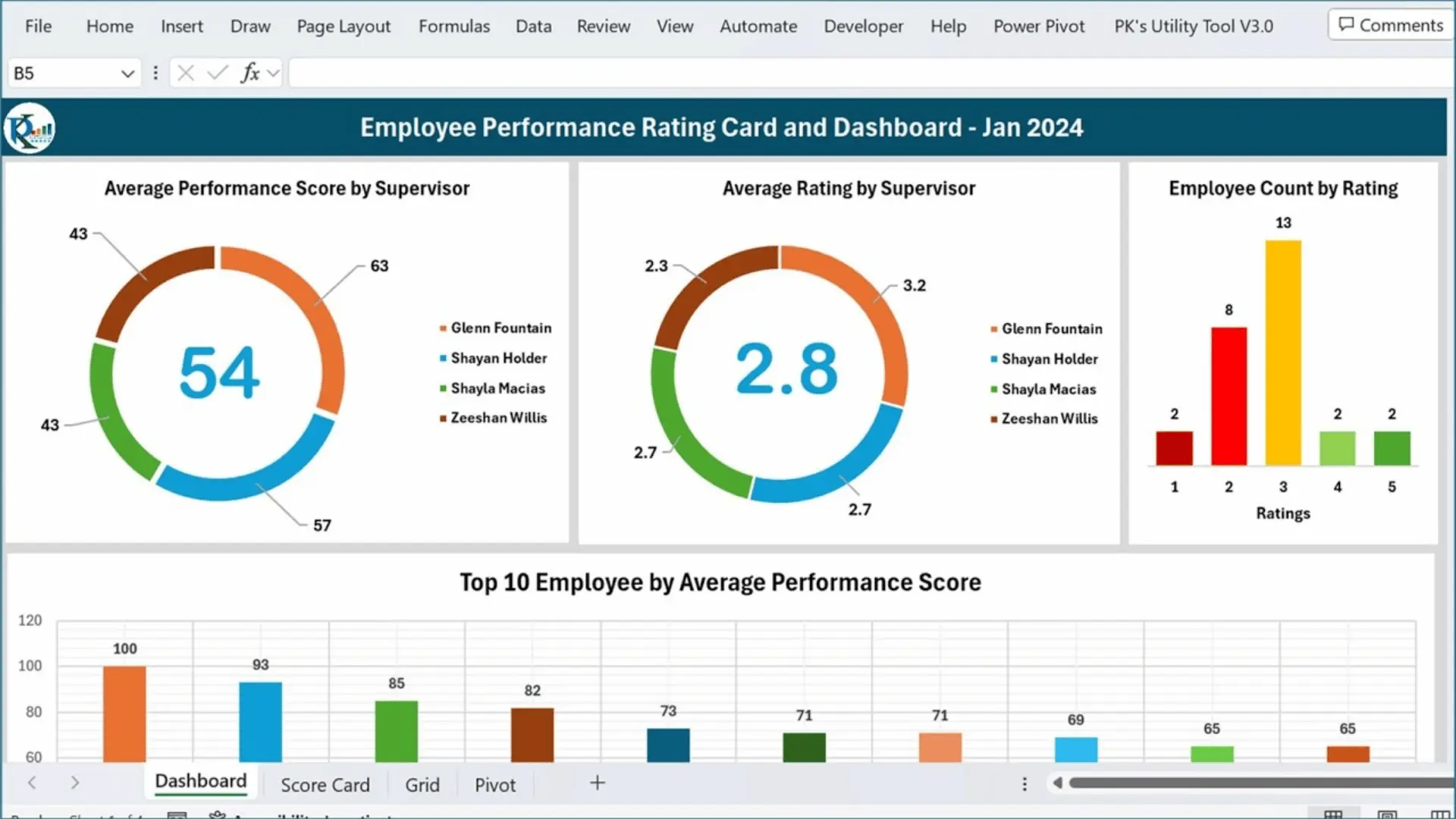
A DIY analytics stack like Excel gives HR a flexible, low-cost way to collect, clean, organize, and analyze workforce data without needing a dedicated platform.
You can use it to track key metrics, build simple dashboards, spot trends, and answer basic people questions, but it often becomes harder to manage as data volume, complexity, and reporting needs grow.
10. Excel for HR Teams
Excel is a widely used tool for quick analysis and basic HR analytics, especially for smaller teams or those just starting with workforce data analysis.
- Allows HR teams to analyze data using pivot tables, formulas, and charts.
- Useful for calculating turnover rates, analyzing absence patterns, and examining recruitment pipeline data.
- Ideal for smaller organizations or teams beginning their analytics journey with workforce data.
- As data grows, HR teams often supplement Excel with more advanced analytics tools for greater complexity.
To make your decision easier, here’s a quick side-by-side comparison of all the tools covered in this blog, including their best use cases, key benefits, and limitations:
| Tool | Best For | Key Benefit | Limitation |
|---|---|---|---|
| Power BI | Mid-large teams | Combines data from multiple HR systems | Requires technical setup |
| Tableau | Data-heavy teams | Strong visual exploration | Steep learning curve |
| Visier | Strategic HR teams | Deep attrition and diversity insights | Expensive for small teams |
| CruncHR | Workforce planning | Pre-built dashboards, easy reporting | Limited customization |
| Workday | Workday users | Fully integrated, no exports needed | Only useful if already on Workday |
| SAP Workforce Analytics | Large enterprises | Covers full employee lifecycle | Complex implementation |
| Culture Amp | Engagement-focused teams | Benchmarks against industry standards | Survey-dependent insights |
| Qualtrics EX | Feedback analysis | NLP for open-text survey responses | Can be overwhelming to set up |
| OrgVue | Restructuring teams | Scenario modeling for org design | Not suited for day-to-day analytics |
| Excel | Small or beginner teams | Low cost, widely familiar | Hard to scale with growing data |
Potential HR Analytics Tool Challenges
HR analytics brings clear benefits, but it also comes with a few hurdles worth knowing before you start.
Limited analytics skills are a common barrier, as not all HR staff are comfortable working with data. Adding basic data training to your HR program can quickly close that gap.
Smaller teams may also struggle with access to enough data, since predictive analytics requires large, relevant datasets to generate meaningful insights. Employee privacy is another concern to take seriously. Staff may question how their data is being used.
Being transparent, staying compliant with data laws, and investing in strong security tools helps build trust and reduce risk.
How to Choose the Best Tools for HR Analytics?
Choosing the right HR analytics tool is essential for making informed, data-driven decisions. With so many options available, it’s important to assess your organization’s specific needs and capabilities.
- Analytics Capabilities: Choose a tool that matches your analysis needs, from basic reporting to advanced AI insights.
- Data Integration: Ensure seamless integration with existing HR systems (HRIS, payroll, etc.).
- User-Friendliness: Select a tool with intuitive dashboards that align with your team’s skill level.
- Security and Compliance: Ensure strong data security, role-based access controls, and regulatory compliance.
- Scalability and Support: Choose a tool that can scale with your organization and offers vendor support.
Considering these factors will help you choose a tool that meets your current needs and supports future growth, driving better decisions and improving workforce management.
Conclusion
The right tools for HR analytics do more than track numbers. They help teams make faster, smarter, and more confident workforce decisions.
From reducing turnover to improving hiring and planning for growth, the impact is real and measurable. Every organization, regardless of size, can benefit from having the right data setup.
The tools covered here range from beginner-friendly to enterprise-grade. There is something for every team and every budget.
Start by identifying your biggest workforce challenge today. Pick a tool that solves it, and build from there. Better decisions start with better data.
Which of the best tools for HR analytics has your team found most useful? Drop your experience in the comments below!
Frequently Asked Questions
What Are the 7 Pillars of HR Analytics?
The 7 pillars include data collection, data quality, reporting, dashboards, analysis, predictive modeling, and strategic decision-making. Together, they form a strong foundation for effective workforce analytics.
What Are the 4 Types of HR Analytics?
The four types are descriptive, diagnostic, predictive, and prescriptive analytics. Each builds on the previous, moving from reporting past data to recommending future actions.
What are HR Facets?
HR facets refer to the core areas of human resources, including recruitment, compensation, training, performance management, employee relations, compliance, and workforce planning.