
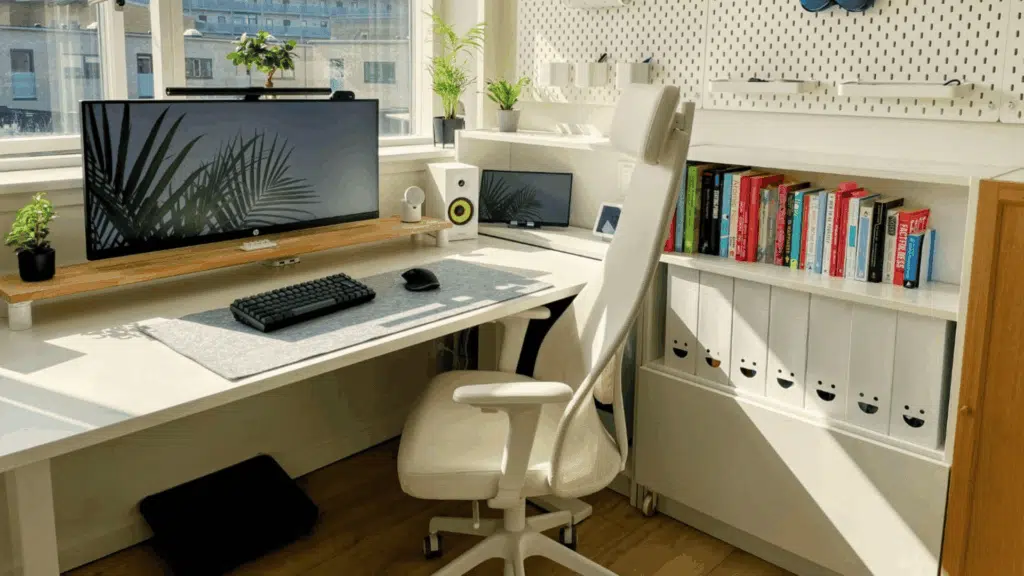

Working from home sounds great, until the back pain kicks in.
Many people piece together a remote setup without thinking it through. A slow laptop, a kitchen chair, bad lighting, it adds up fast.
The fix isn’t buying more stuff. It’s making deliberate choices about the stuff that actually matters.
This post walks you through everything, from picking the right desk to setting up your internet connection the right way.
What a Good Setup Actually Does for You?
A well-built remote work setup reduces physical strain, cuts the time it takes to reach focus, and makes an eight-hour day feel like eight hours, not twelve.
The following is what a considered workspace actually gives you:
- A workspace that fits your hours, tasks, and space removes friction before the day even begins.
- Less clutter means fewer moments lost to distraction; better lighting means less fatigue by mid-afternoon.
- The return on a considered setup is not just productivity; it is the difference between a workday that drains you and one that does not.
Remote Work Setups that are Functional, Not Just Decor
There is no single “correct” way to set up a home workstation. What works for a graphic designer in a studio apartment looks nothing like what a financial analyst builds in a spare bedroom.
1. The Minimal Setup
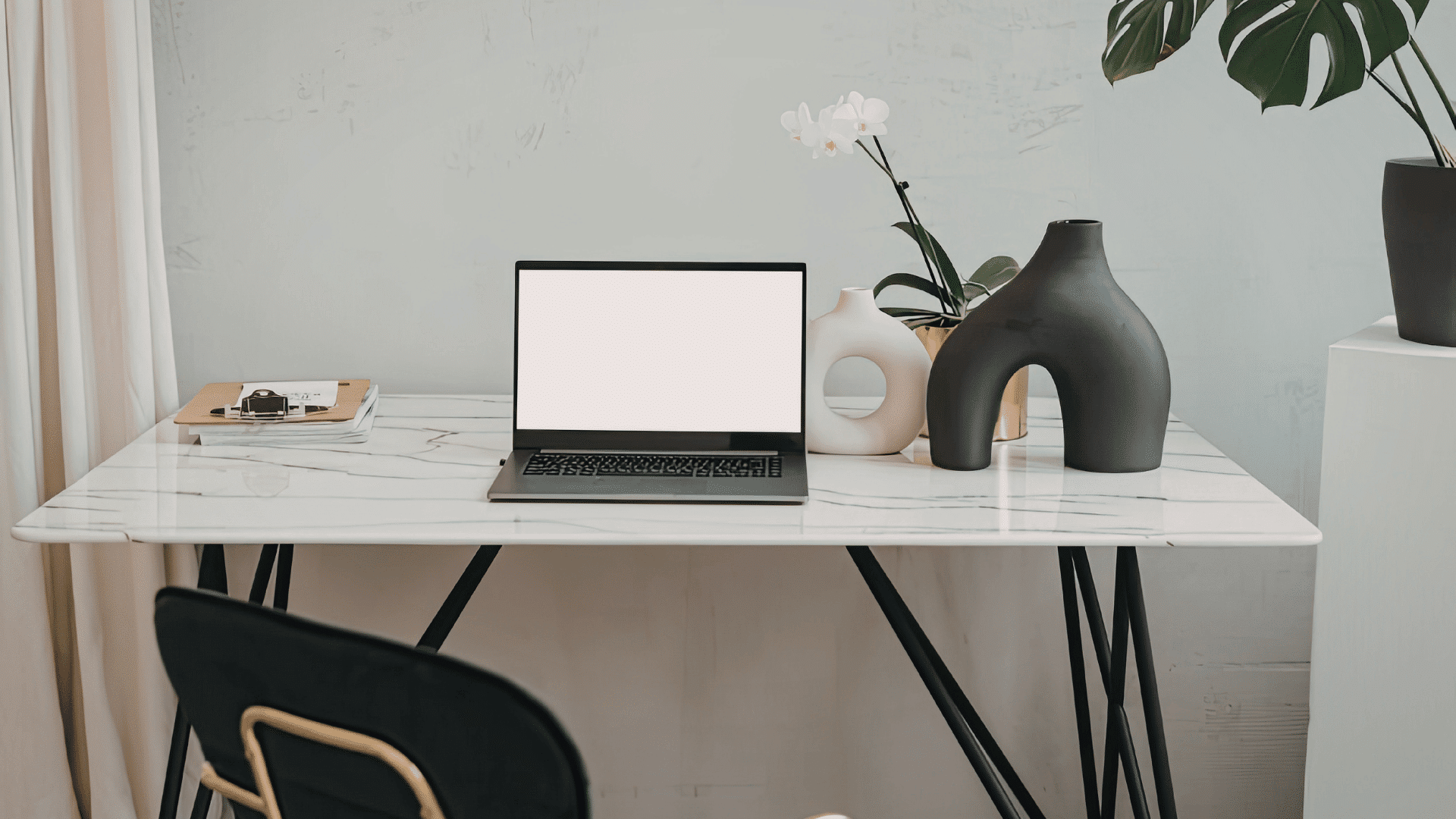
The minimal setup strips everything back: one monitor, a clean desk surface, no clutter in sight.
People who gravitate toward this style tend to be writers, developers, people in small or shared spaces, or anyone who finds visual noise genuinely distracting.
2. The Creative Setup
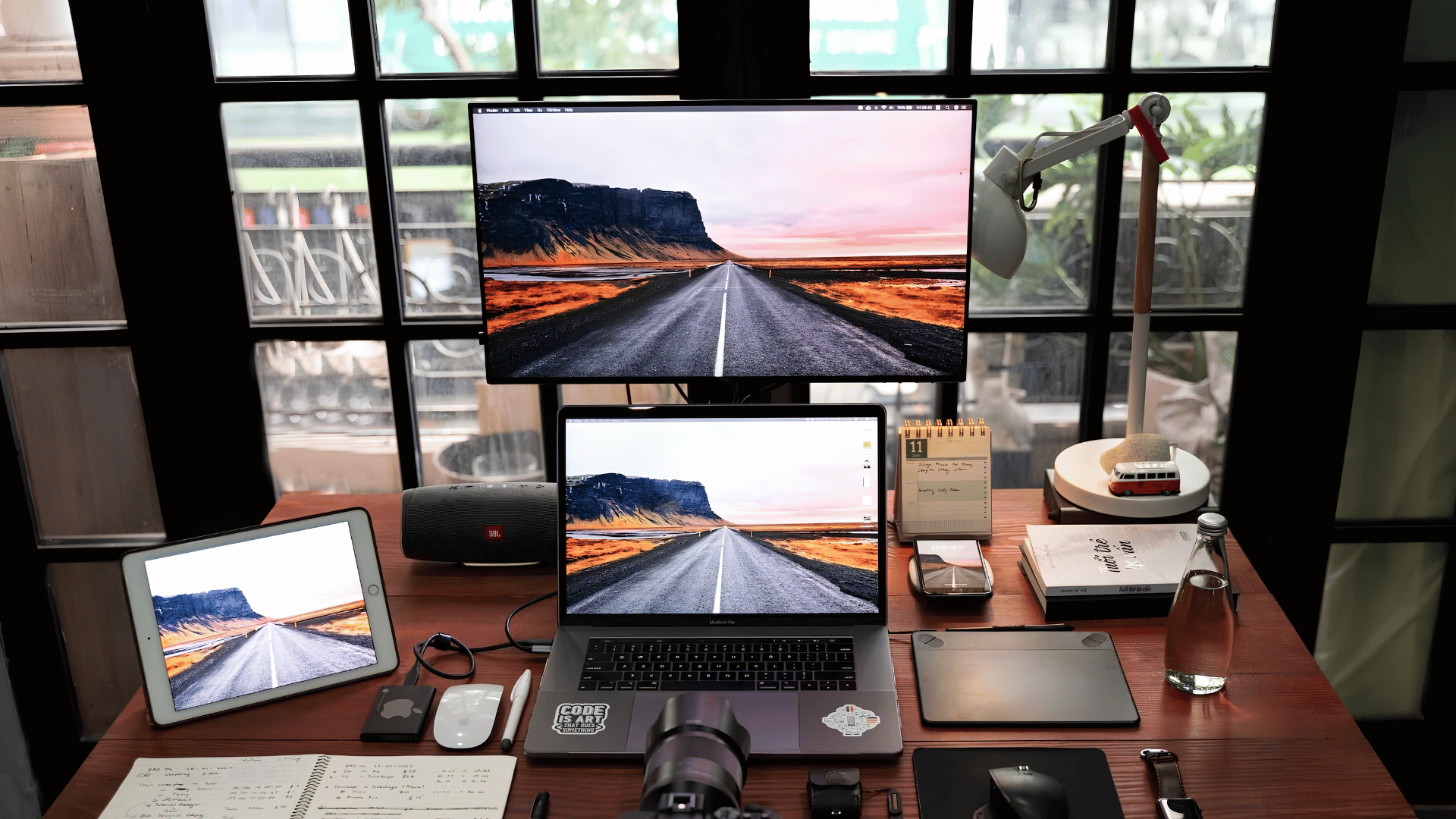
Desk near or facing a window. Daylight does more than brighten a room, it regulates your body clock, reduces afternoon crashes, and keeps eye strain in check during long sessions.
Face the window if you can; put it to your side if glare is a problem.
3. Window-Facing Natural Light Setup
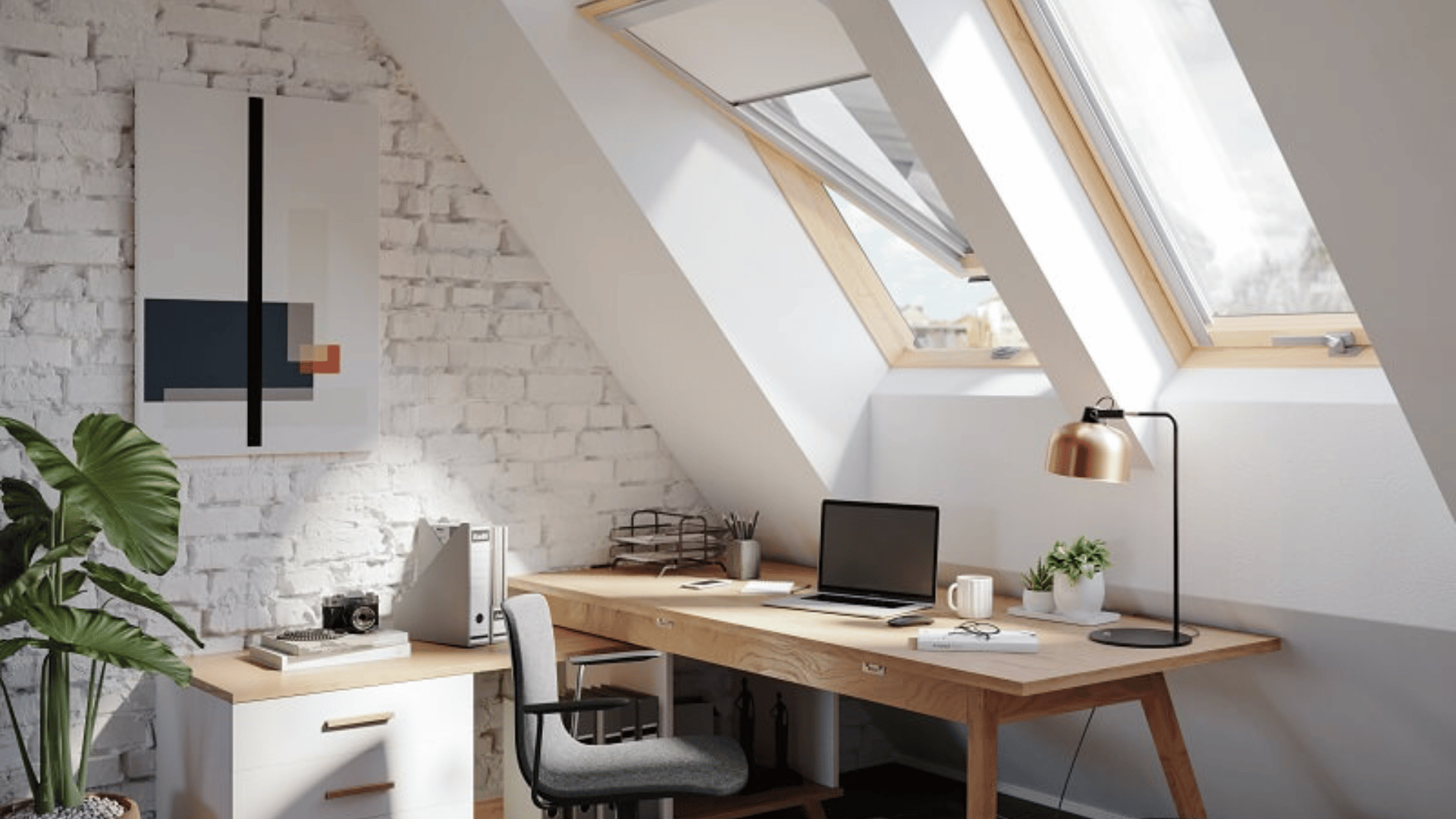
Desk placed near or facing a window to maximize daylight, improve mood, and reduce eye strain, creating a calm, naturally bright workspace that supports long, focused work sessions.
4. Standing Desk Setup
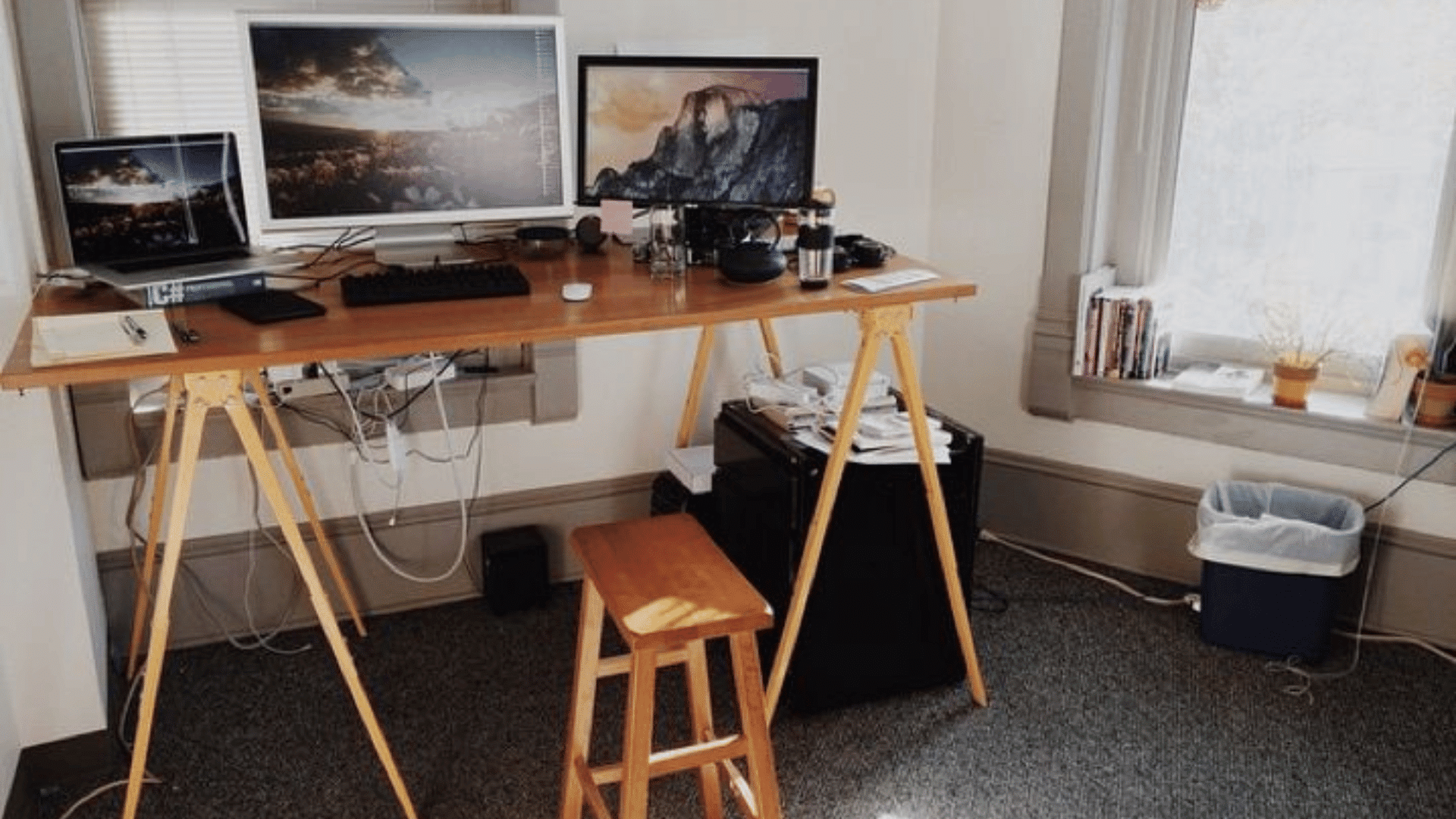
An adjustable desk that lets you switch positions throughout the day.
Worth the price only if you’ll actually use it, most people don’t. If you already find yourself standing up to think, this is the setup for you.
5. Budget Starter Setup
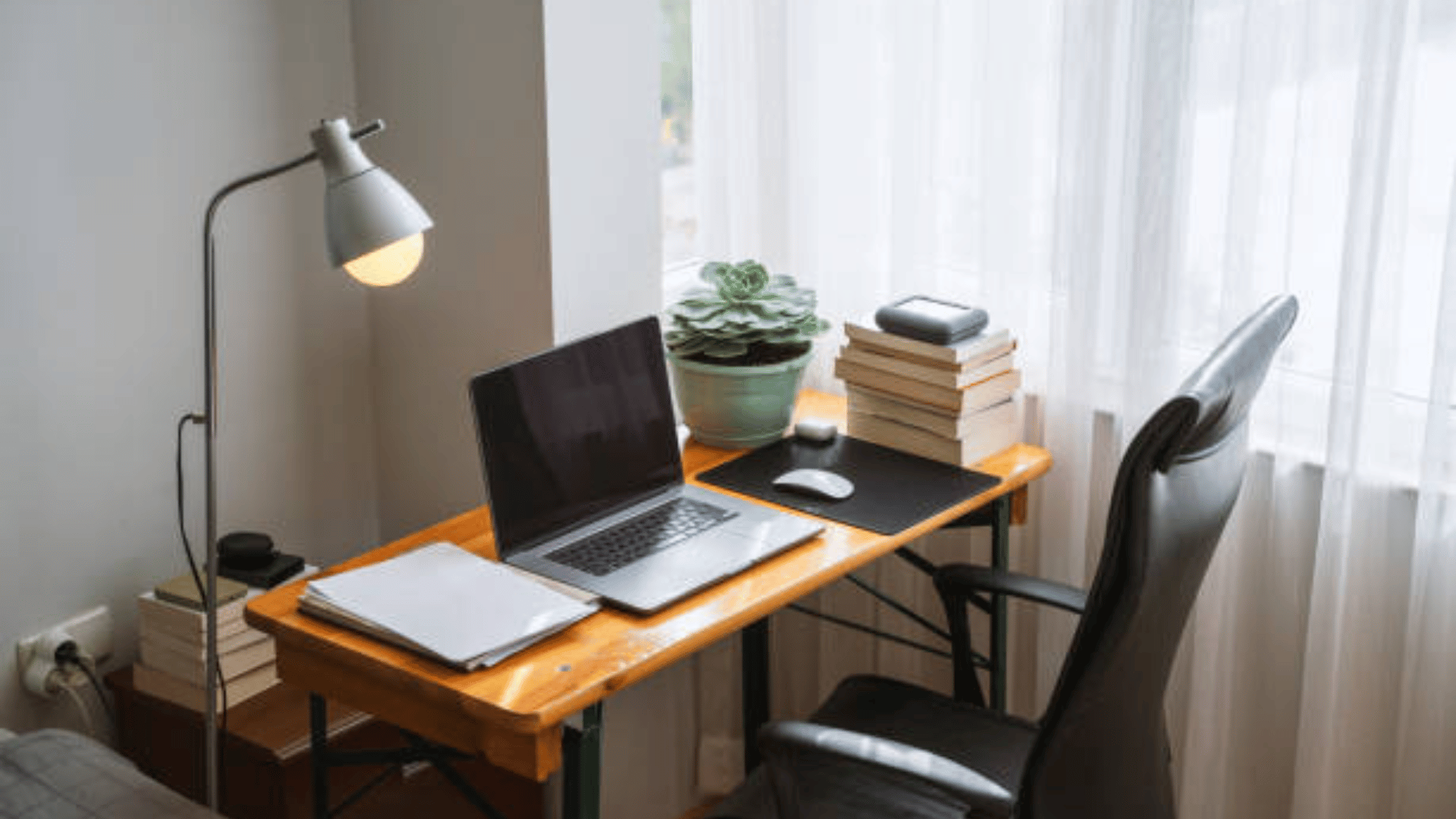
Laptop, basic chair, whatever table is available. Where most remote workers start.
The goal here isn’t aesthetics, it’s making it work while you figure out what you actually need
6. Cozy Coffee-Table Workspace
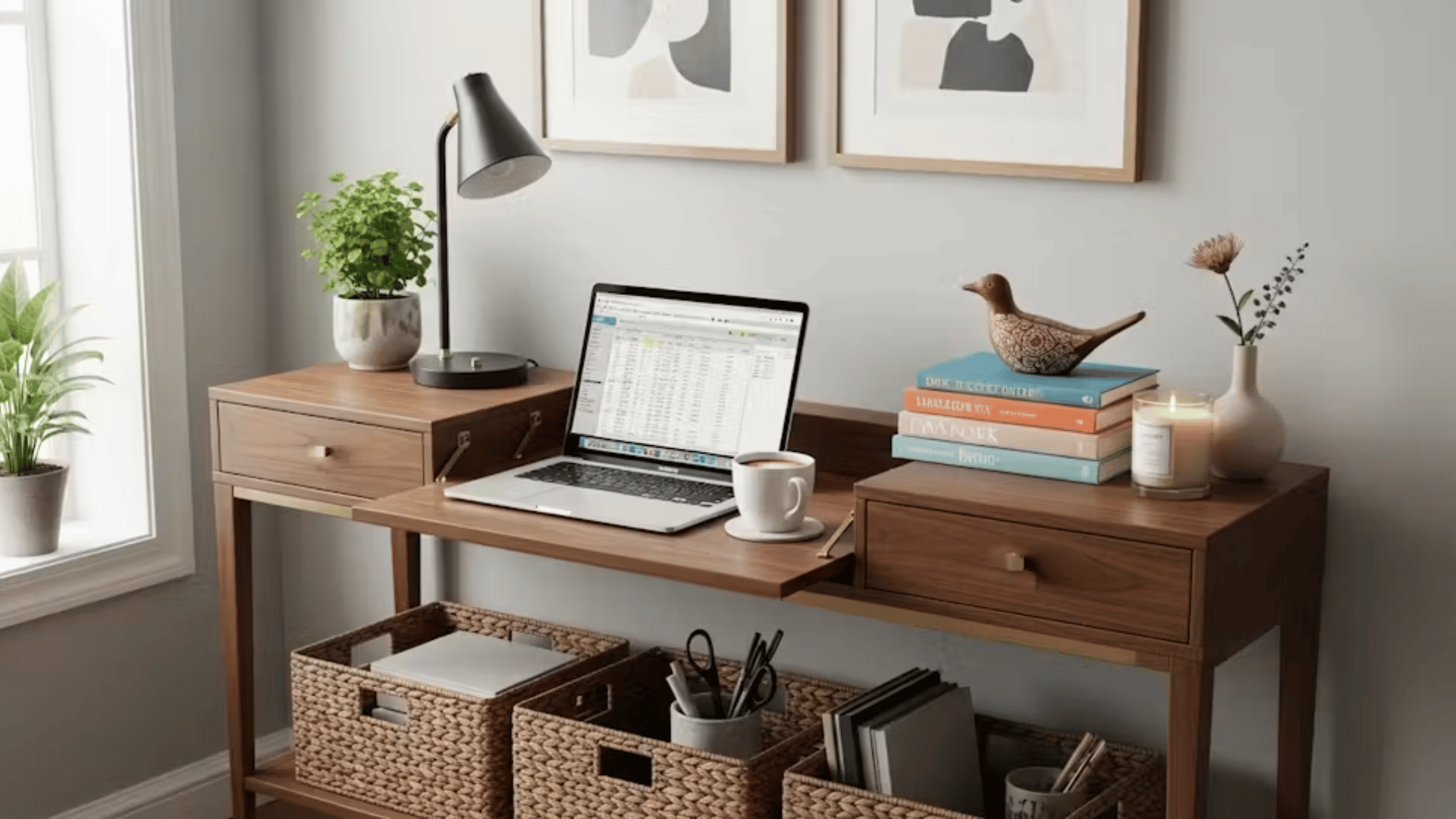
An informal setup using a coffee table or living room space for work, blending comfort and productivity, is often used during transitions or flexible, relaxed working routines.
7. Gaming Desk Turned Workstation
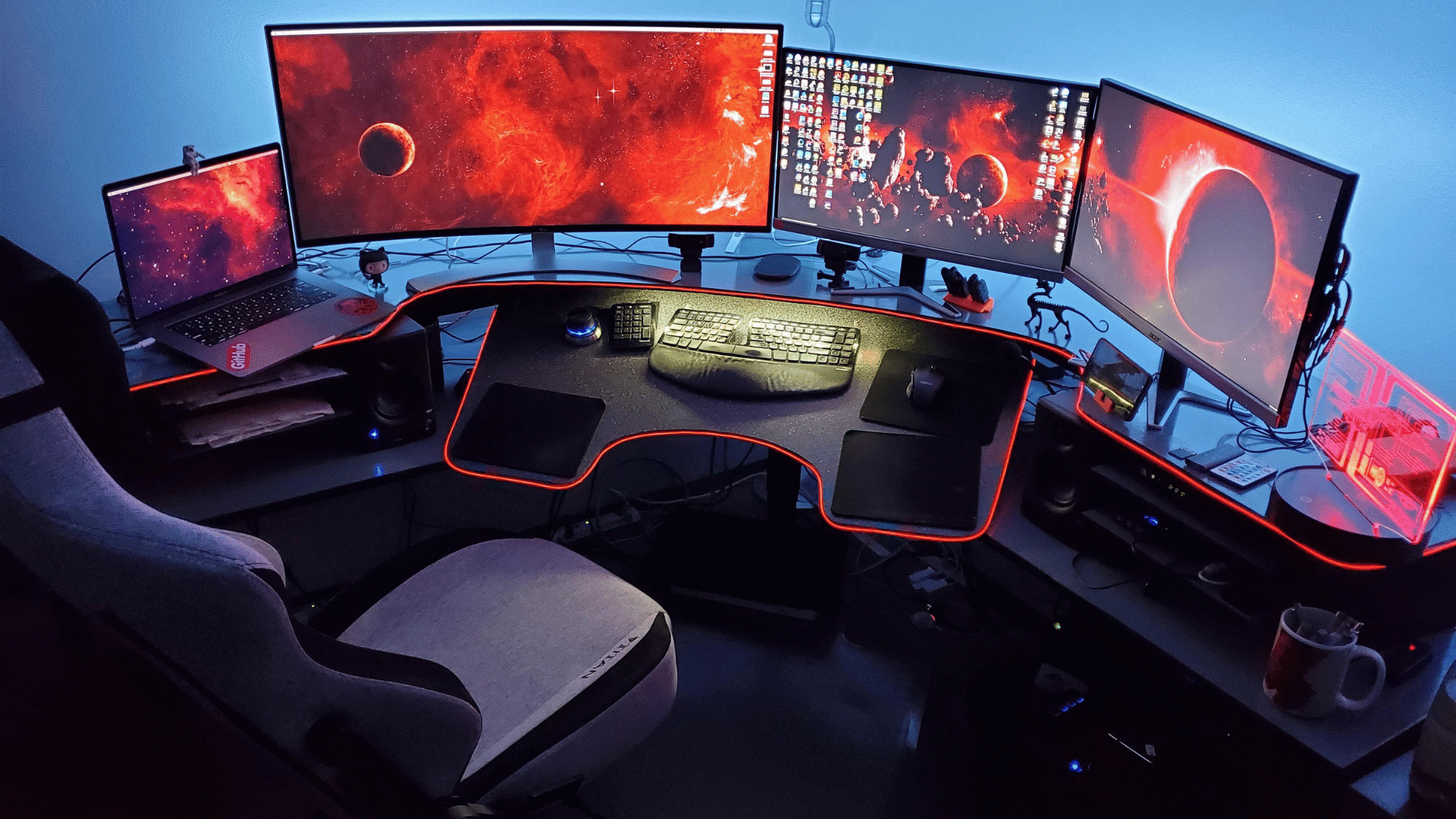
A gaming rig pressed into work duty. RGB lighting, dual monitors, headset always within reach. The ergonomics are often better than a standard office desk, gaming chairs are another story.
8. Shared Workspace Desk
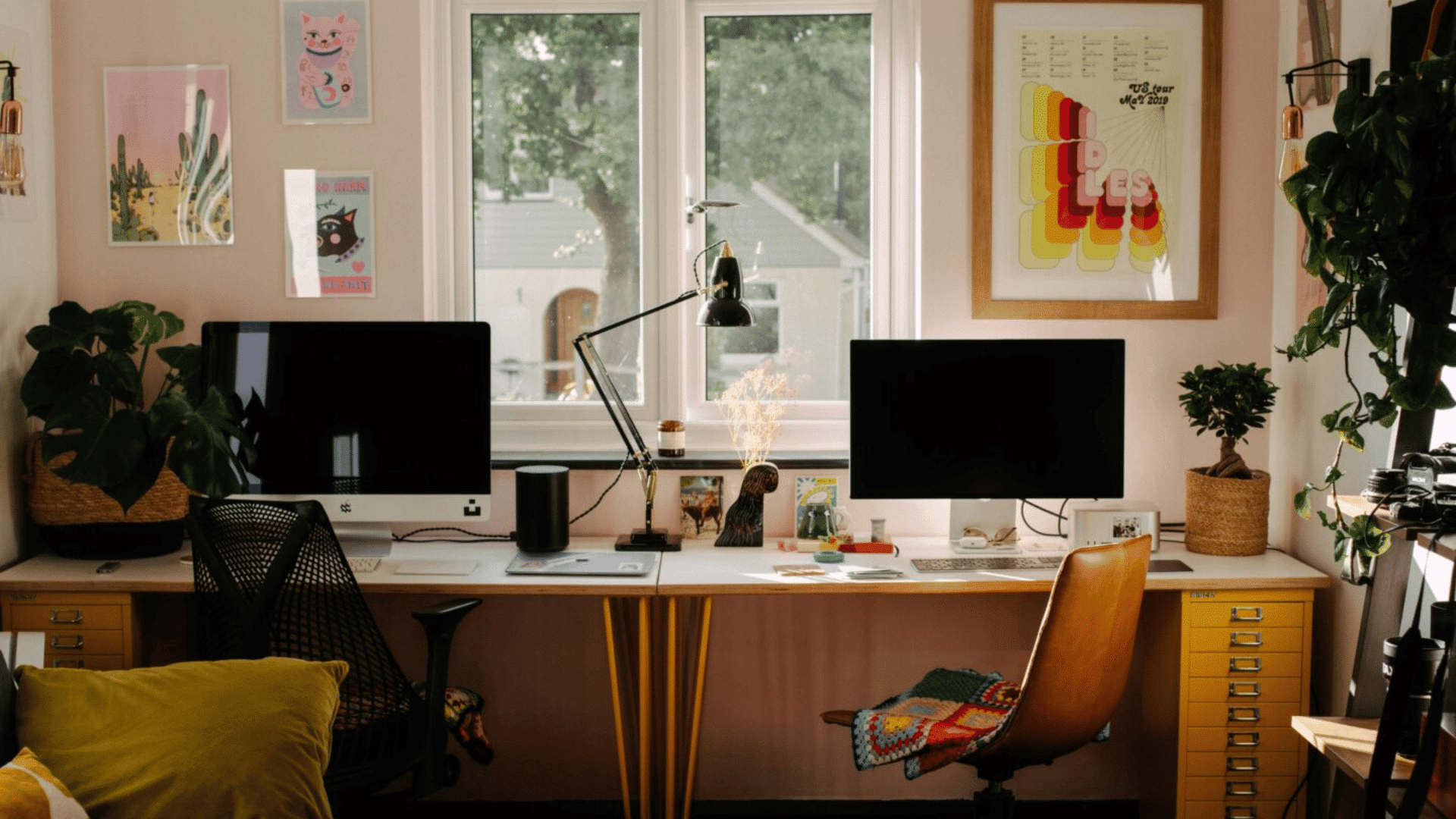
A compact or shared desk arrangement requiring coordination and organization, designed for productivity within limited space while balancing noise, schedules, and personal boundaries.
9. Bookshelf-Integrated Office
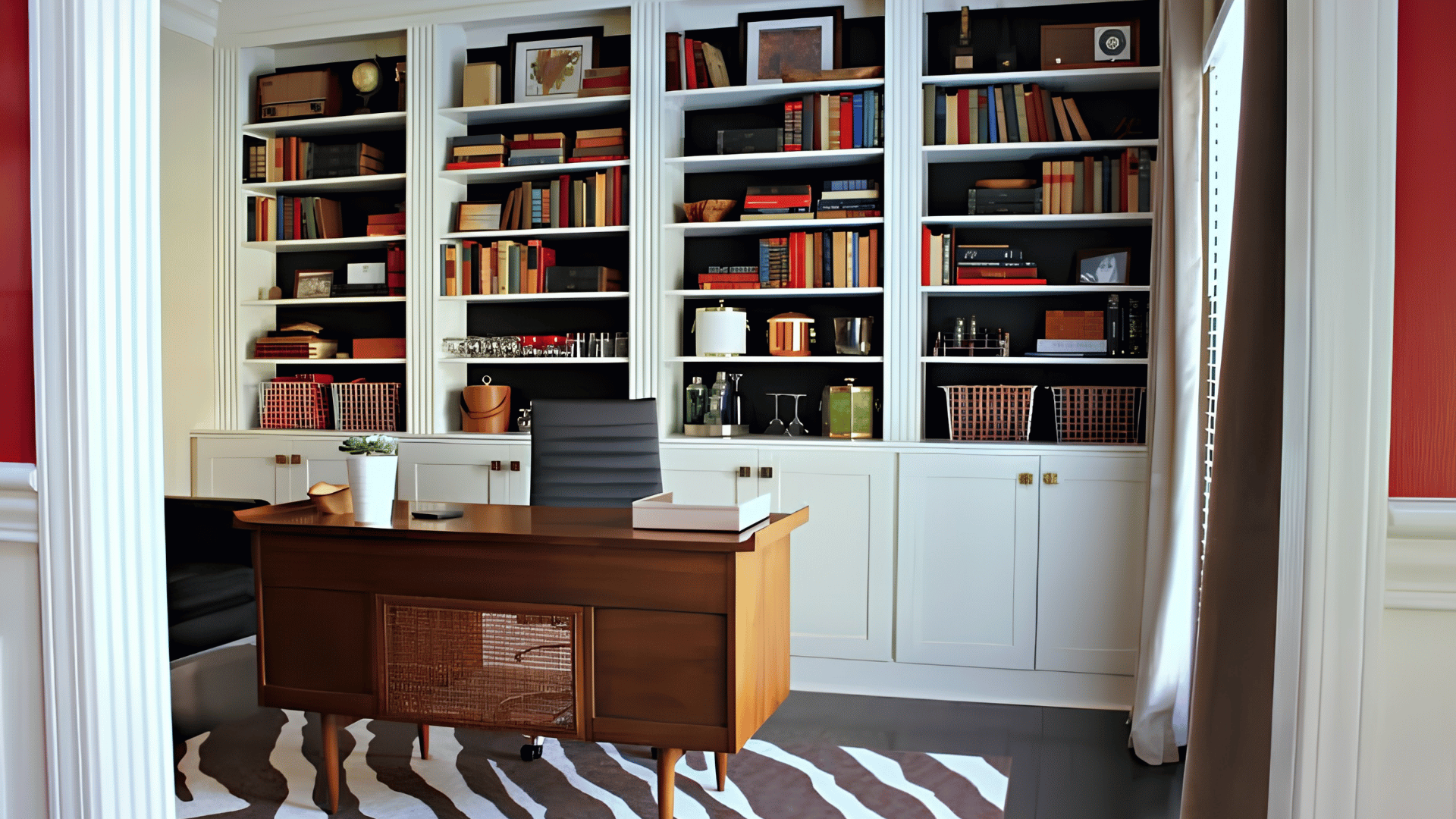
Desk built into or surrounded by shelving. Keeps reference materials close, absorbs sound slightly, and makes your video call background look like you have your life together.
10. Scandinavian Aesthetic Setup
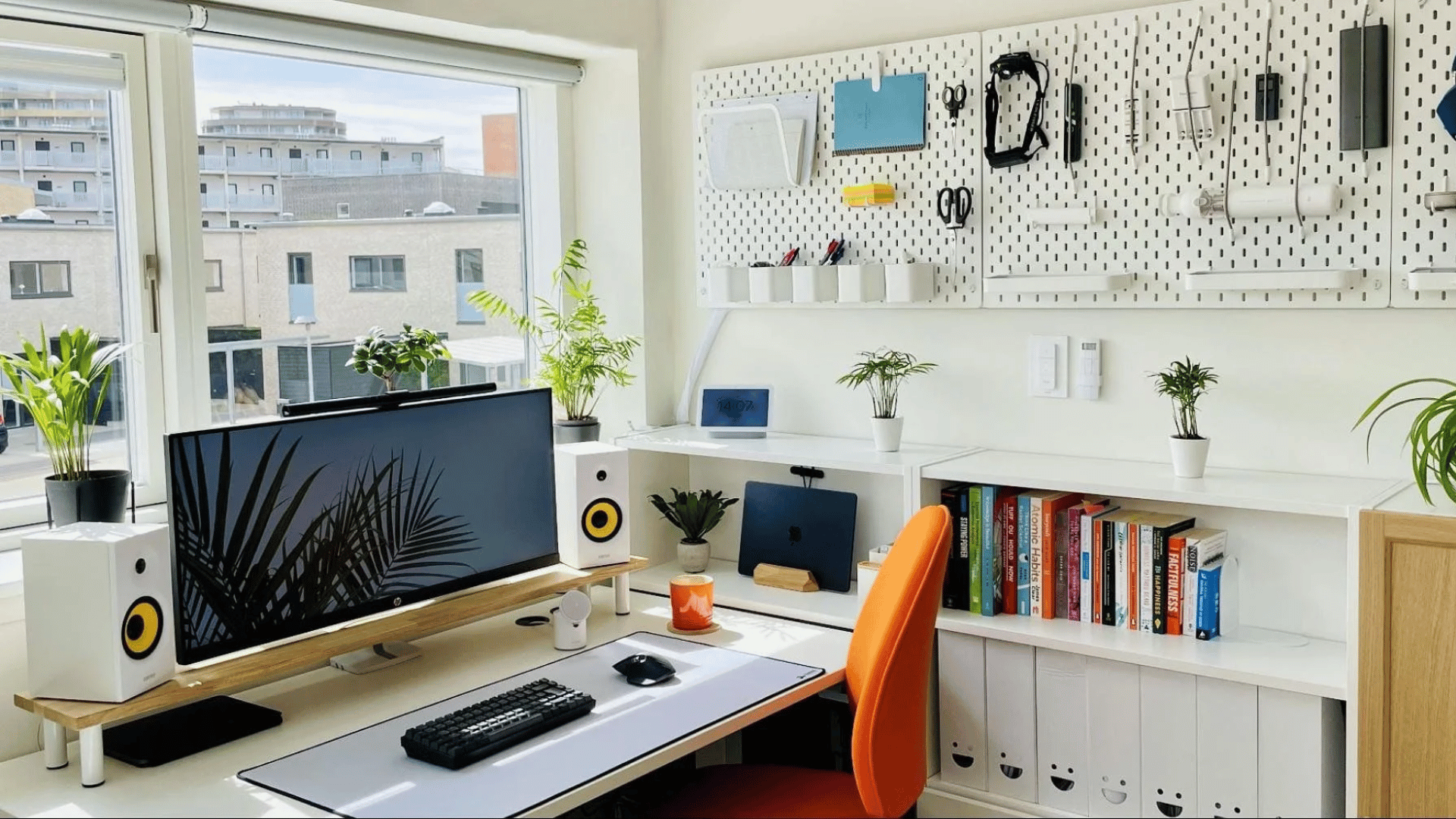
Light wood, white surfaces, nothing that doesn’t belong. The appeal is less about aesthetics and more about what it forces: every item on the desk has to earn its spot.
11. Ultra-Compact Foldable Desk Setup
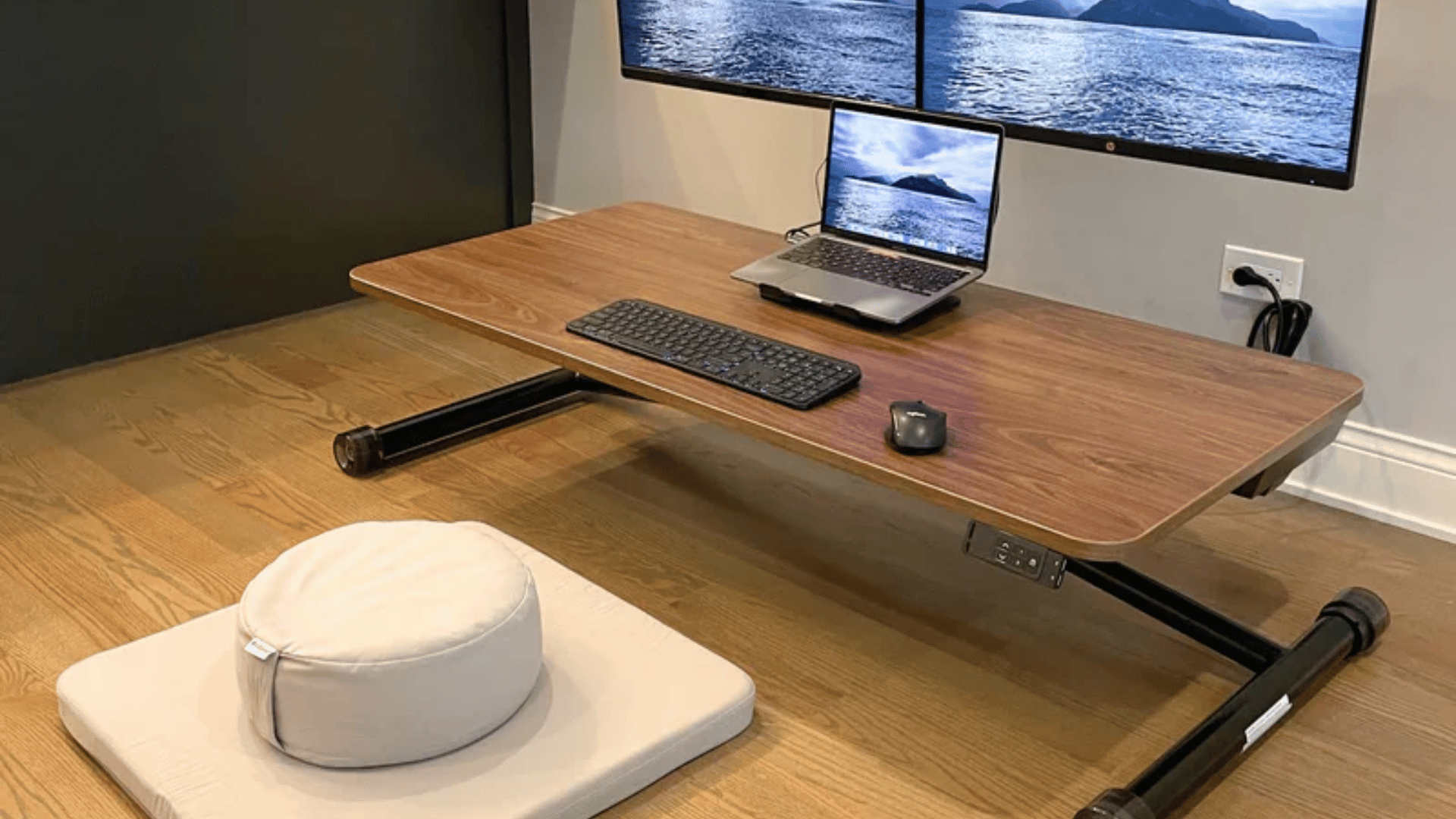
A space-saving workstation using foldable or wall-mounted desks, ideal for small homes where the workspace needs to be easily stored or transformed after work hours.
12. Executive Corporate Home Office
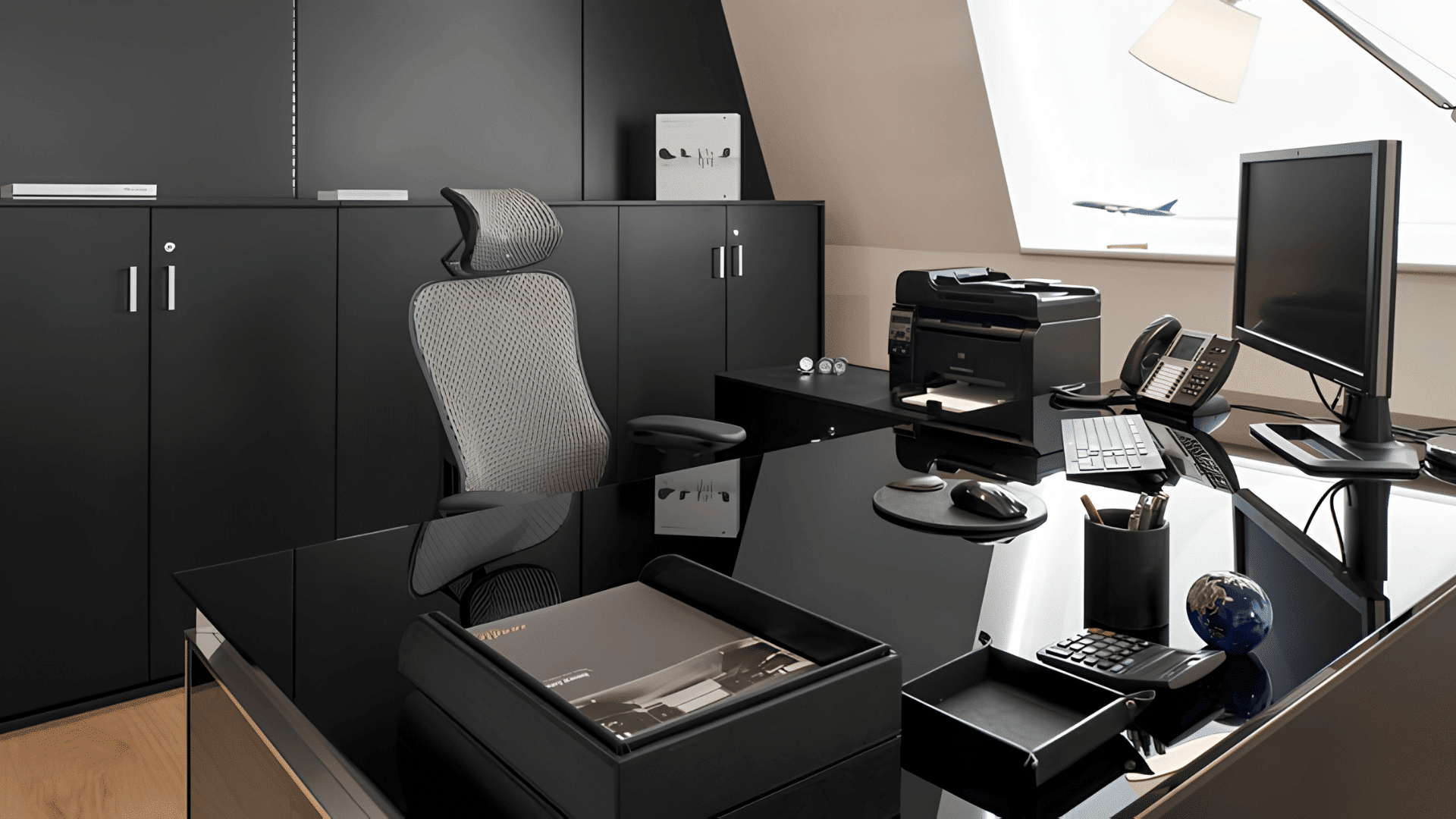
Premium desk, real chair, good lighting, a setup that signals this is serious.
Less about impressing clients on video calls (though it does that) and more about the psychological effect of treating your home office like actual infrastructure.
13. Dual-Purpose Dining Table Office
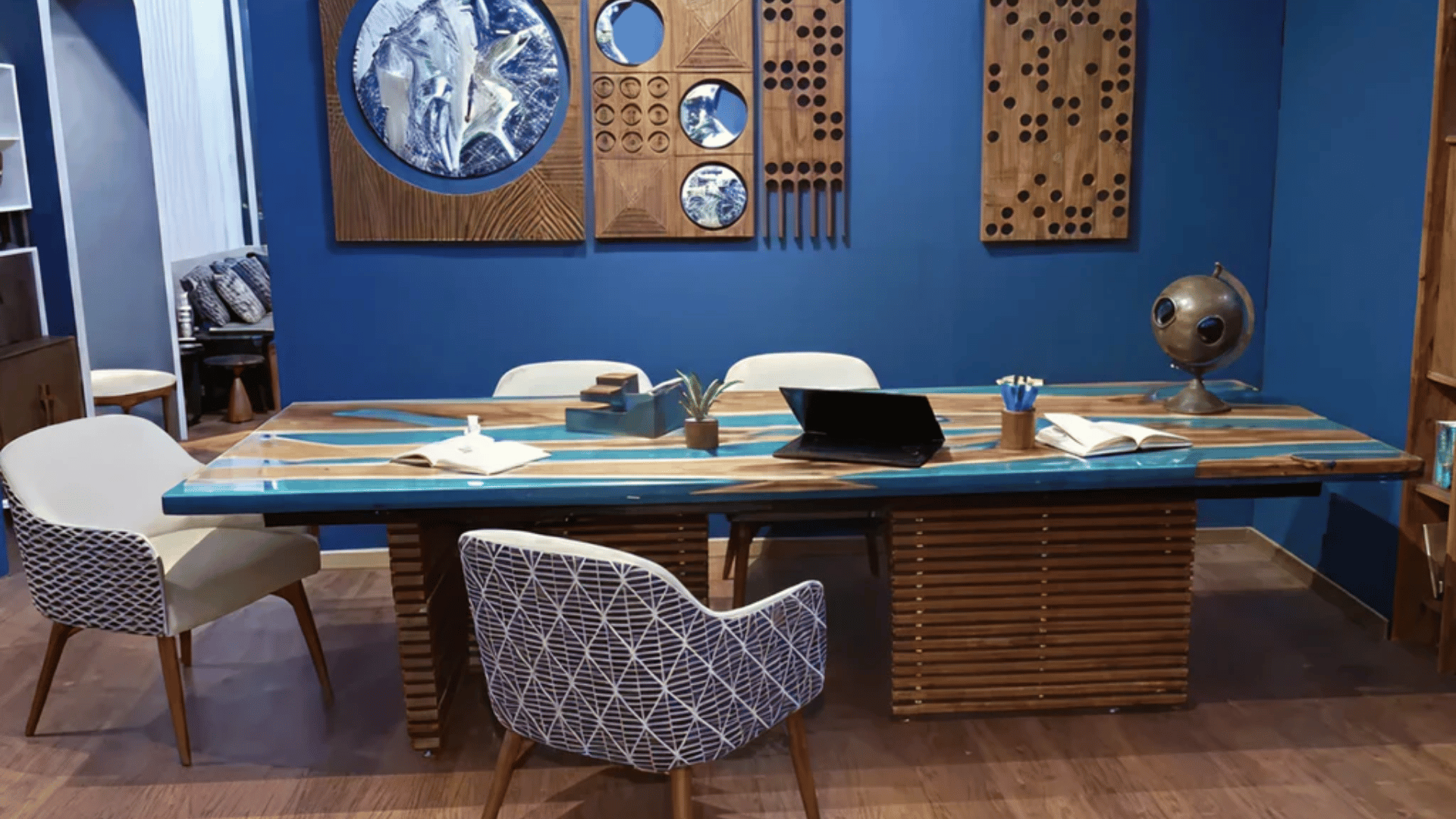
The dining table as a desk. Setup and teardown every day. Works until it doesn’t, usually when you’ve left your laptop out during dinner three nights in a row.
14. Mobile Cart-Based Setup
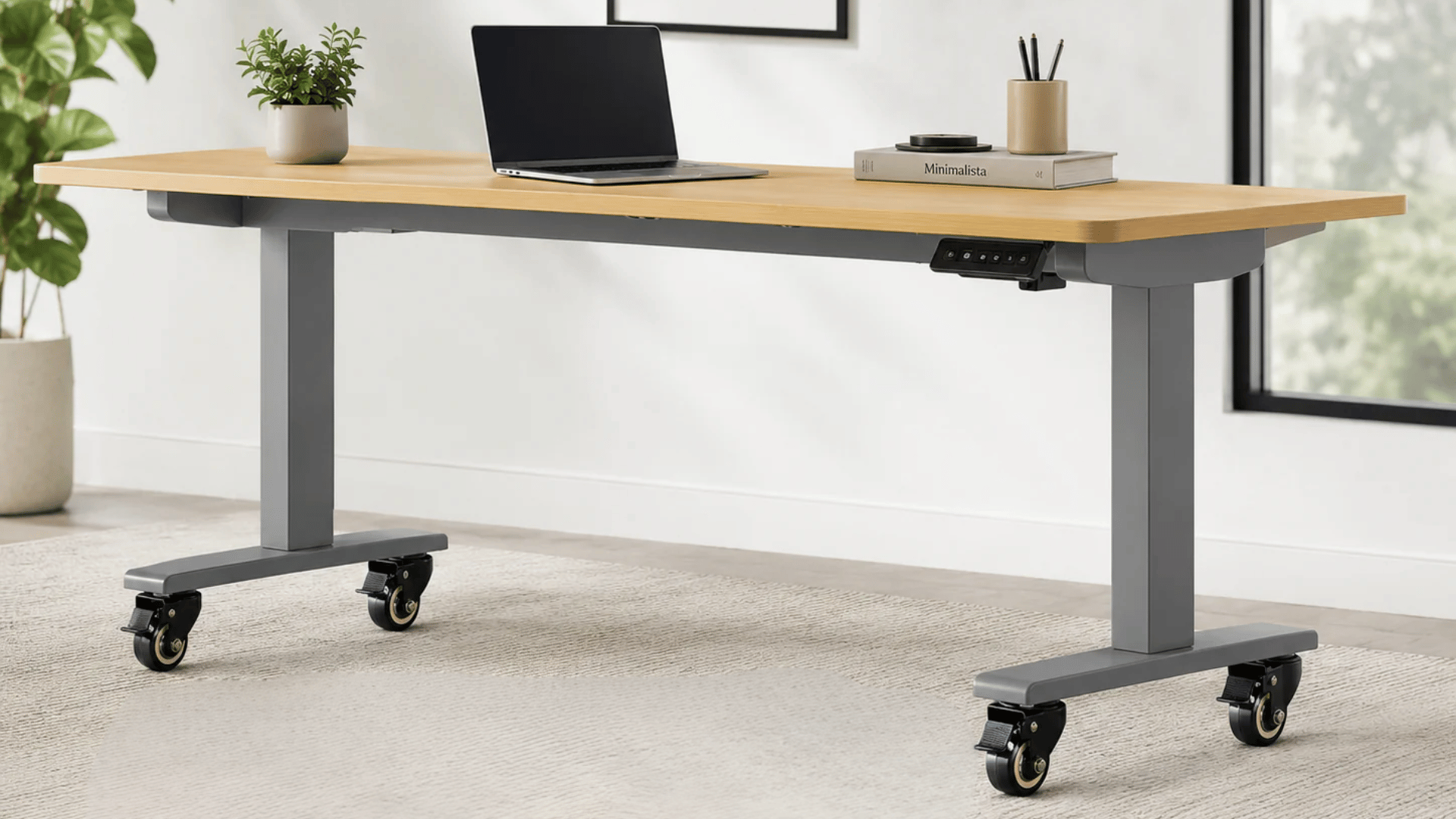
Everything on a cart that moves with you. Chase the quiet corner of the house in the morning, the sunny one in the afternoon.
More flexible than it sounds, especially in homes where noise and light shift throughout the day.
Remote Work Essentials That Shape a Functional Setup
The tools that actually function go beyond a fast internet connection. The right combination depends on how you work, not on what a gear list tells you to buy.
- Ergonomic chairs: Thesematter more than most expect; posture-related pain is among the most common remote-work complaints. Prioritize lumbar support over price.
- Desk: The choice depends on habit, not aspiration. Fixed-height desks work for most; sit-stand desks are worth it only if you already shift positions frequently.
- Monitor height and lighting shape how long you can work comfortably. A monitor arm and side-facing natural light go a long way.
- Noise control: It is underrated. Noise-canceling headphones, white noise machines, and browser extensions like Freedom or Cold Turkey all do the same job: fewer interruptions, more focus.
Conclusion
A remote work setup is never really finished. It shifts as your work changes, as your space changes, as you figure out what actually helps you focus and what just takes up room on the desk.
The setups worth looking at, the ones people share, revisit, and write about years later, are the ones built around real habits, not wish lists.
Start with what you have, fix what hurts first, and add only what earns its place.
Frequently Asked Questions
How Often Should I Update My Remote Work Setup?
Only when something is causing a real problem, discomfort, inefficiency, or distraction, not on a schedule.
Do I Need a Dedicated Room to Have a Functional Remote Work Setup?
No, a consistent corner, a good chair, and proper lighting can create an effective workspace in any room.
Is it Worth Spending More on a Quality Desk Over a Quality Chair?
The chair almost always matters more; poor seating affects posture and health faster than a basic desk ever will.
What is the One Remote Work Essential Most People Overlook?
Lighting is consistently underestimated; it affects eye strain, how you appear on calls, and how long you can comfortably work.